


Participant
May 3, 2021
Question

Impossible d'ouvrir Adobe xd

  • May 3, 2021
  • 1 reply
  • 889 views

Je n'arrive pas à ouvrir Adobe xd. J'ai tout essayé : supprimer toutes les applications Adobe, supprimer tous les fichiers du registre, utiliser le logiciel Creative Cloud Cleaner... Quand, je veux ouvrir Adobe xd, je tombe toujours sur le message suivant :
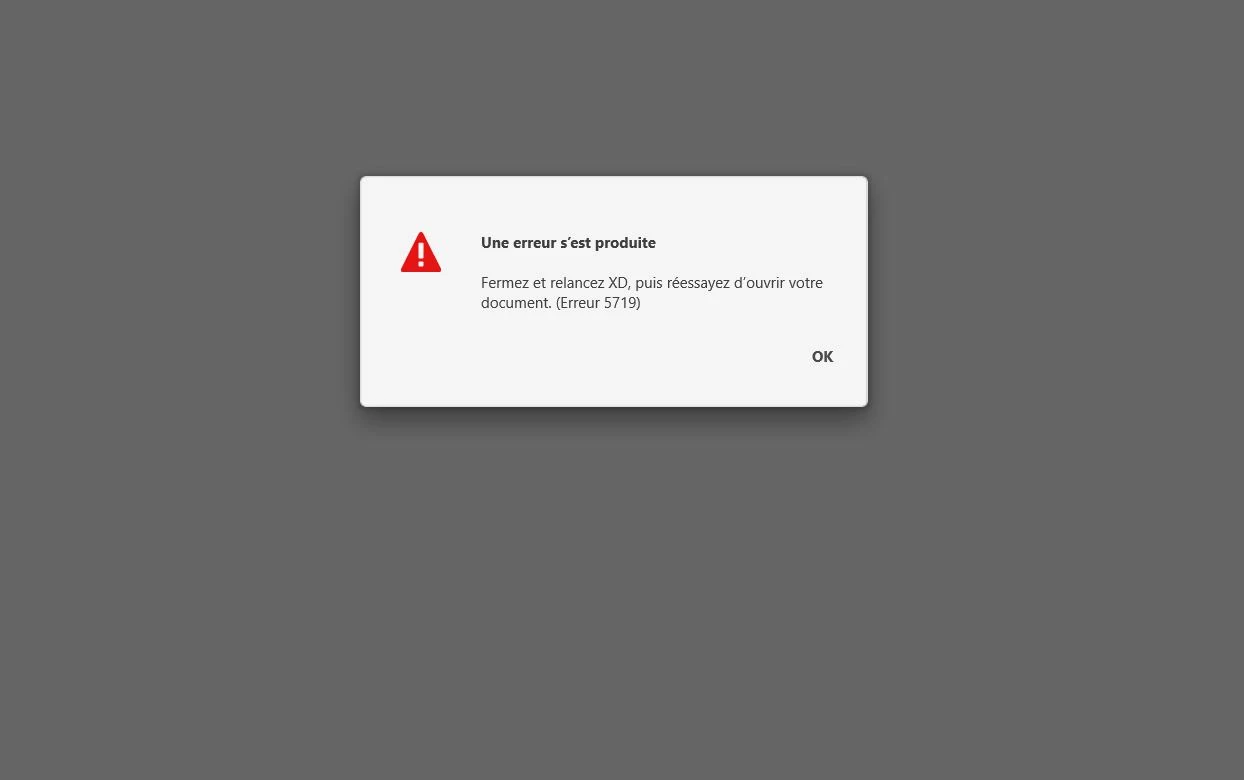
Je pense que c'est lié à l'installation d'Adobe xd il y a 2 ans qui fonctionnait bien mais que j'ai du désinstaller par manque de place.


    This topic has been closed for replies.

    1 reply

    Community Manager
    May 4, 2021

    Hi there, 


    Sorry for the inconvenience you are facing. Would you please go through this similar thread with solution https://community.adobe.com/t5/adobe-xd/error-5719-while-opening-adobe-xd/m-p/11419342#M36375.


    Hope it helps,

    Regards,

    Jagriti Kashyap 

    e-linecAuthor
    Participant
    May 7, 2021

    Hi Jagriti,

    Thank you for your answer I had already read before publishin my first message.

    I did all what was asked with no success :

    1. Try creating a new user account on your machine and then try to launch XD => It didn't work

    2. Uninstall/ Reinstall XD. => I did it

    3. Uninstall Creative Cloud Desktop app. => I did it

    4. Restart the machine. => I did it

    5. Install Creative Cloud, XD. => Id did it with no success


    I install SDK Windows as asked in the answer you transfered to me but when I launch the first command in cmd run, I have this error message :


    Regards

    Laurent