Participant
February 3, 2022
Answered

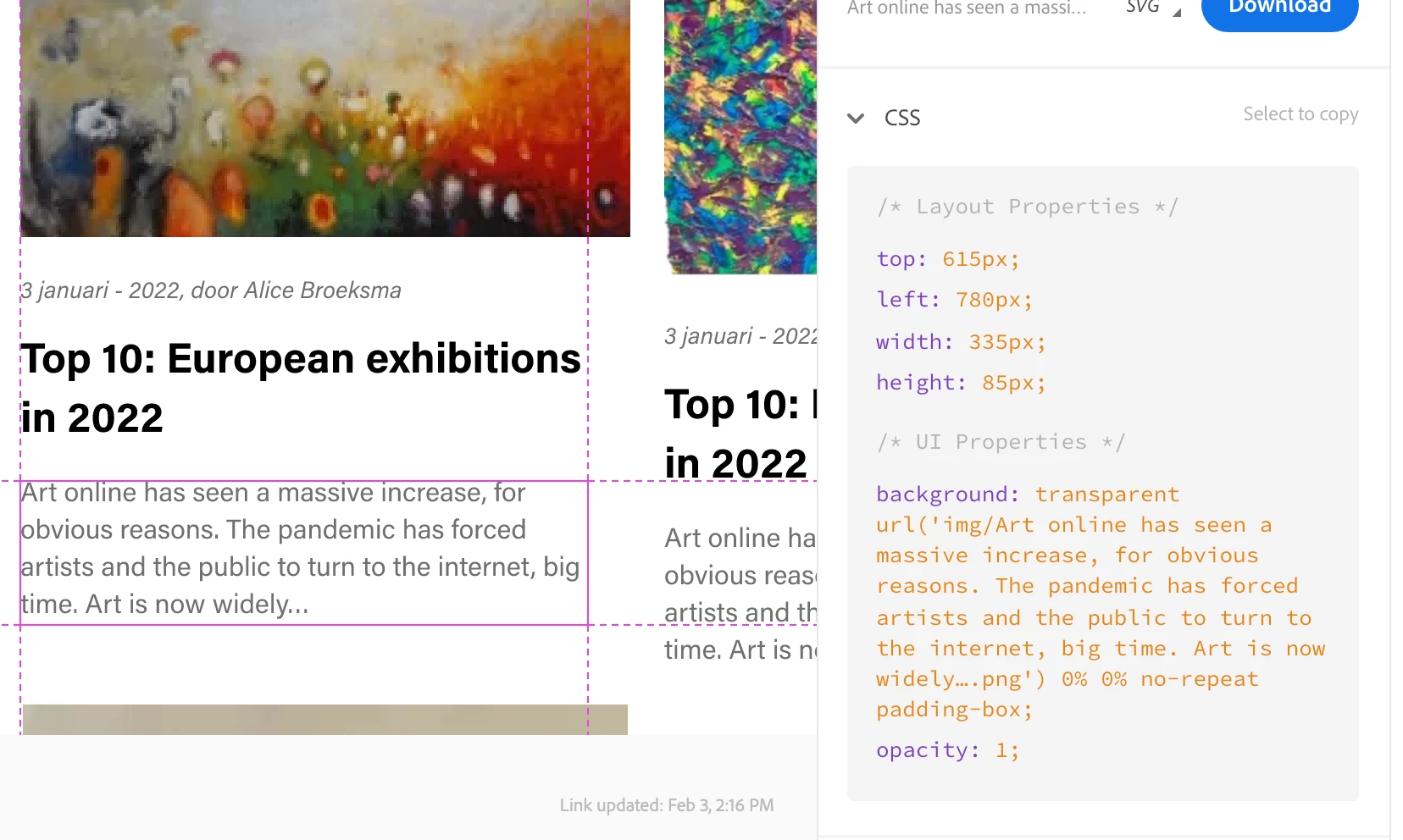
In developer mode text is seen as background image

  • February 3, 2022
  • 1 reply
  • 890 views

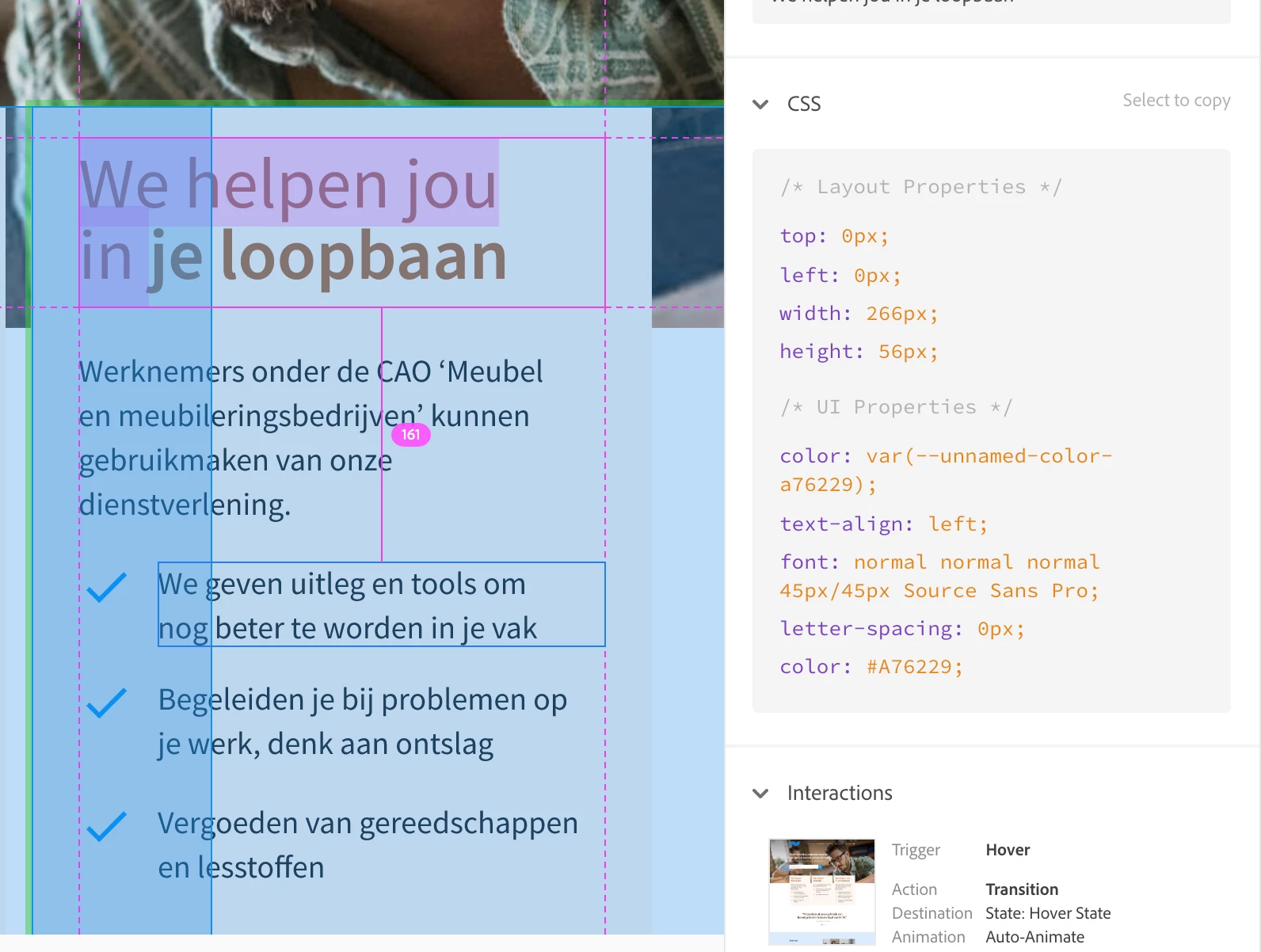
I have a Xd file with screens where all text in Developer mode preview is seen as a background image in the CSS panel. With another file this is not happening what am i doing wrong?
    This topic has been closed for replies.
    Correct answer Henk83

    Thanks for your reply!


    I found it! The problem accurs when you mark text for export. It's a BIG file and I didn't want to mark every single piece so I marked all for export including text. 

    I had to hand unmark all text layers, took me an hour hahaha.


    1 reply

    AkinGn
    Community Expert
    Community Expert
    February 3, 2022

    Hi @Henk83 , interesting, never encountered the issue, thinking what I'd do, I'd save the file with a different name/make a copy and delete and recreate some texts from scratch, matching the existing style and test it, and if it works, would continue doing so, since there might be something wrong with the file or text elements in that file. Please try that and update as I'm curious about this issue, meanwhile some other folks may see this and might have some other ideas. I tried to see what happens if I convert some text to path, but it appears as "path" and other texts are acting like you expect from a text, testing prototype link: https://xd.adobe.com/view/ba43b6cc-2552-41ae-b0a6-17fbcc7a142a-ef10/specs/ (second text element from top is path as you see because I converted it to, but the other ones are texts can be copied via clicking the "Content")

    Edit: After masking the text  on top with a rectangle, you can select it in XD by double clicking and getting into that mask but at the preview link now it appears as "Mask Group", (even if you select the text to be exported in XD file, it appears as image in the assets of the prototype, because it is masked) probably your texts have something like that. (Although I made the button at the bottom a component and you can perfectly select the text in it so we should behave texts as texts, if we mask them/behave them as if they're images they might not be selectable in prototype specs :))


    Henk83AuthorCorrect answer
    Participant
    February 4, 2022

    Thanks for your reply!


    I found it! The problem accurs when you mark text for export. It's a BIG file and I didn't want to mark every single piece so I marked all for export including text. 

    I had to hand unmark all text layers, took me an hour hahaha.


    Henk83Author
    Participant
    February 4, 2022

    It would be so nice to select all layers, why is this not possible?
