Participating Frequently
March 29, 2023
Answered

In XD, only one box should be actionable at a time. How to do?

  • March 29, 2023
  • 2 replies
  • 1244 views

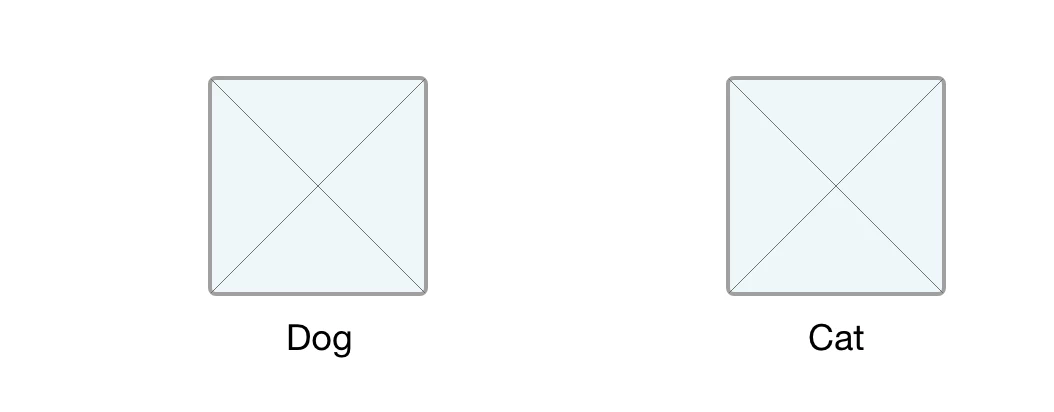
Hi, new to XD. I have 2 of the same size boxes side to side on the same page (they are components.) When one is selected and highlighted, the other should not be selectable or highlighted and vice versa. If you select Dog, you should not be able to select Cat. But both are selectable in my file and I can't seem to get this to work. Can anyone advise how to get this functionality? Thank you.

    This topic has been closed for replies.
    Correct answer Spas K.

    Hey there. Once you wire the selection from the default state to each box, then you have to go into each state individually and wire the unselected box to it's selected state (to switch between boxes), and the selected box back to the default state, so you can unselect it. I've made an example for you. Here's the prototype link, and here's the .xd file.

    2 replies

    Participant
    March 29, 2023

    You can use **states** in Adobe XD to make two components unselectable at the same time. You can create a component, add multiple variations (states) to it, and wire it to mimic real-world user behavior (without having to copy your components multiple times). Having components with states also makes it easier to manage your assets and to create interactive design systems².

    I hope this helps! Let me know if you have any other questions. 😊

    sig.raJoAuthor
    Participating Frequently
    March 30, 2023

    Yes, thank you. I had the idea in my head, sort of, but first had both dog and cat as separate components. Then nested them into another component. Then separated everything, back and forth about 5x! But couldn't wire properly. For a newbie, sometimes the process makes sense, but you can make yourself more confused the more you try to figure it out.

    Spas K.
    Community Expert
    Community Expert
    March 29, 2023

    Hey there. Unfortunately, in Xd you can't have one component change the state of another. The only option using a single page would be to have both boxes inside the same component, which will have 3 states:

    1. Default, where both boxes are unchecked
    2. Dog checked, cat unchecked
    3. Dog unchecked, and cat checked

    Finally, you wire them so clicking on each box changes the component to the state where it's selected.


    If you can't figure it out and need an example, let me know.

    sig.raJoAuthor
    Participating Frequently
    March 30, 2023

    Thank you! Following your instructions, I was able to get the boxes to work as expected. Is there a way to wire so both boxes to return to default after having dog or cat selected? Here's a screenshot of what I have now.


    Spas K.
    Community Expert
    Spas K.Community ExpertCorrect answer
    Community Expert
    March 30, 2023

    Hey there. Once you wire the selection from the default state to each box, then you have to go into each state individually and wire the unselected box to it's selected state (to switch between boxes), and the selected box back to the default state, so you can unselect it. I've made an example for you. Here's the prototype link, and here's the .xd file.