


Question
Inspector Panel doesn't show all property attributes
Hello Adobe XD team and community,
I've been collaboratively working with an Adobe XD file with my team so some months.
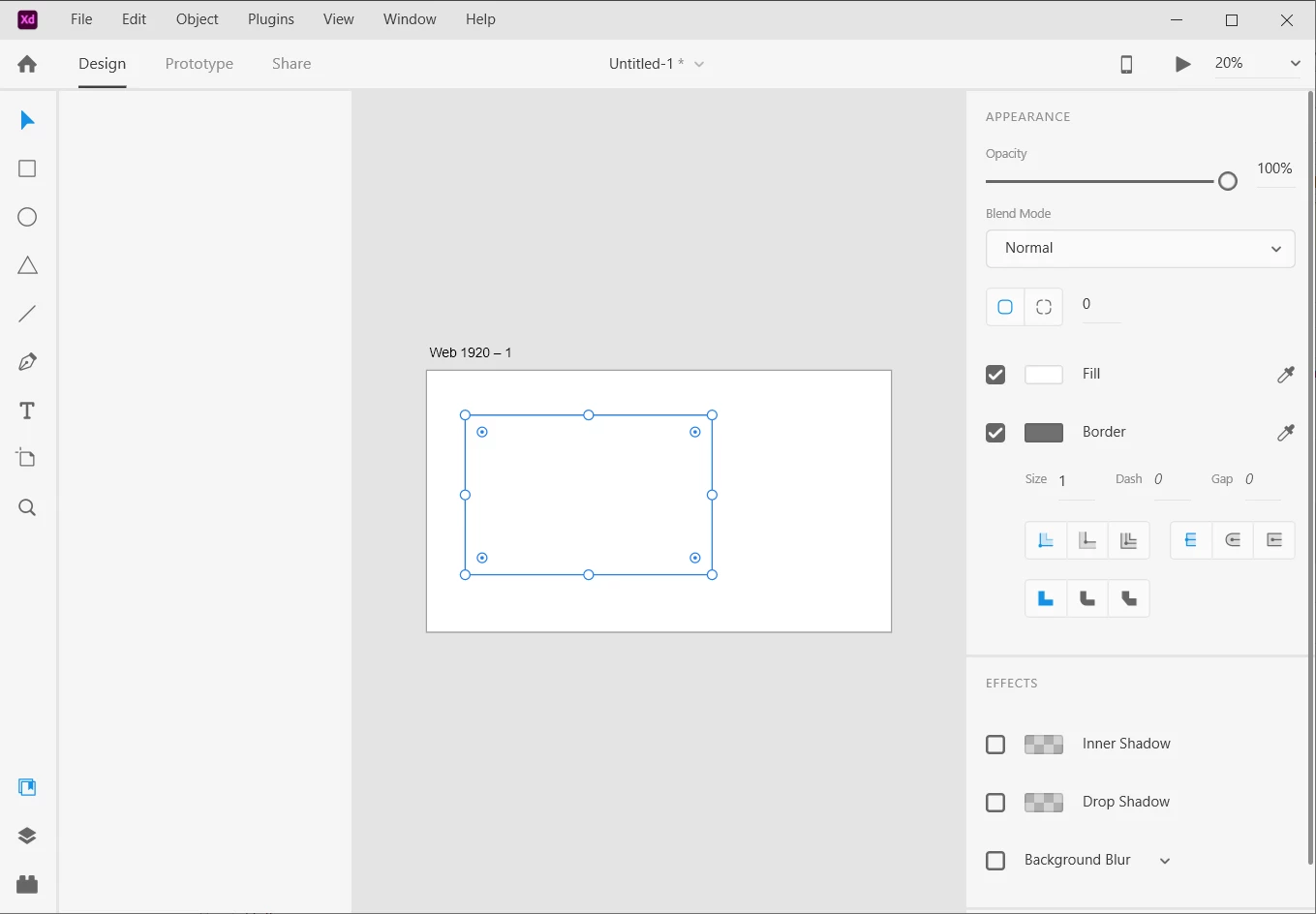
Unfortunately I'm now hindered by the inspector panel not allowing me to see or adjust the top attributes for size and position or even a way to change/adjust font.
All I see and have access to is:
Appearance, Opacity, Blend Modes, Fill and Border
Effects, Inner Shadow, Drop Shadow, Background Blur and Mark for Export
Is anyone else running into this issue?
I'm using a PC and my Adobe XD is up to date using version 56.1.12
Any help will be greatly appreciated. Thank you!
 AdChoices