
Question
Irregular character size with smaller font size on some fonts
Hello,
I am having an issue with certain fonts on Adobe XD. I am using Carmen Sans, and I noticed that on smaller font sizes (<16) and normal/medium weights, round letters tend to appear bigger on the bottom side.
This doesn't happen on my browser, but if I export my designs as .png files the issue remains. It is quite annoying because it makes text harder to read. Also, this only happens on Windows. I tried to open the file on a Mac and text looks fine. However, I would like to avoid having to transfer files to my Mac everytime I want to save a design as .png file.
Screenshots:


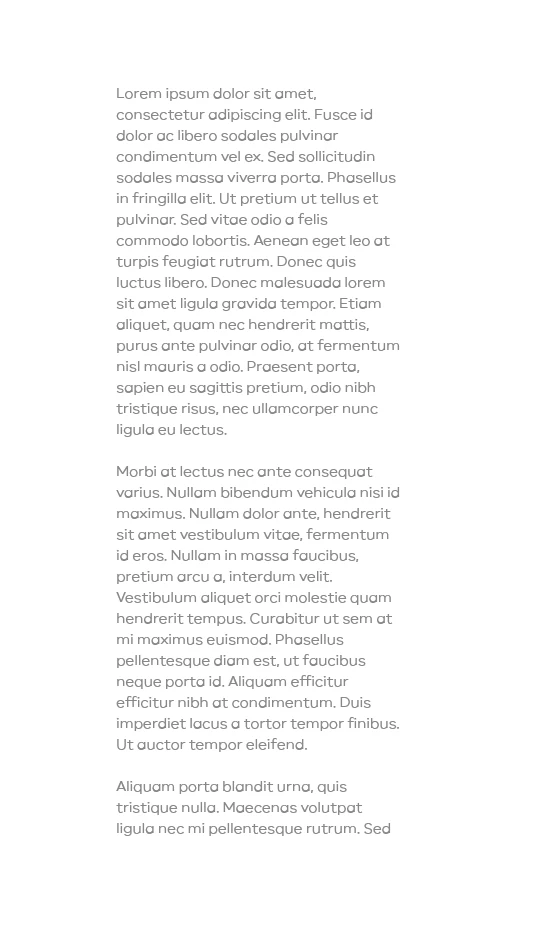

Does anyone know how to deal with this? Is there an option to change font smoothing options in XD?
Thank you!


 AdChoices