
Nilam2516735
Participant
January 20, 2023
Question

Issue with updating link after syncing my file on creative cloud

  • January 20, 2023
  • 1 reply
  • 569 views

Hello all,
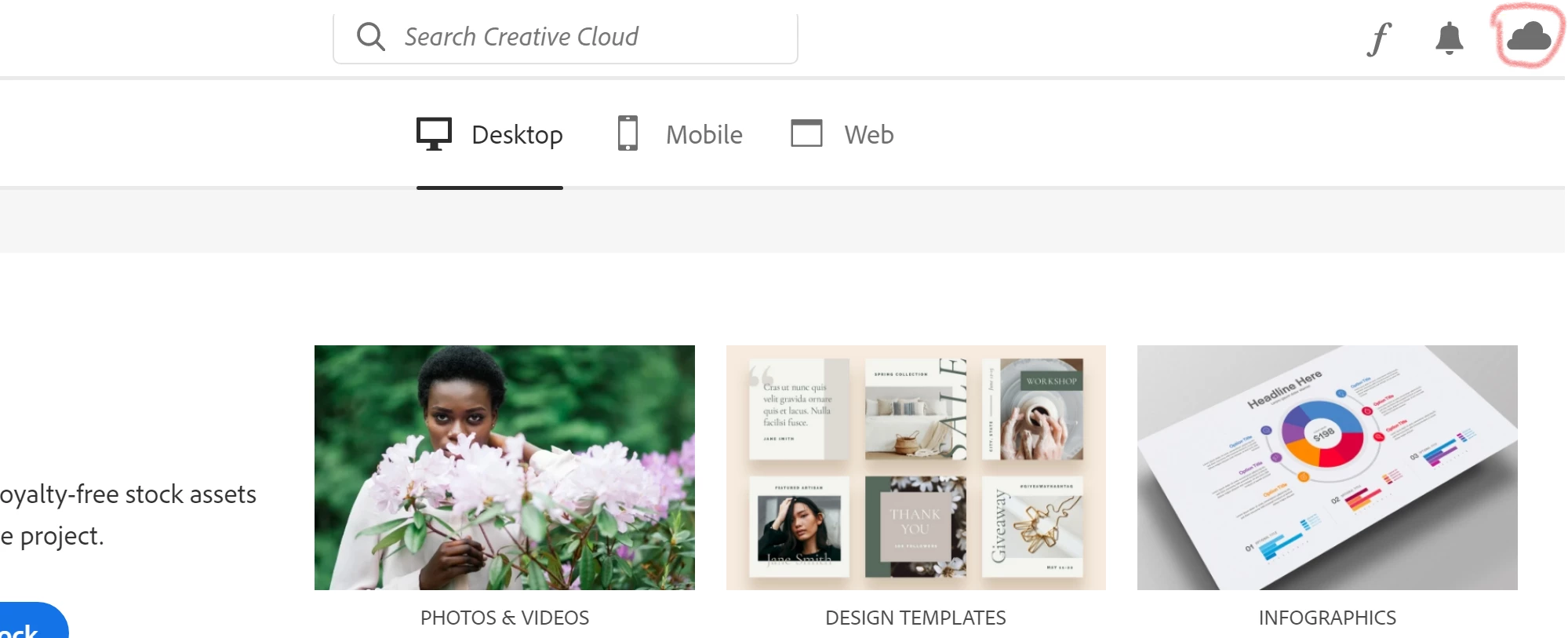
There was an error on that cloud icon(shown in below image) ,after syncing files with creative cloud error went but all the URLs of projects changed and emplace of updating link I am getting an option of creating link in all my synced projects files.

N.B : Name of files,Location of files,Creative cloud account I used for editing files are the same which I used before.
So what could be the reason of this problem and how can I solve it and get my old links back?


This topic has been closed for replies.

1 reply

Chaitanya21936374hmkf
Community Manager
Community Manager
January 20, 2023

Hi Sapphire,

Sorry for the trouble, could you please try check the drop down beside "Link" in XD.
And check the if the existing links exists or not, if it is there from there you can select it and use the existing link. 
Please refer the attached screenshot.


Thanks & regards,

Chaitanya Shandilya

Nilam2516735
Participant
January 23, 2023

I am using Adobe XD from past 10 years and I know from where we can see the existing link as I have worked on many projects and have updated links countless times also as I have explained I am getting option of only creating link after syncing emplace of updating and I am requesting about solution and reason of that issue so I can have update link option which you have shown in your screenshot.

Please refer the attached screenshot.(This is what I am getting for all my past projects which was having update link option before syncing)


HARSHIKA_VERMA
Community Manager
Community Manager
January 23, 2023

Hi @Nilam2516735,


We are sorry to hear you are unable to get the update link option on your existing XD files. Would you mind confirming if you've any links here: https://assets.adobe.com/links?


Please ensure you're logged in with the same Adobe ID from which you've created the link. Like Personal or Enterprise.


Could you please tell us about the Creative Cloud error you were getting that will help us understand more about the issue? 


We would also request you to please create a link to a new file and confirm if you see the "Update link" option on the new files.


We will try our best to help.


Thanks,

Harshika