We are sorry to hear you are having trouble opening XD.I'd request if you can share a few more details like:
The version of XD.
The version of Win OS build which you are using(Type run in search tab present taskbar and type winver inside run: share the screenshot of it).
The version of creative cloud.
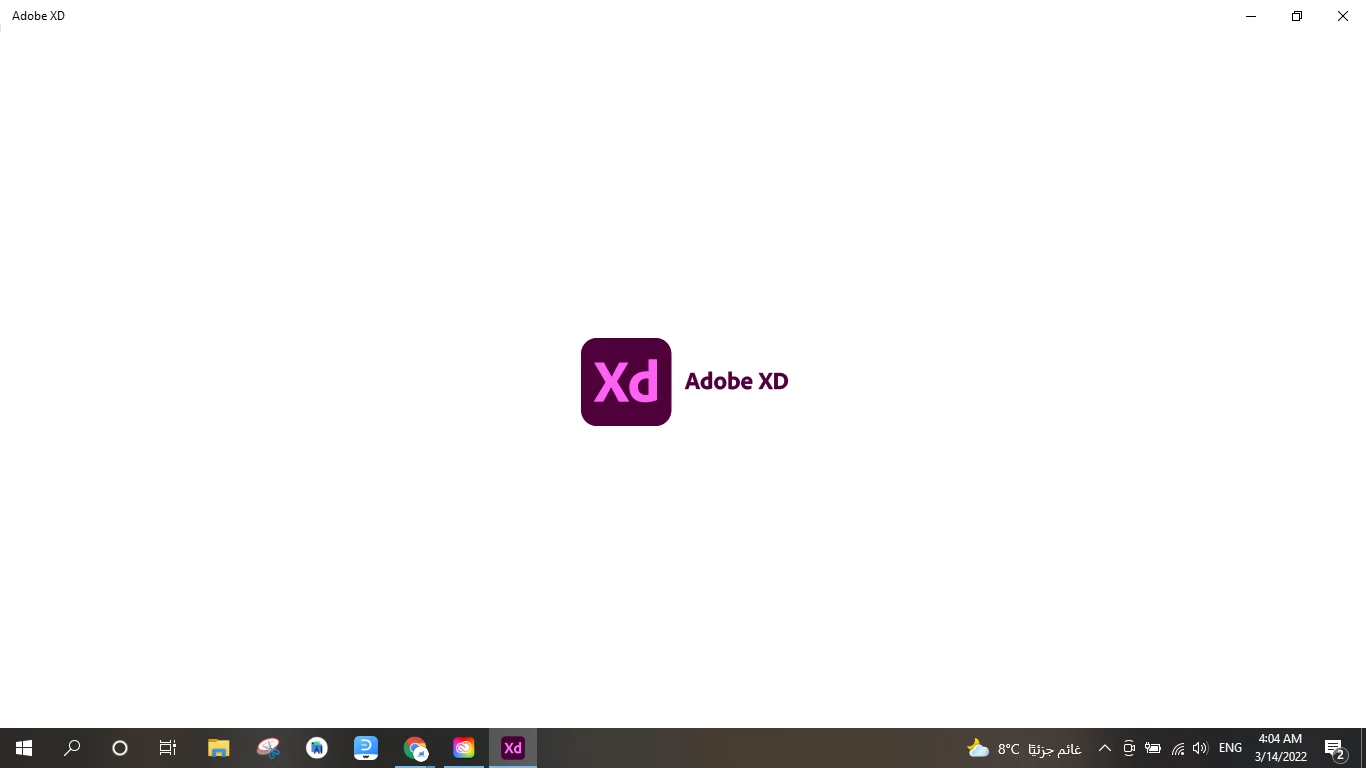
Is there any error message or any progress bar or any splash screen Issues while opening XD
Is it possible to share a video of your workflow which you are working on so it will be useful to reproduce the issue from our end and also we need to check what error you are facing while opening XD, so please share the above mentioned details.
Also we would request you to please try the below troubleshoot steps and let us know if that works-
1. Try creating a new user account on your machine and then try to launch XD. If it works, go to the previous account-.
2. Signout of Creative Cloud Desktop app
3. End all all Creative Cloud desktop app process from task manager.
4. Uninstall Creative Cloud Desktop app.
4. Restart the machine.
5. Install Creative Cloud, XD.
Please let us know if you need more assistance on this. We'd be happy to help.



 AdChoices