
Participant
August 26, 2020
Answered

Keyboard Shortcuts switches between Design, Prototype and share mode

  • August 26, 2020
  • 11 replies
  • 2987 views

My keyboards default language/layout is Latin American spanish because of this I need to type option(alt)+2 to get "@" or option(alt)+3 to get #, But now when i do so the app switches between design, prototype and share mode and not only it's annoying but it also affects how keyboards function with preset key combinations to enter symbols/special characters. 
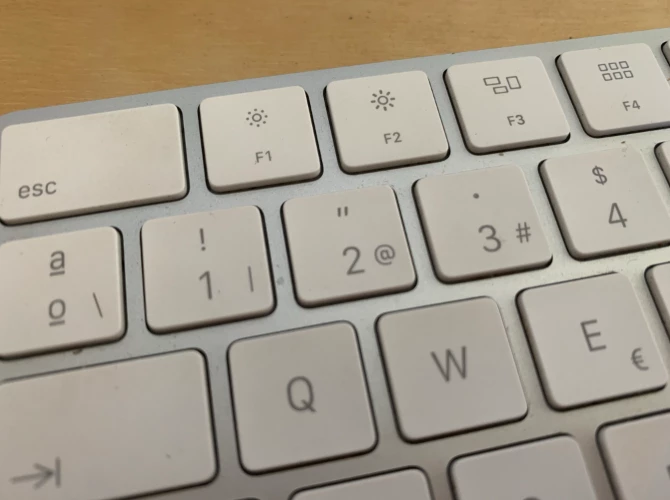


{Renamed By MOD}

This topic has been closed for replies.
Correct answer Arun Kaza

Please note that we are working on the keyboard shortcut issue still being seen on windows platform. It would be available soon in one of the upcoming releases. 


Best,

Arun

11 replies

Community Expert
August 26, 2020

It's not just Spanish keyboard but English keyboard too. Thanks to this new feature, I can't type # (Alt +3) nor € (Alt + 2). The only way is to type in elsewhere (e.g. Text Edit) and copy & paste, which is ridiculous.


@Adobe XD team, do you seriously think there's only US keyboard in the world?

Arun Kaza
Adobe Employee
Adobe Employee
September 2, 2020

Can you confirm if you are on a Mac or Windows platform?
Please note that we are looking at fixing this issue on priority. Thanks!

Community Expert
September 2, 2020

I am on a Mac. Thanks Arun