Participant
May 24, 2021
Question

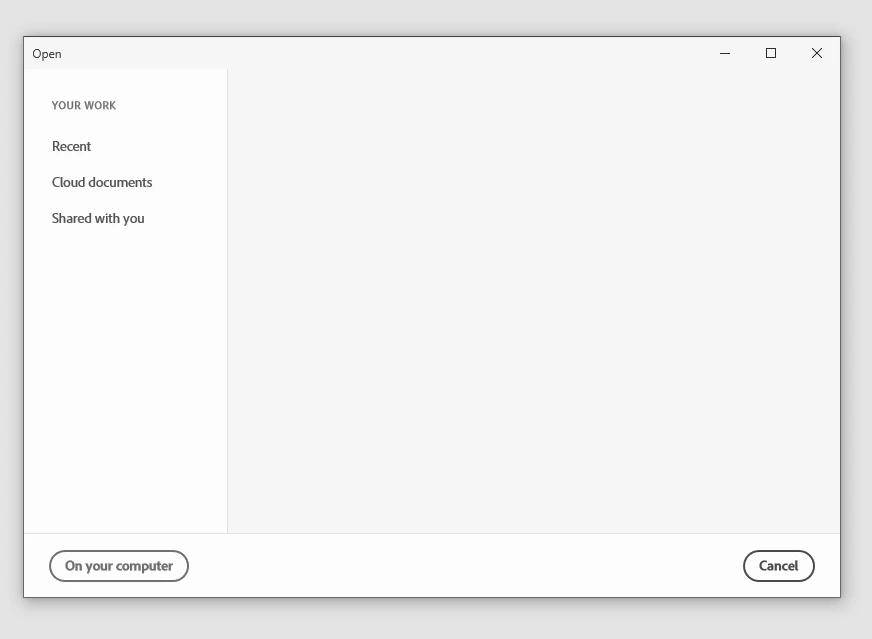
List view in Open / Cloud Documents -> Nothing will show up in the Recent tab

  • May 24, 2021
  • 2 replies
  • 304 views

The only way to display your recent files is to go back to the Cloud documents tab and select the grid view.


P.S.

A search would be nice in the Open / Cloud documents tab 😛


    This topic has been closed for replies.

    2 replies

    italosan
    Community Expert
    Community Expert
    May 25, 2021

    Hi, follow all the steps suggested byPraveeb jose and let us know if this helps.

    Praveen Jose
    Participating Frequently
    May 25, 2021

    @Andrei Bihari , Can you please try doing the below 4 steps. I have resolved most of my issues similar to yours and I believe the below steps should help you resolve it

    1. Check if your system internet proxies are set right.
    2. Quit Adobe XD and Sign-out of Adobe CC completely. Log back into Adobe CC. (If you see some issues logging back in , then its something to do with you internet proxies or your network).
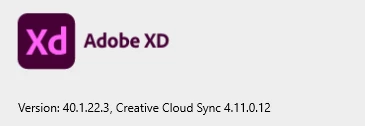
    3. Update your Adobe XD to latest version from Adobe CC.
    4. Check your ISP bandwidth.


    Please lemme know if this works and whether it solves your issue


    Gracias, Jose