
Inspiring
July 17, 2019
Answered

Live preview mobile still not working

  • July 17, 2019
  • 5 replies
  • 16545 views

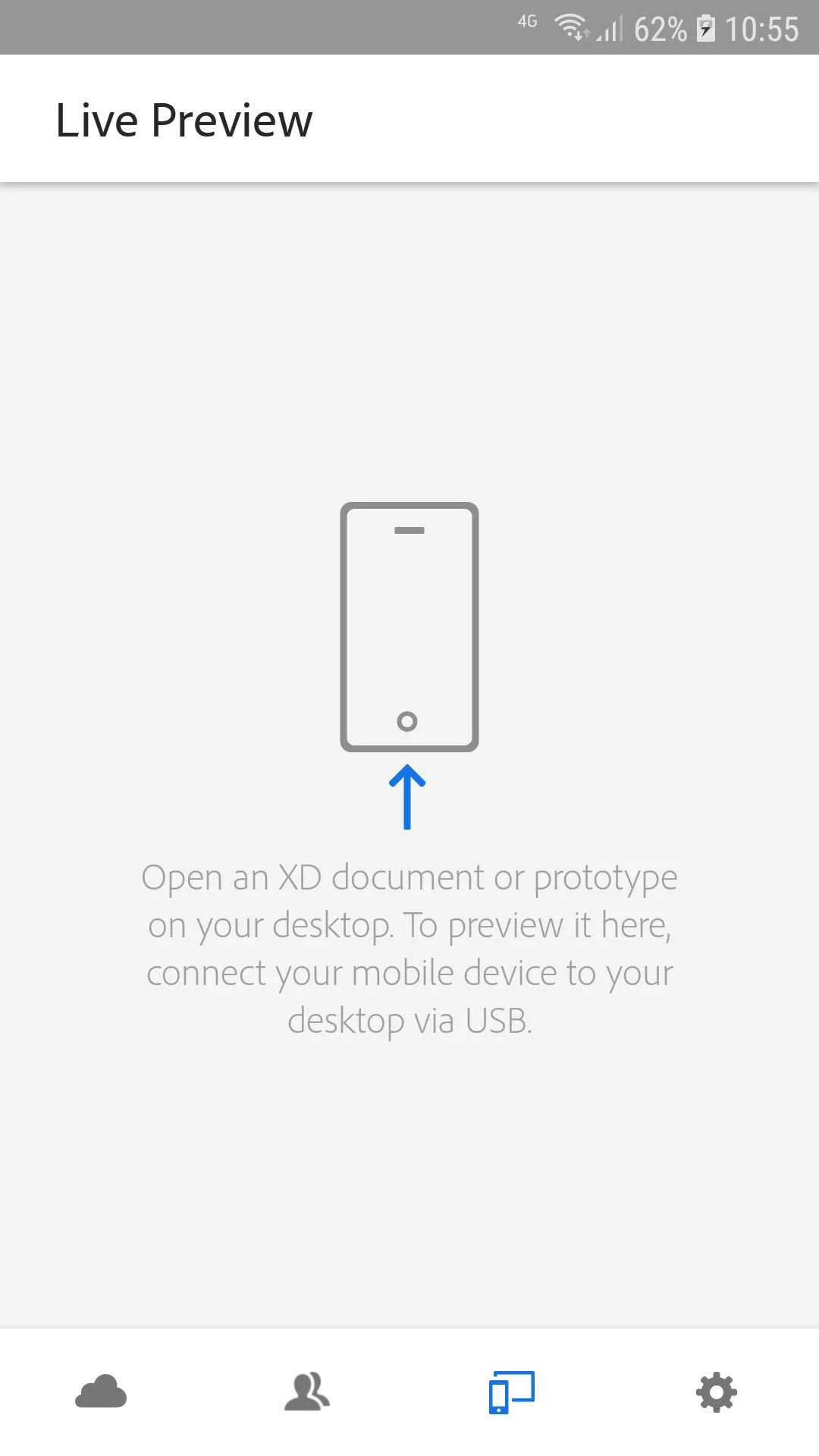
I've had this option on XD mobile for years but it's never been working. The first year or so it said it was a Mac only feature on this very screen, but I haven't seen that disclaimer in a long time but still, when I have a Xd document open and connect my Android phone to my W10 PC nothing happens. I suggest Adobe just close the project for Windows and Android instead of having a menu option that doesn't work.
Correct answer HARSHIKA_VERMA

Thank you for sharing the details, I'd suggest submitting your feedback here: Tethered (USB) Mobile Device Preview on Windows – Adobe XD Feedback : Feature Requests & Bugs and upvote this feature request to add your voice.

Thanks,

Harshika

5 replies

Participant
May 10, 2023

I'm using a PC my Adobe CC and XD are all up to date, I'm trying to use the live preview on my Ipad which isn't working it keeps loading an old file I've been working on a month ago instead of showing what I'm currently working on. I've cleared all the offline data on the Ipad XD options and it's still showing old files. How do I get the live preview to work. 

Participant
April 16, 2022

I bascially could not do responsive design with XD - help!


  1. It is not working for me on mac tethering to android phone either, both XD versions (android and mac)  were just recently download this month. 
  2. I use usb2 mac- usb3 phone cables which should be just data cable.


Who got it working and can show us how it works? Thanks in advance!

Participant
October 14, 2021

Make sure to enable the usb debugging on your android mobile or tablet. 

to do that :

1- Activate the Developper mode

2- Enable the usb debugging.

now plug the usb cable and open XD on your macos laptop and also on your tablet 🙂

HARSHIKA_VERMA
Community Manager
Community Manager
July 17, 2019

Hi there,

Sorry that you're unable to use Live preview on your android phone from windows10 machine. In addition to what Italo Sannino has said, please try these steps and share your results with us.

1. Connect USB cable before you launch the app

2. Pull down from top of screen to see notifications

3. Tap the “connected for charging” notification

4. Select Transferring media files

5. Launch XD app for the first time.

6. Open XD on mobile

Please let us know if that works. We'd be happy to help.

Thanks,

Harshika

perrybrusAuthor
Inspiring
July 17, 2019

Doesn't change anything.

HARSHIKA_VERMA
Community Manager
HARSHIKA_VERMACommunity ManagerCorrect answer
Community Manager
July 19, 2019

Thank you for sharing the details, I'd suggest submitting your feedback here: Tethered (USB) Mobile Device Preview on Windows – Adobe XD Feedback : Feature Requests & Bugs and upvote this feature request to add your voice.

Thanks,

Harshika

italosan
Community Expert
Community Expert
July 17, 2019

Hi, we need some information to help you, like:

  • Adobe XD version on your computer;
  • Adobe XD version on your phone;
  • features of your computer.

We'd also request you to please check out this article: Preview your prototypes on mobile devices and try the steps mentioned and let us know if that helps.

perrybrusAuthor
Inspiring
July 17, 2019

XD Ver. 21.0.12.11
XD mobile ver. 21.0.0 (22305)

Checked Play Store and I'm up to date on the mobile app according to them. I have allowed automatic updates for that app on my Samsung S7.