
Inspiring
January 19, 2021
Answered

Live Preview on Android still not working

  • January 19, 2021
  • 3 replies
  • 3287 views

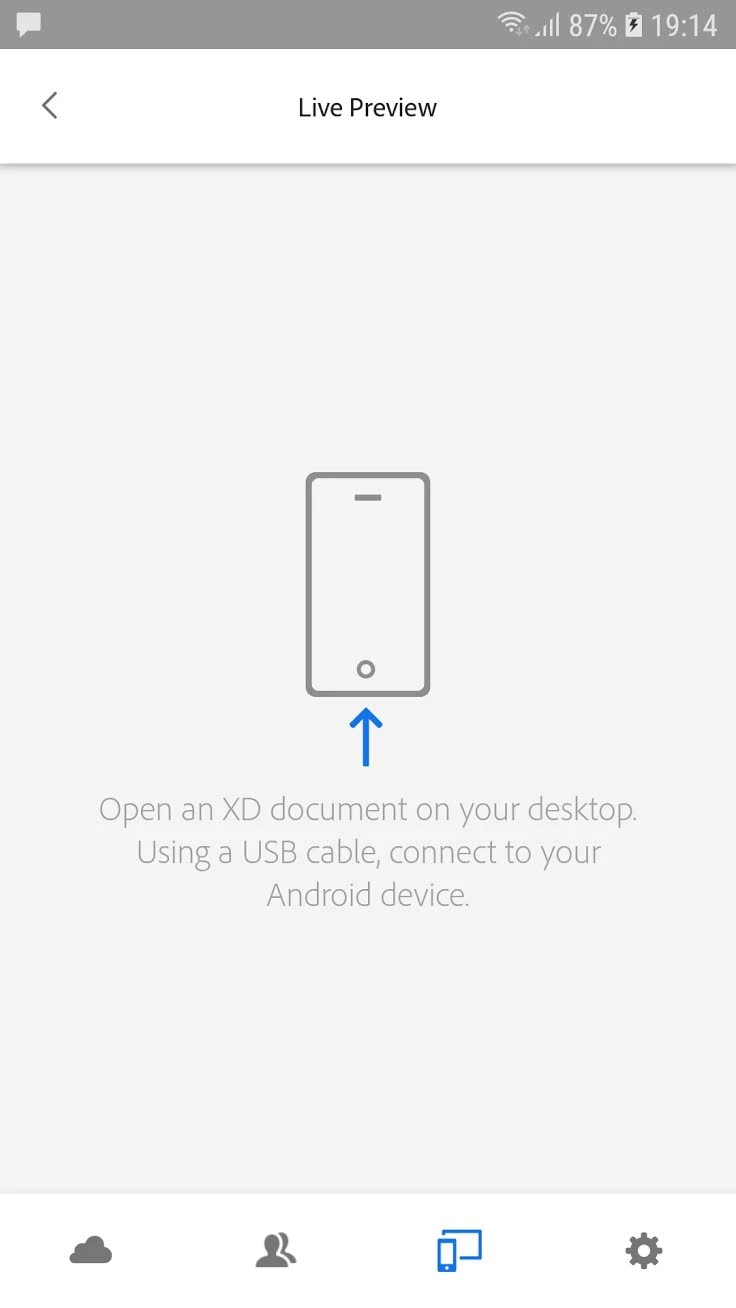
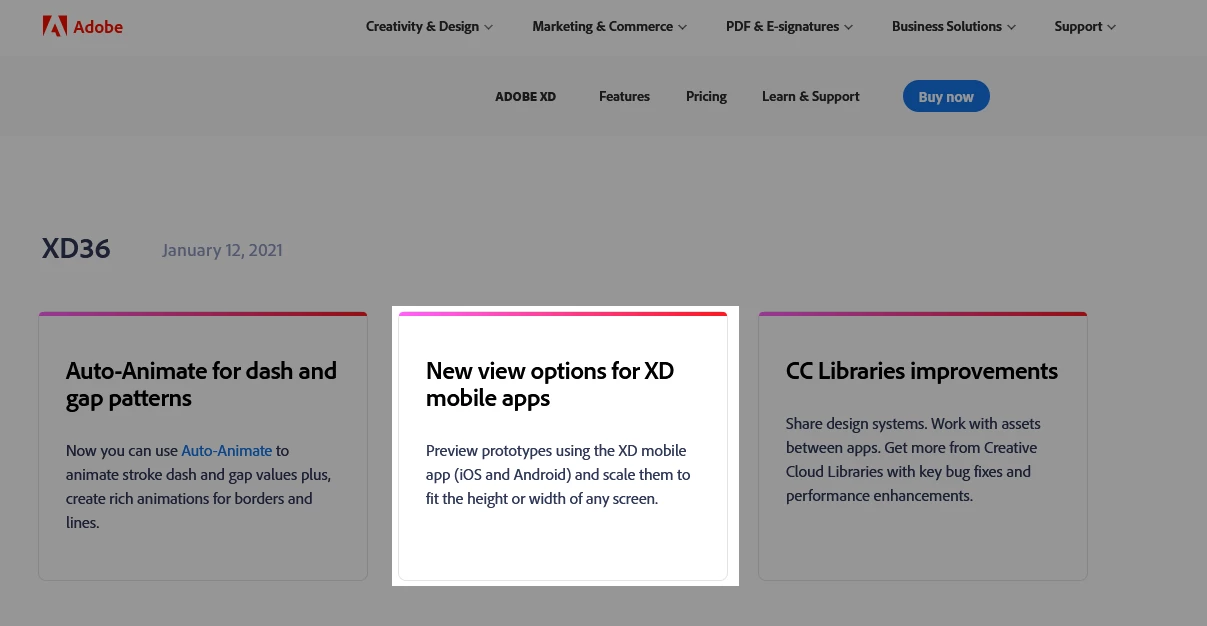
How many decades does it take for live preview to work on Android? I've read so many official Adobe articles that says this is working but it's not. Then the articles is re-written to "coming soon", then it says "Preview prototypes using the XD mobile app (iOS and Android)" but it's not working! I've just finnished downloading the two january XD updates but it's still not working. I've tried it on Galaxy S7+ and Galaxy S10. When I open the XD mobile app and connect it to the PC as described with XD documents open nothing happens. All I see is this screen. It's been like this always, so what's the point in having this app for Android when it doesn't work?! Is this one of those "uhm, sorry it doesn't work on Windows" type of cases again?


This topic has been closed for replies.
Correct answer Rishabh_Tiwari

Thanks for sharing the insights, Perrybrus. We do have an option to preview XD prototype on Android and iOS. Since there are two ways to preview, using USB Tethering and through Cloud Docs. So with Windows Machine on Android device, we don't have an option to preview using USB tethering, instead, we can preview it by saving it as a cloud document. Having said that, I agree there is always a scope of improvement so please upvote this request to add voice to the feature: https://adobexd.uservoice.com/forums/353007-adobe-xd-feature-requests/suggestions/17453770-android-tethered-usb-mobile-device-preview-on-wi


3 replies

Participating Frequently
July 28, 2022

I have the same problem, I can't see the changes that I apply to the document until I close and open them again, the funny thing is that before Xd did it perfectly and figma didn't have the function, now figma mirror works but Xd doesn't anymore how frustrating...

Participant
June 3, 2021

I am using Samsung Galaxy S10+ and live preview with USB is still not working. It was working fine a couple of months ago. What happened?

Rishabh_Tiwari
Community Manager
Community Manager
June 3, 2021

Hi there,


Sorry to hear about the trouble. Since you mentioned that it was working earlier, I am assuming that you have macOS as on Windows we don't have an option to live preview with USB tethering. In case if you have macOS, please try re-installing XD app on your mobile and if it still doesn't work, please re-install XD app on the computer and let us know if that helps or if you need any further assistance.


Regards

Rishabh


Participant
June 16, 2021

Hi!
I reinstalled it a couple of times. The problem seems to be with Samsung Galaxy S10+ since iPhones have no problems.

Best

Rishabh_Tiwari
Community Manager
Community Manager
January 19, 2021

Hi there,


We're so sorry to hear about the trouble. I am afraid, as of now, if your device is running Adobe XD on Windows 10, real-time preview through USB is not supported on Android. Instead, you can save the document as a cloud document and then preview it on the mobile app. For more information, please refer to this article: https://helpx.adobe.com/xd/user-guide.html/xd/help/preview-mobile.ug.html


Regards

Rishabh

perrybrusAuthor
Inspiring
January 19, 2021

?