Participant
January 12, 2021
Answered

Loss of quality when exporting images

  • January 12, 2021
  • 2 replies
  • 1513 views

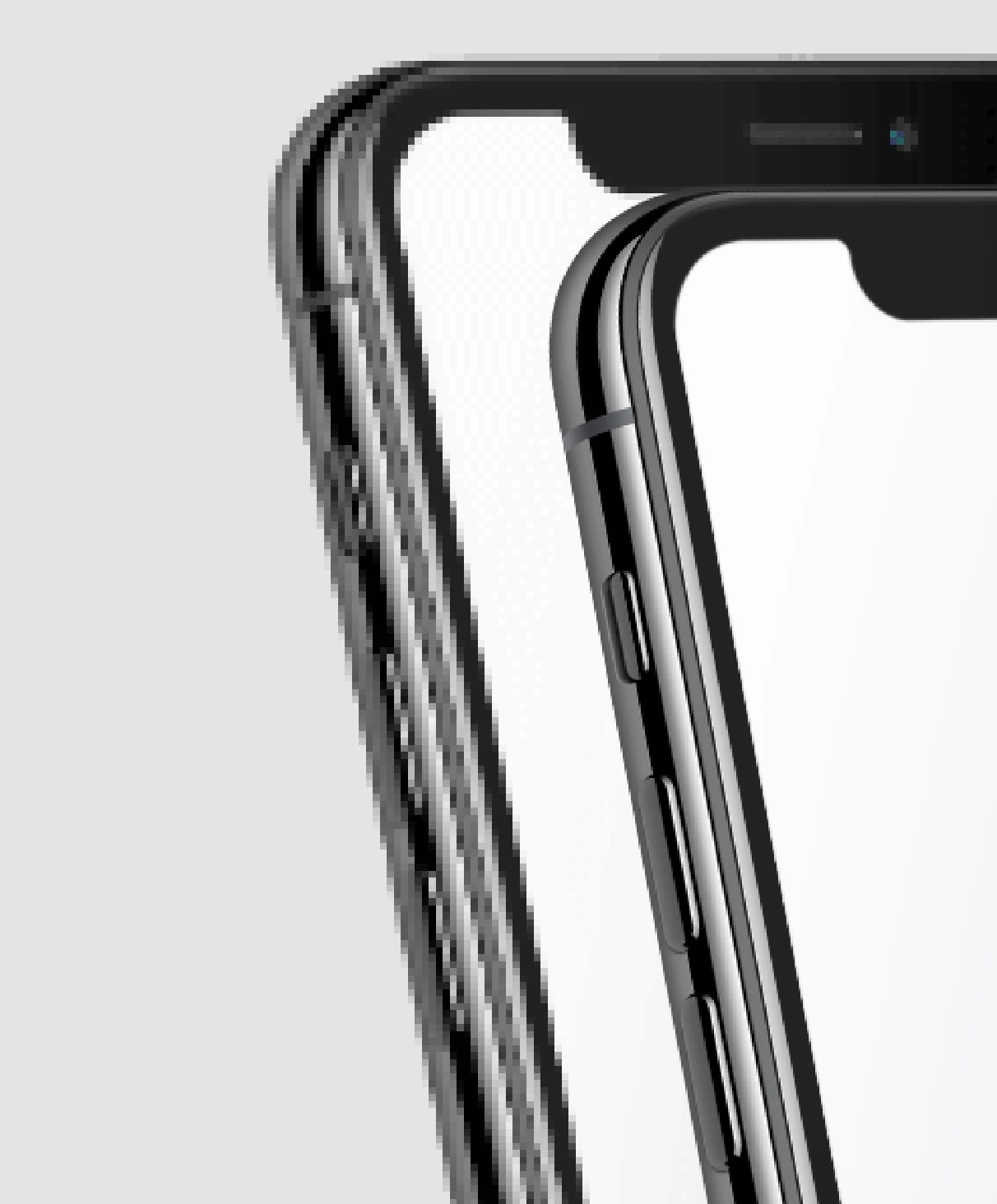
My team has come to rely on Xd but this level of pixellation when exporting images is forcing us to look into other programs. (Both of these images are at 1x and have been exported in the method recommended by the Adobe tutorial.) Was there a bug in the latest update that would account for this at all? It seems to have worsened over time.


    This topic has been closed for replies.
    Correct answer Dan Rodney

    Those 2 images are entirely different resolutions (one low and the other much higher) so one was either exported at a higher resolution or it was larger size to begin with.


    1x images WILL be pixelated because they are low res. 2x images will not be as pixelated because they are 2x the width and 2x the height (giving them 4x the total number of pixels).


    In XD you should be designing at 1x and exporting for Web (Designed at 1x). This will give you 1x and 2x versions of your graphics.


    Here's an article I wrote explaining 1x versus 2x in a general sense (it's not specific to XD, but the concepts can be applied to any app). I hope it helps. https://www.danrodney.com/blog/retina-web-graphics-explained-1x-versus-2x-low-res-versus-hi-res/


    2 replies

    Dan Rodney
    Community Expert
    Dan RodneyCommunity ExpertCorrect answer
    Community Expert
    January 21, 2021

    Those 2 images are entirely different resolutions (one low and the other much higher) so one was either exported at a higher resolution or it was larger size to begin with.


    1x images WILL be pixelated because they are low res. 2x images will not be as pixelated because they are 2x the width and 2x the height (giving them 4x the total number of pixels).


    In XD you should be designing at 1x and exporting for Web (Designed at 1x). This will give you 1x and 2x versions of your graphics.


    Here's an article I wrote explaining 1x versus 2x in a general sense (it's not specific to XD, but the concepts can be applied to any app). I hope it helps. https://www.danrodney.com/blog/retina-web-graphics-explained-1x-versus-2x-low-res-versus-hi-res/


    — Adobe Certified Expert & Instructor at Noble Desktop | Web Developer, Designer, InDesign Scriptor

    September 22, 2023
    quote

    1x images WILL be pixelated because they are low res. 2x images will not be as pixelated because they are 2x the width and 2x the height (giving them 4x the total number of pixels).


    In XD you should be designing at 1x and exporting for Web (Designed at 1x). This will give you 1x and 2x versions of your graphics.


    By @Dan Rodney

    Yes, but you seem to be unaware of the fact that x1 export should be exporting what I see in XD since I'm already designing in x1. Instead, when I export at x1 scale, I don't get the same crisp results as in my design file, which is ironic, because it should be 1:1, hence the x1 design and x1 export inconsistency.


    I only seem to get the same kind of quality of image, when exporting at x2, downscaling it to x1 (to the same amount of pixels), only then does it retain the quality, without making the images blurry. This is what x1 export should be.


    Clearly, when I downscale from x2 to x1, it is able to match what is in my design file at x1 scale, so the issue is that x1 exporting is not working as intended.

    HARSHIKA_VERMA
    Community Manager
    Community Manager
    January 12, 2021

    Hi there,


    I understand how annoying it could be and I am sorry for the frustration. I would suggest checking this article: https://medium.com/thinking-design/protip-exporting-assets-in-adobe-xd-c586996de703 and see if this makes your experience better.


    I will also share the feedback with the team for making improvements in the future.


    I am sorry for the inconvenience.


    Thanks,

    Harshika

    Participant
    January 13, 2021

    I appreciate the quick response @HARSHIKA_VERMA , but that page is giving me a 404.

    HARSHIKA_VERMA
    Community Manager
    Community Manager
    January 20, 2021

    Hi Kelsey,


    I am sorry for the delay in response and for the incorrect link. Here is the correct link: https://medium.com/thinking-design/protip-exporting-assets-in-adobe-xd-c586996de703


    Hope it helps.


    Thanks,

    Harshika