


Question
Lost all content in Adobe XD after the latest update
Hello,
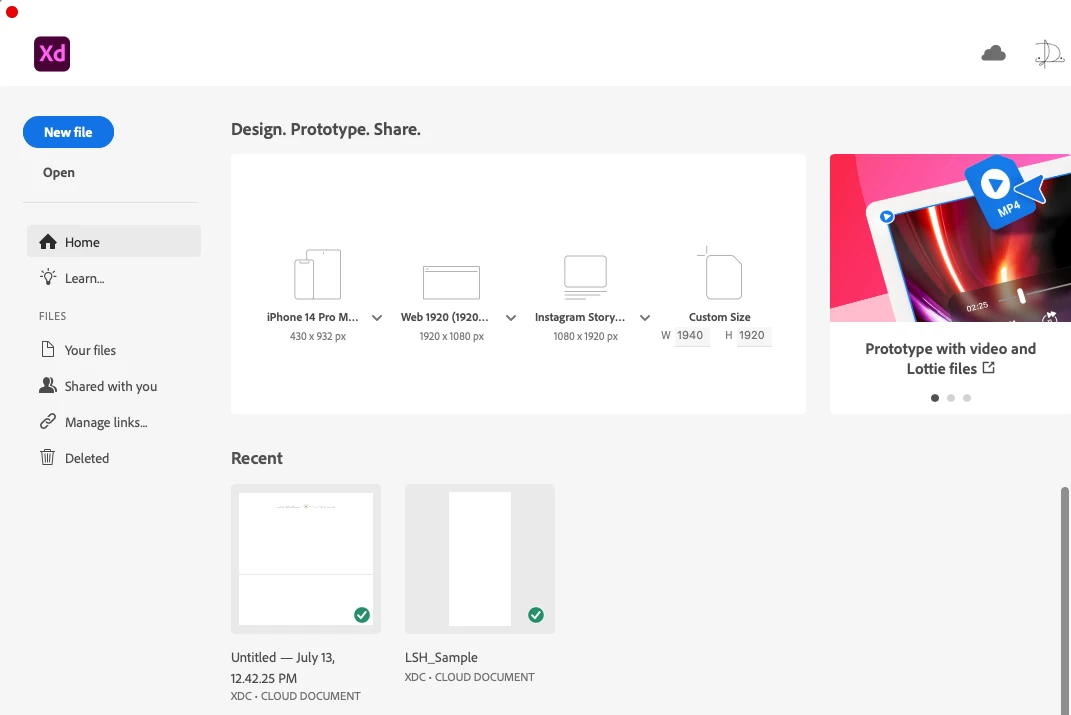
After the latest Adobe XD (version 57.1.12.2 x 64), all the artboard went black, and content is missing (see screenshot)
I tried the following steps, and nothing worked!
- Quitting all Adobe related Apps using Activity Monitor
- Reinstalling XD
- Restarting the computer
- Tried to open directly from Creative Cloud
- Logged out and in iCloud
I really need to get my work back, I have done a lot of work, and I have a short deadline.
I am in desperate need of assistance. Can you kindly let me know if you are able to provide any help?
Thank you in advance.
Regards
 AdChoices