


Lots of Cloud work disappears from my XD File
Hello, I have a problem that I had a month ago but got saved by a local copy.
What happened, today March 23?
I was working on section A in our web-app on its own Adobe XD window. But I was refering to few things from section B opened in a different window. But at one point, Adobe XD gets very slow, then the app freezes and MacBook restarts. When boot again, I open the file with Section B from the cloud and it showed an old version from February 9th.
I try to open from history tab a version from last week, but earlies available is March 14 (which is the date I finished working on the project Section B, since I had it open for reference only), then different hours on March 3 and few other hours in March 1, then other versions in February 9, 8 and 7 when I did started the Section B.
I open March 14 and and is the same old version from February ast today's version. I try to open March 8 but I receive an Error 49:
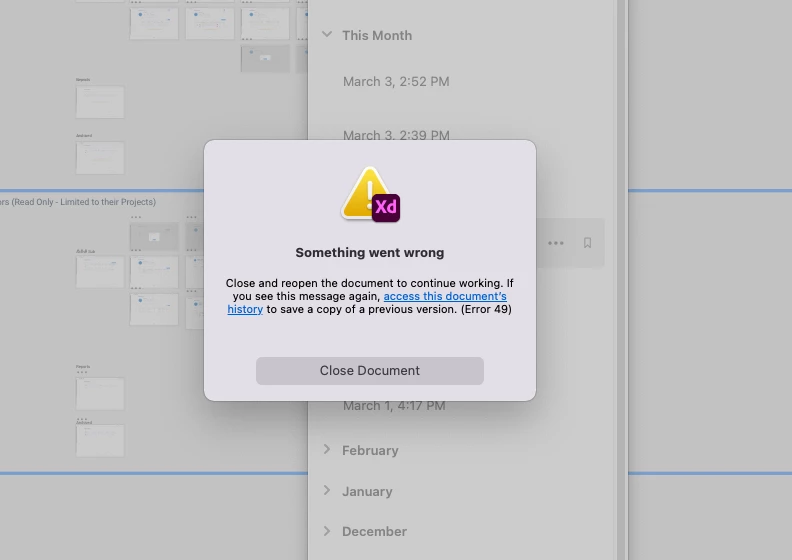
Section B window close.
I sign out, closed Adobe XD and Adobe Cloud then open again and sign back in.
I open again Section B, file loads and all other versions from March untill February and they are all the same as the old version from February 9th, everything I did since Feb 9 is gone...
I opened all other projects with different sections of the web-app from before and after March 14 and they all work well and files are up to date. Only Section B where I worked in Feb till March 8 is showing a version from Feb 9.
At this point, where I lost few weeks of work, I just hope you can help me recover a version of March 14, or 8 as they were at that time, instead of the old version from mid February.
Please help!


 AdChoices