
Participant
January 11, 2023
Answered

MAJOR ISSUE : Elements padding height has increased automatically.

  • January 11, 2023
  • 1 reply
  • 385 views

For some reason the bounding box has increased height .. resulting in changed position of elements in the design. This is happing with many elements, buttons, components in the design. 

For now, lets see this search button.
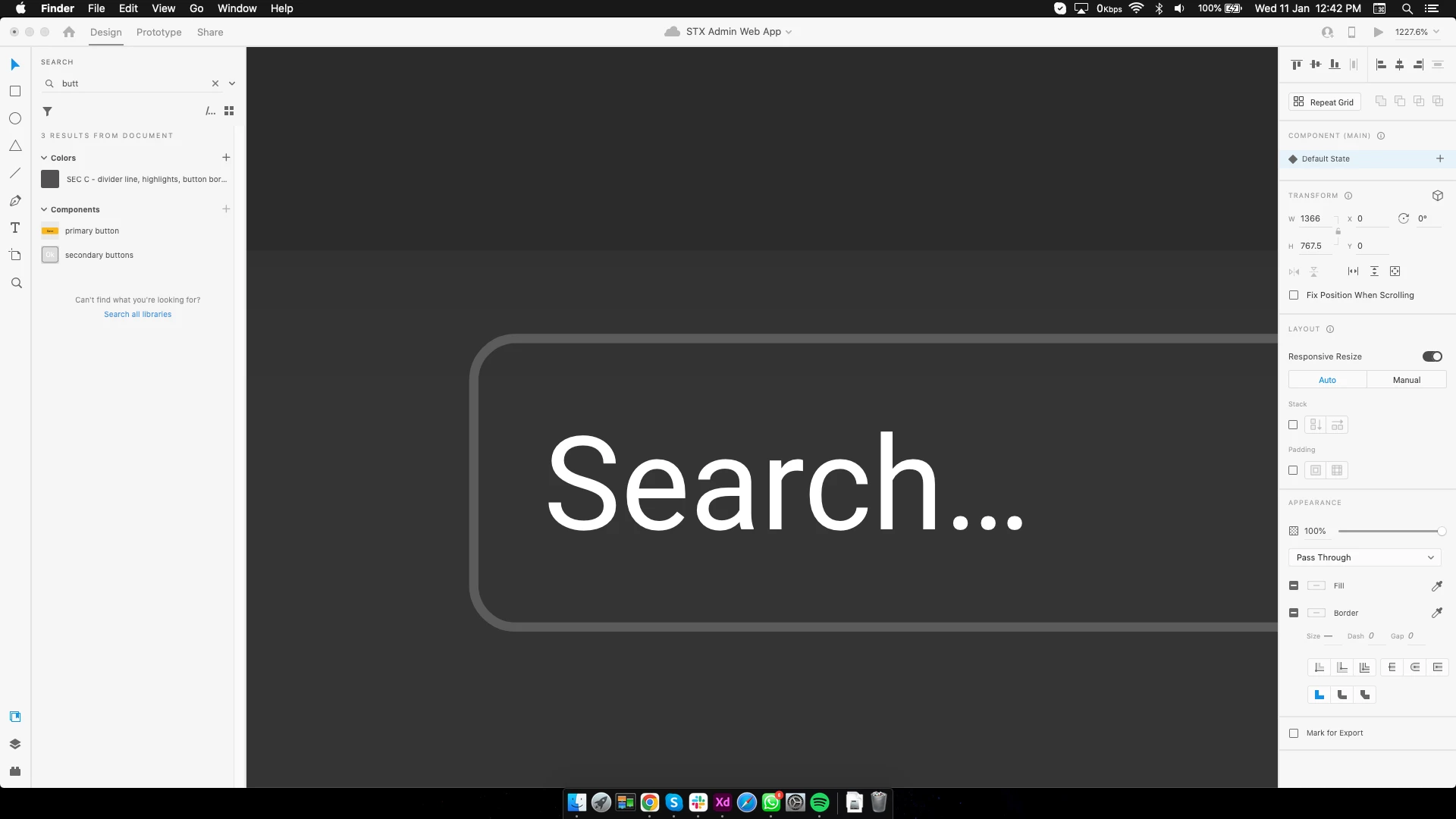
 

after selecting it, u can see that the blue border, (bounding box) is larger than the search button. If we look deeper the padding has automatically increased to 8px
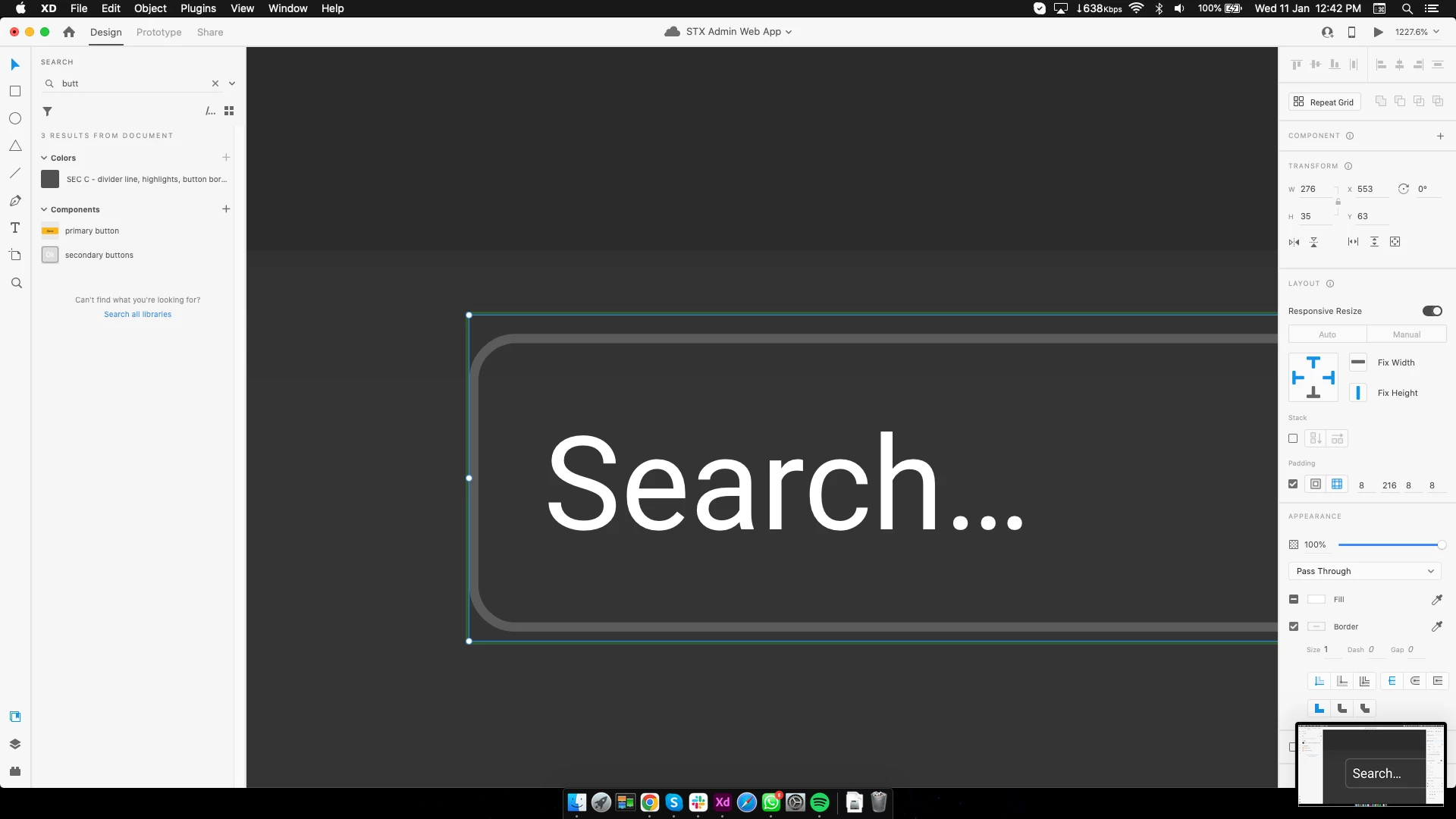
 

Now here, I just disabled the padding, and the bounding box is back to original with no unwanted height spacing.
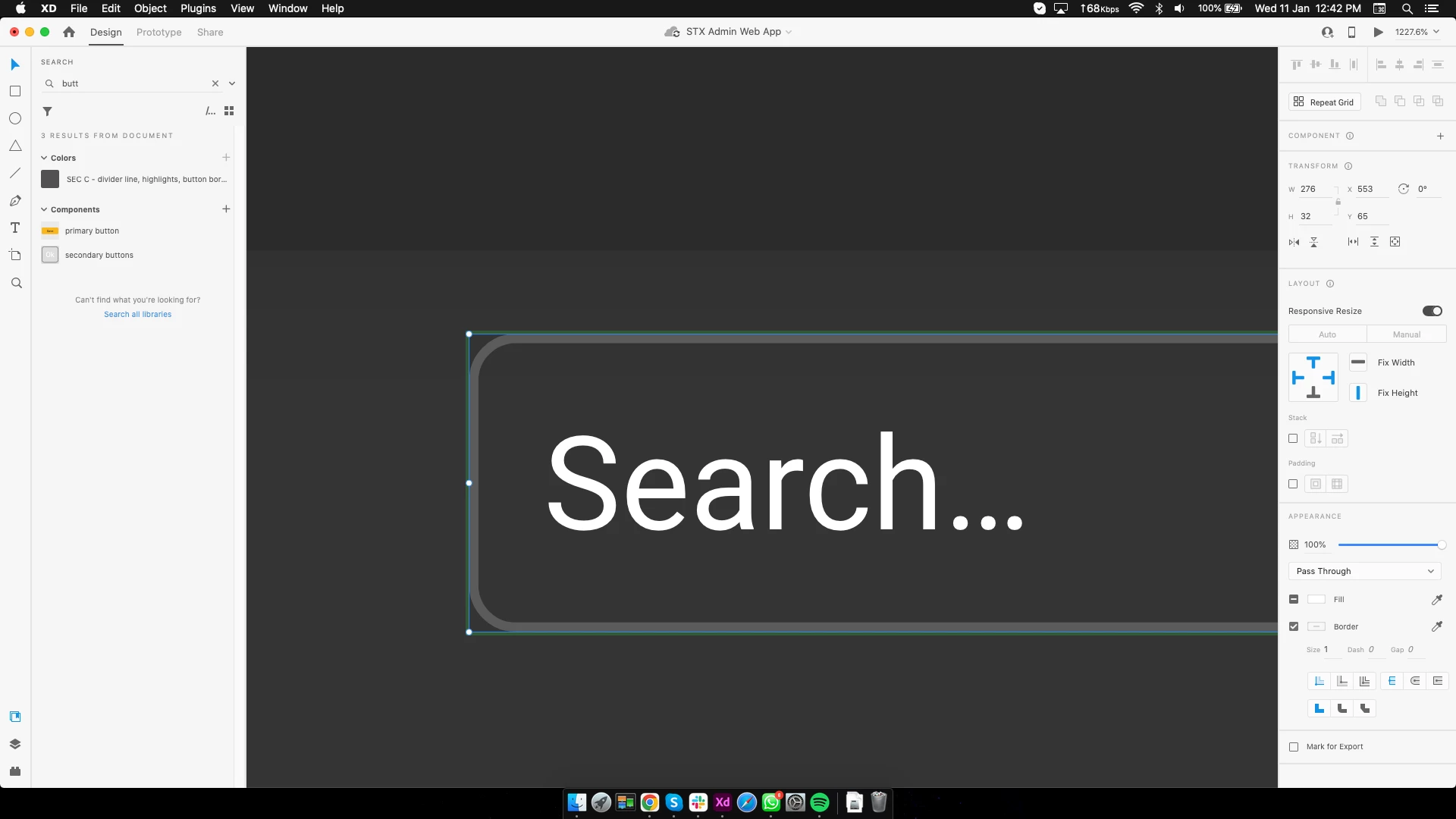
 

now i again enable the padding. bounding box stays as it is
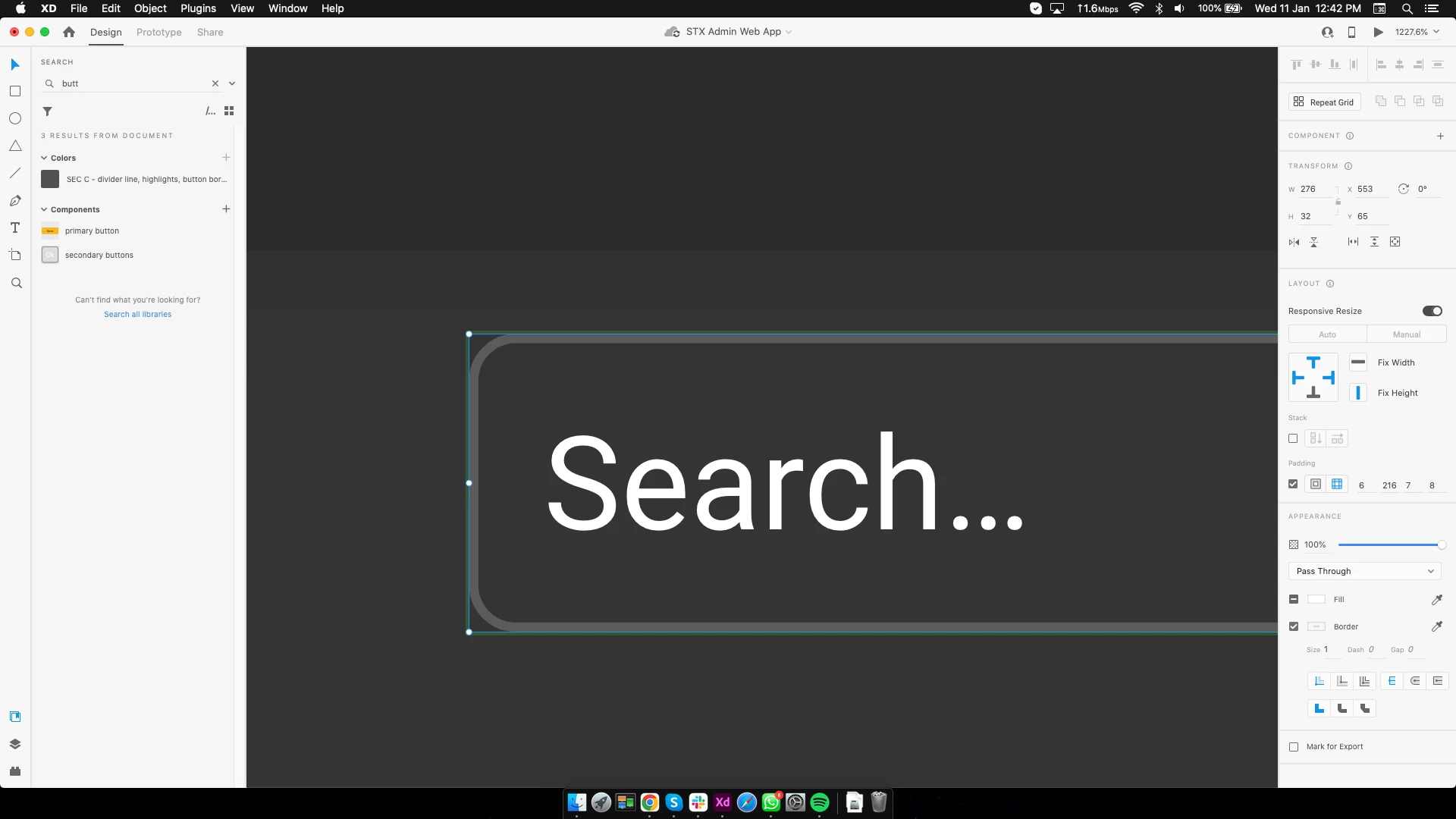
 

HD screenshots attached below.
Conclusion: The padding is getting increased automatically! what bug is this @adobe?

This topic has been closed for replies.
Correct answer Shashank5C1B

Update to above post: THE ISSUE HAS BEEN SOLVED
The problem was the "font". 
Earlier I was using system installed font "roboto".
Later on when I changed the computer, the font got replaced with adobe fonts from the cloud. Resulting in unwanted spacing. 
NOTE TO ADOBE: The font is same in both cases. but just because we are using it from different sources is causing the issue. 

1 reply

Shashank5C1BAuthorCorrect answer
Participant
January 13, 2023

Update to above post: THE ISSUE HAS BEEN SOLVED
The problem was the "font". 
Earlier I was using system installed font "roboto".
Later on when I changed the computer, the font got replaced with adobe fonts from the cloud. Resulting in unwanted spacing. 
NOTE TO ADOBE: The font is same in both cases. but just because we are using it from different sources is causing the issue.