Participant
March 7, 2020
Answered

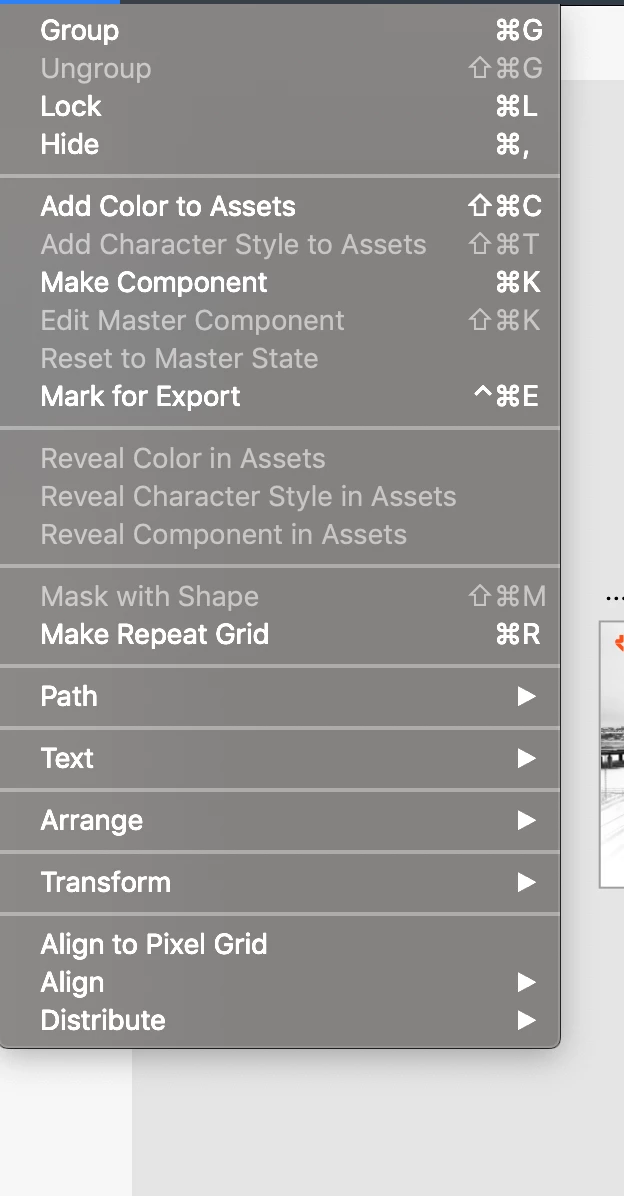
mask with shape is dissabled at XD

  • March 7, 2020
  • 2 replies
  • 920 views

mask with shape is dissabled at XD

    This topic has been closed for replies.
    Correct answer Ares Hovhannesyan

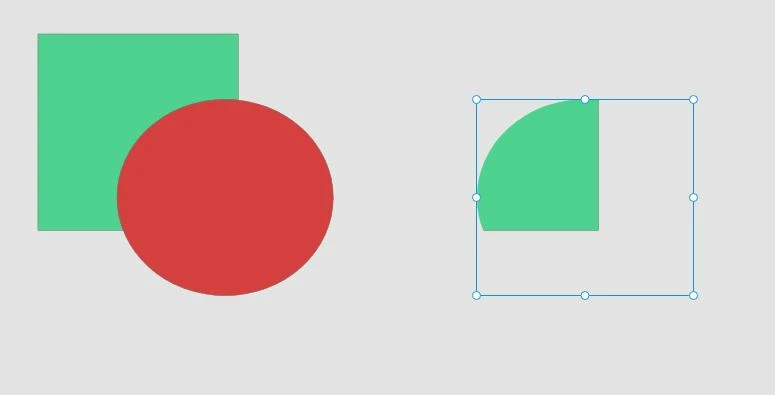
    1.Draw rectangle and Elipse

    2.Select Both

    3 Right click on selected shapes and choose Mask with Shapes. 


    2 replies

    Peter Villevoye
    Community Expert
    Community Expert
    March 7, 2020

    Do you have at least two elements selected, e.g. a freeform shape and an image, on top of eachother ?

    JONAHli Author
    Participant
    March 8, 2020

    My XD is the letest version. And I have selected two simmilar shapes with different color but I could not mask them. I know this feauture in photoshop but here in XD quite different.

    Ares Hovhannesyan
    Community Expert
    Ares HovhannesyanCommunity ExpertCorrect answer
    Community Expert
    March 8, 2020

    1.Draw rectangle and Elipse

    2.Select Both

    3 Right click on selected shapes and choose Mask with Shapes. 


    Peter Villevoye
    Community Expert
    Community Expert
    March 7, 2020

    Well, that's odd – the Group command too !! 😉

    I hope you can understand we need a little more information about the situation, because under normal circumstances, it would work correctly. What are you doing, which version of XD, on which system ?