mwstandsfor
Inspiring
Sep 28, 2020 11:22 AM UTC
Answered

Missing Fonts

After updating to 33.1.12 all of my locally installed (non-system) fonts are missing. I'm also using FontBase as my font manager but that's never been a problem. All of the fonts appear in Photoshop and Illustrator so this is a XD problem. 


Windows 10

Os Build 19041.508

This topic is closed to new replies. Start a new post to keep the conversation going.
Ares Hovhannesyan
Ares HovhannesyanCorrect answer
Community Expert
Sep 28, 2020 11:50 AM UTC

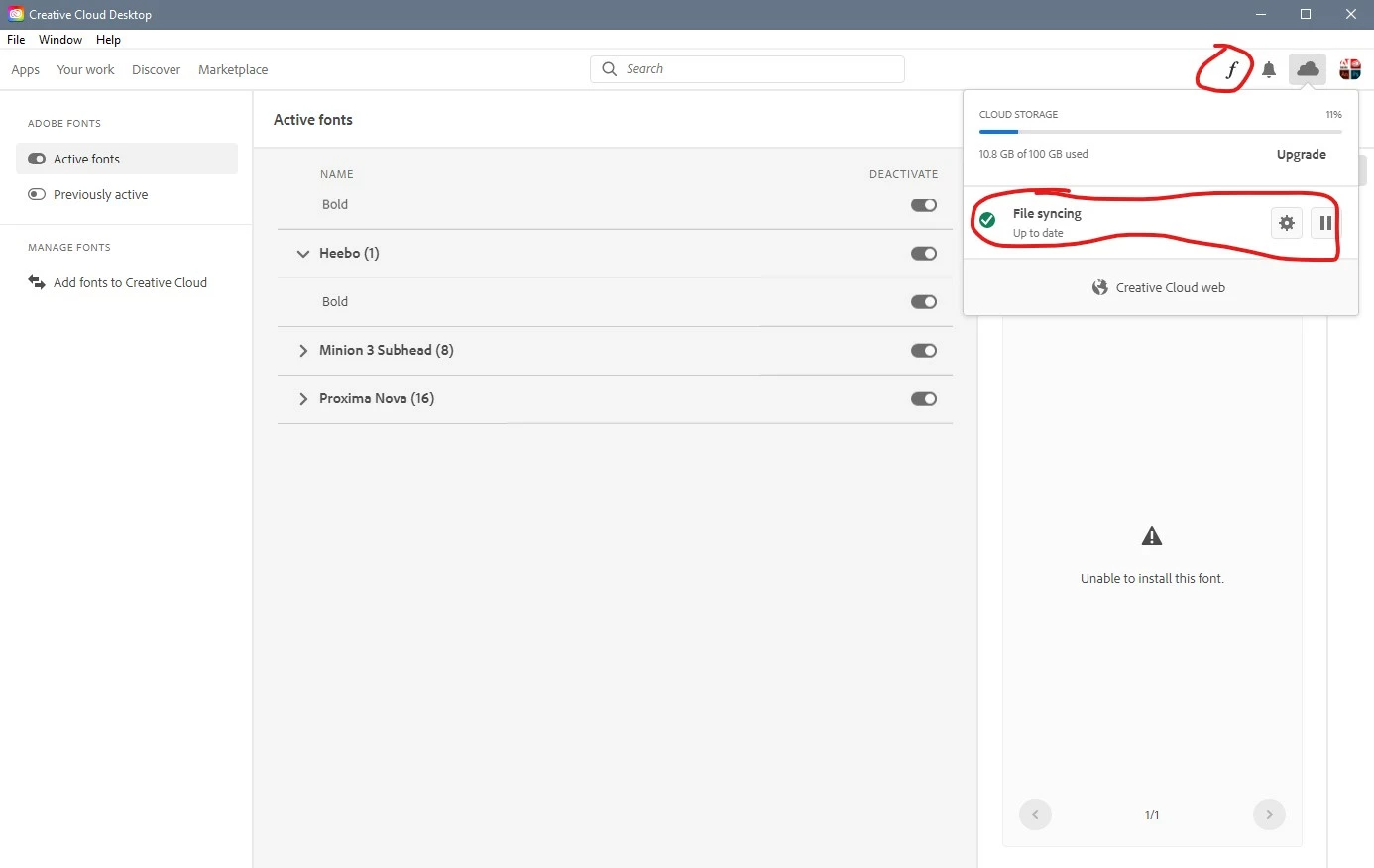
Please check  your fonts in cc app manager. If some of them aren't active install them. Also you can try to instan/reinstall. 

If that do not help, sing out/sign in into your Adobe account via cc app manger. 

Also you can try to recover your cc app through unistall/repair mode when you go to uninstall process. 

Another solution can reinstalling Adobe xd. 


1 reply

Ares Hovhannesyan
Community Expert
Ares HovhannesyanCommunity ExpertCorrect answer
Community Expert
Sep 28, 2020 11:50 AM UTC

Please check  your fonts in cc app manager. If some of them aren't active install them. Also you can try to instan/reinstall. 

If that do not help, sing out/sign in into your Adobe account via cc app manger. 

Also you can try to recover your cc app through unistall/repair mode when you go to uninstall process. 

Another solution can reinstalling Adobe xd. 


Translate