

Answered
Missing gradient control handles on custom shape
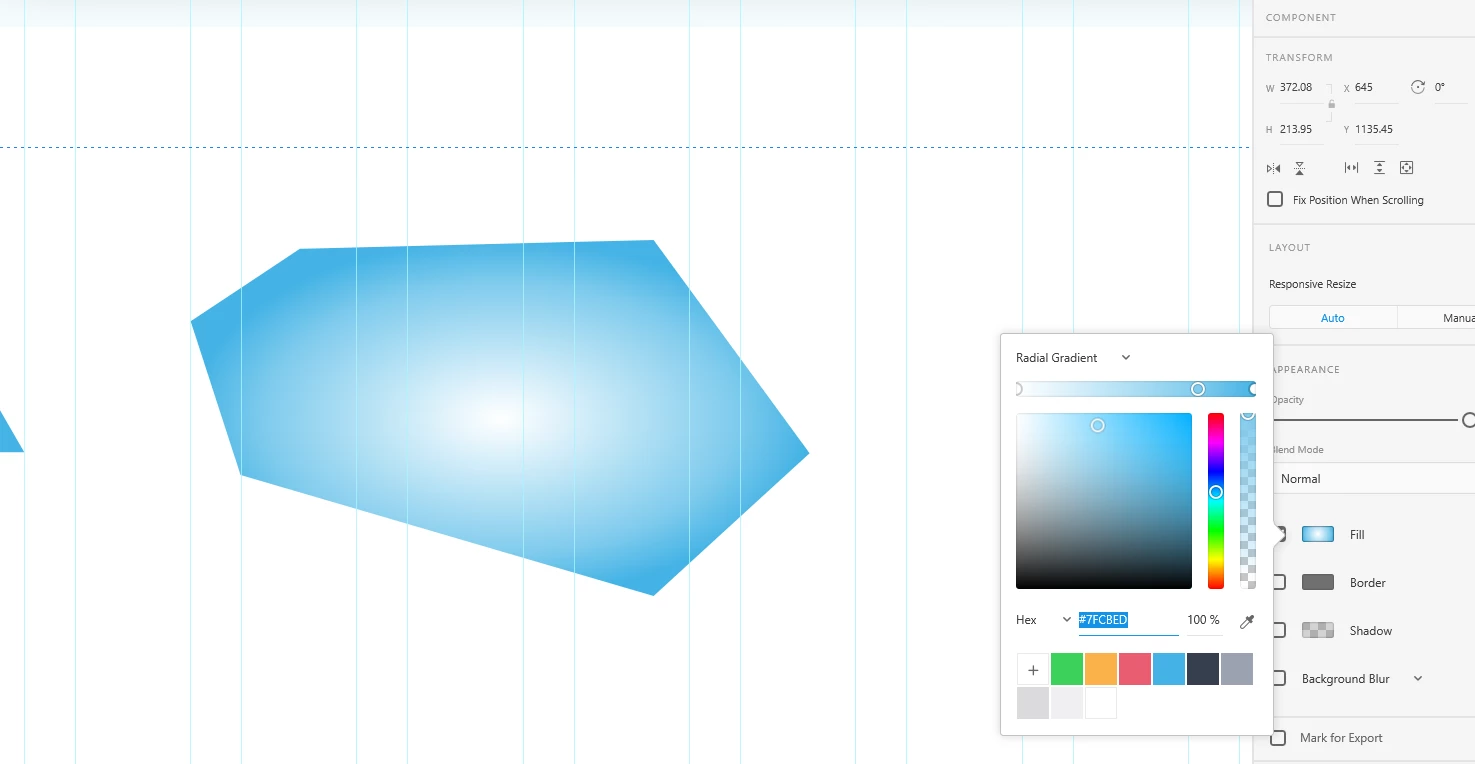
Creating a custom shape with the pen tool and applying gradient. Seems like it is missing control handles.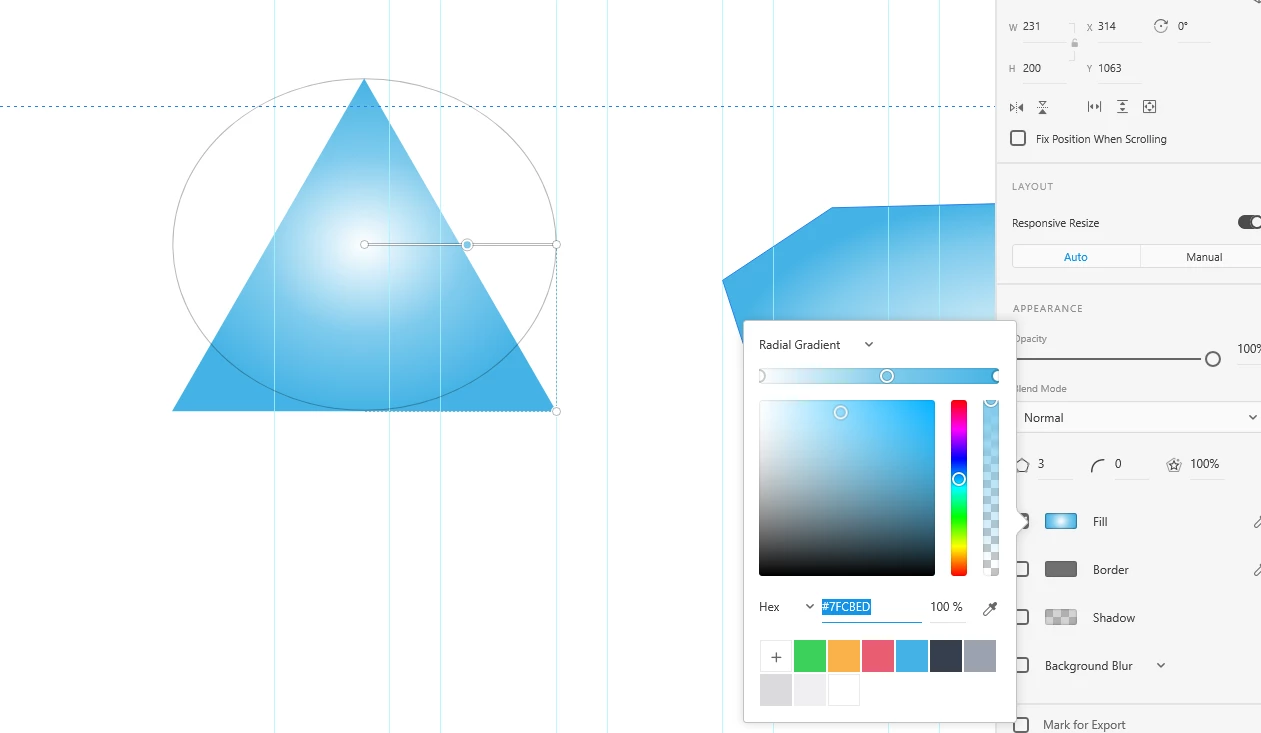
But it works just fine on any other rectangle, circle, triangle, etc.

Creating a custom shape with the pen tool and applying gradient. Seems like it is missing control handles.
But it works just fine on any other rectangle, circle, triangle, etc.
Already have an account? Login
Enter your E-mail address. We'll send you an e-mail with instructions to reset your password.
 AdChoices