nyningyu
Participant
June 24, 2020
Answered

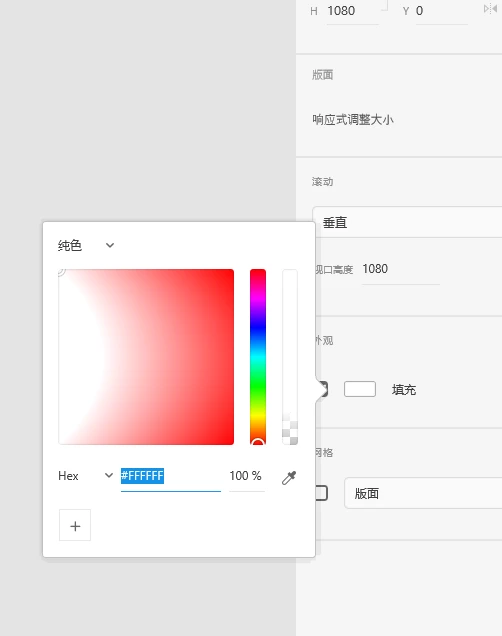
my color palette meet a issue after tody XD update!
  • June 24, 2020
  • 1 reply
  • 337 views


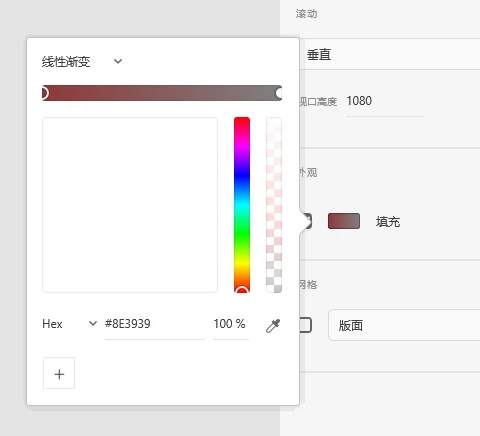
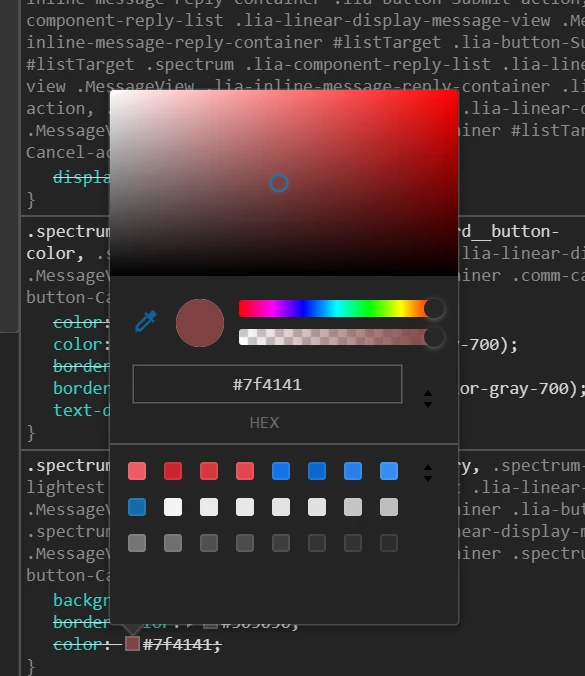
The color palette region has the wrong display.


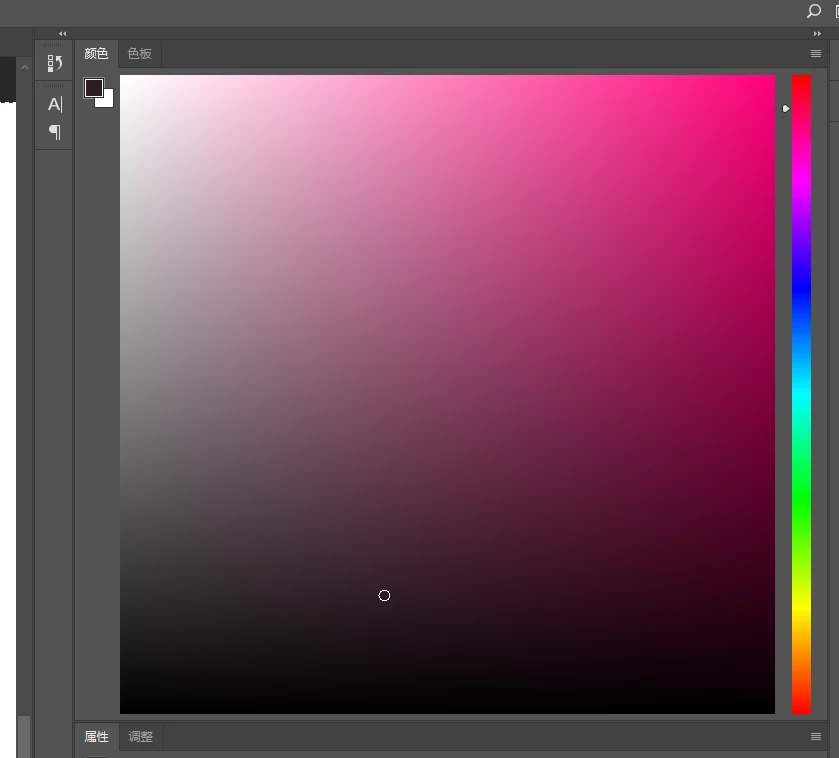
I test other software, like photoshop,chrome debug tool , they are all ok


photoshop:
chrome debug tool:


    This topic has been closed for replies.
    Correct answer nyningyu

    Oh I solved the issue now.


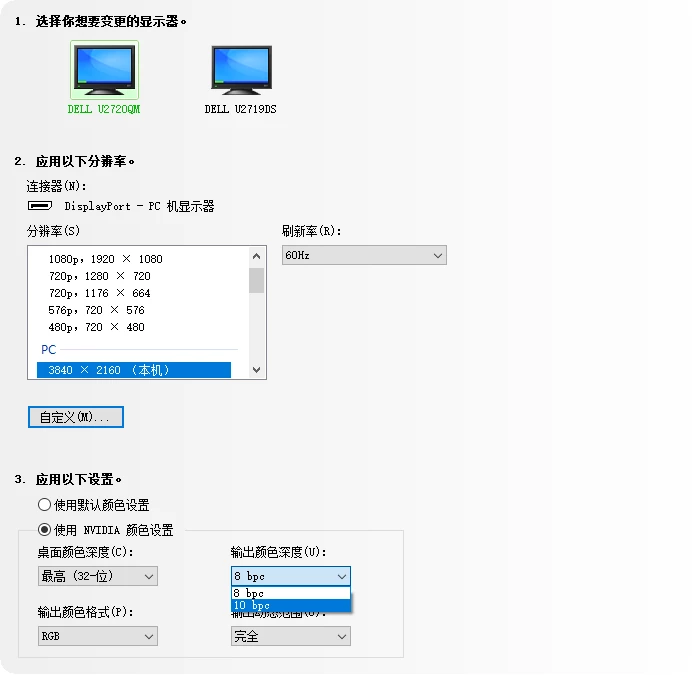
    The story is, today I changed a display setting in nvidia controller. I set nvidia output 10 bit color depth to my monitor  Dell U2720QM , because it has the ability to show 10 bit color depth.


    And at the same time, XD just show me to update, so I update XD.

    After XD finished update, then the issue happened.


    I try a lot of way to test the bug, and at last I find when I change the color depth to 8bit in nvidia controller, then XD shows ok now.


    Then I test to set the color depth in nvidia controller to 10 bit back , XD meet the same color palette issue .


    So I think there maybe some issue with XD's color depth.


    1 reply

    nyningyu
    nyningyuAuthorCorrect answer
    Participant
    June 24, 2020

    Oh I solved the issue now.


    The story is, today I changed a display setting in nvidia controller. I set nvidia output 10 bit color depth to my monitor  Dell U2720QM , because it has the ability to show 10 bit color depth.


    And at the same time, XD just show me to update, so I update XD.

    After XD finished update, then the issue happened.


    I try a lot of way to test the bug, and at last I find when I change the color depth to 8bit in nvidia controller, then XD shows ok now.


    Then I test to set the color depth in nvidia controller to 10 bit back , XD meet the same color palette issue .


    So I think there maybe some issue with XD's color depth.