Thank you for trying this.
I made all my buttons as components with hover.
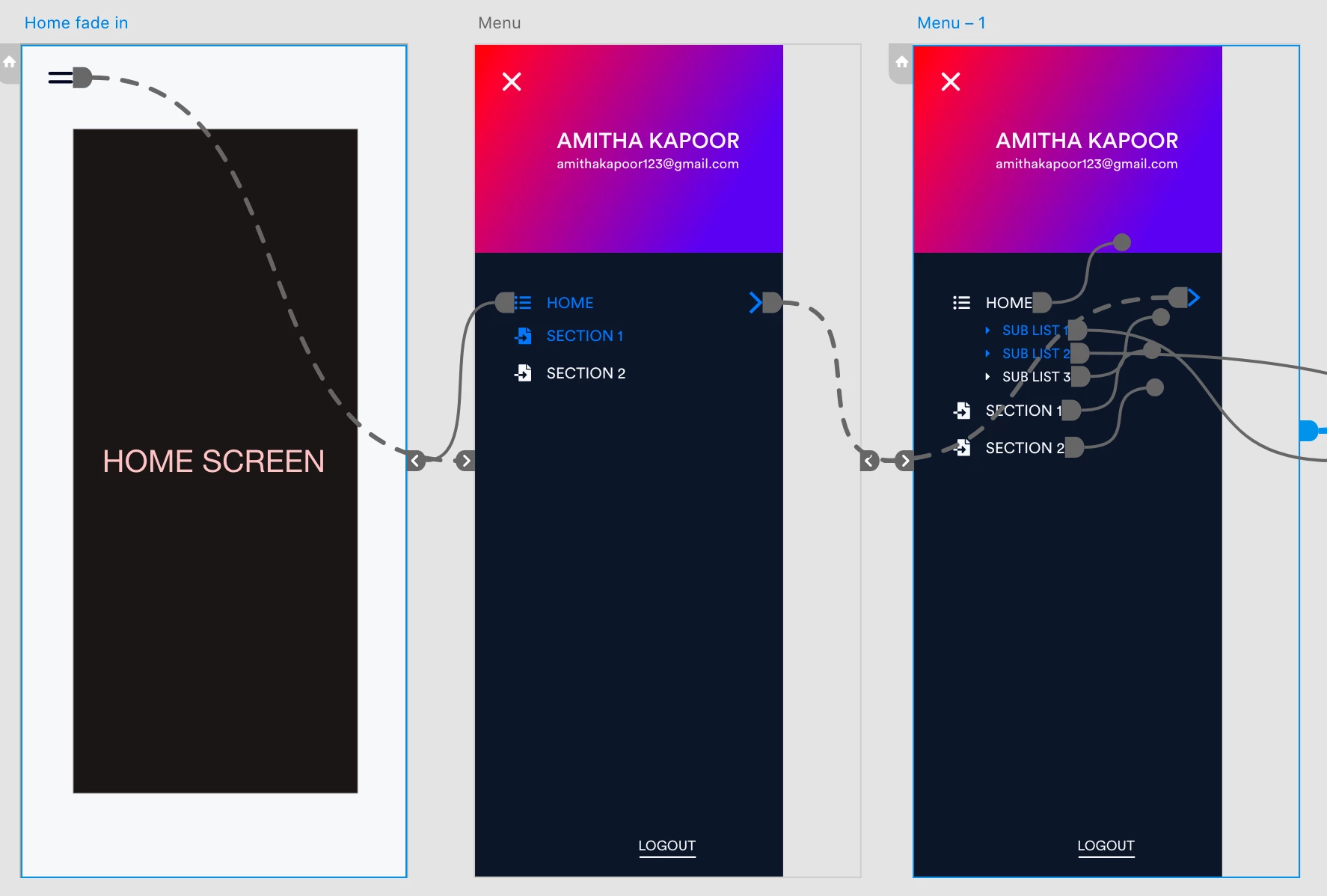
The mistake I made was when I linked my button to the 3rd artboard with the sub list I didn't choose the overlay as you did.
I had created a mask for the sublist to give drop-down animation. Now I'm not getting a black screen. but my animation for dropdown is not good. I chose dissolve option. So it is uploading the menu again entirely.

Yeah, well, Xd is still a bit clunky with these things, if you transition between 2 overlays it kinda removes the first one, and then starts the animation for the second one. There isn't an overlap between them at any point.
As a result you get this cutoff when switching overlays, and the smoothest thing you can get is to have no transition animation between them which looks the most seamless, but yes - you can't use auto-animate and overlay at the same time.
The only way to do this with a nice animation and proper functionality would be separate screens that have the different versions of the menu, so for each of your screens you need to have like 3-4 more with the different menu sections, and that I imagine would be a nightmare. I would do it for one screen to show the animation, and have the overlays with no animation for the rest of the prototype.
As a whole right now Xd is more suitable for testing user flows / wireframes, maybe some animations, but not a fully-fledged prototype with advanced animations / interactions.
Sign up
Already have an account? Login
To post, reply, or follow discussions, please sign in with your Adobe ID.
Sign inSign in to Adobe Community
To post, reply, or follow discussions, please sign in with your Adobe ID.
Sign inEnter your E-mail address. We'll send you an e-mail with instructions to reset your password.