

Participating Frequently
July 17, 2020
Answered

No Grid for Developers?

  • July 17, 2020
  • 1 reply
  • 557 views

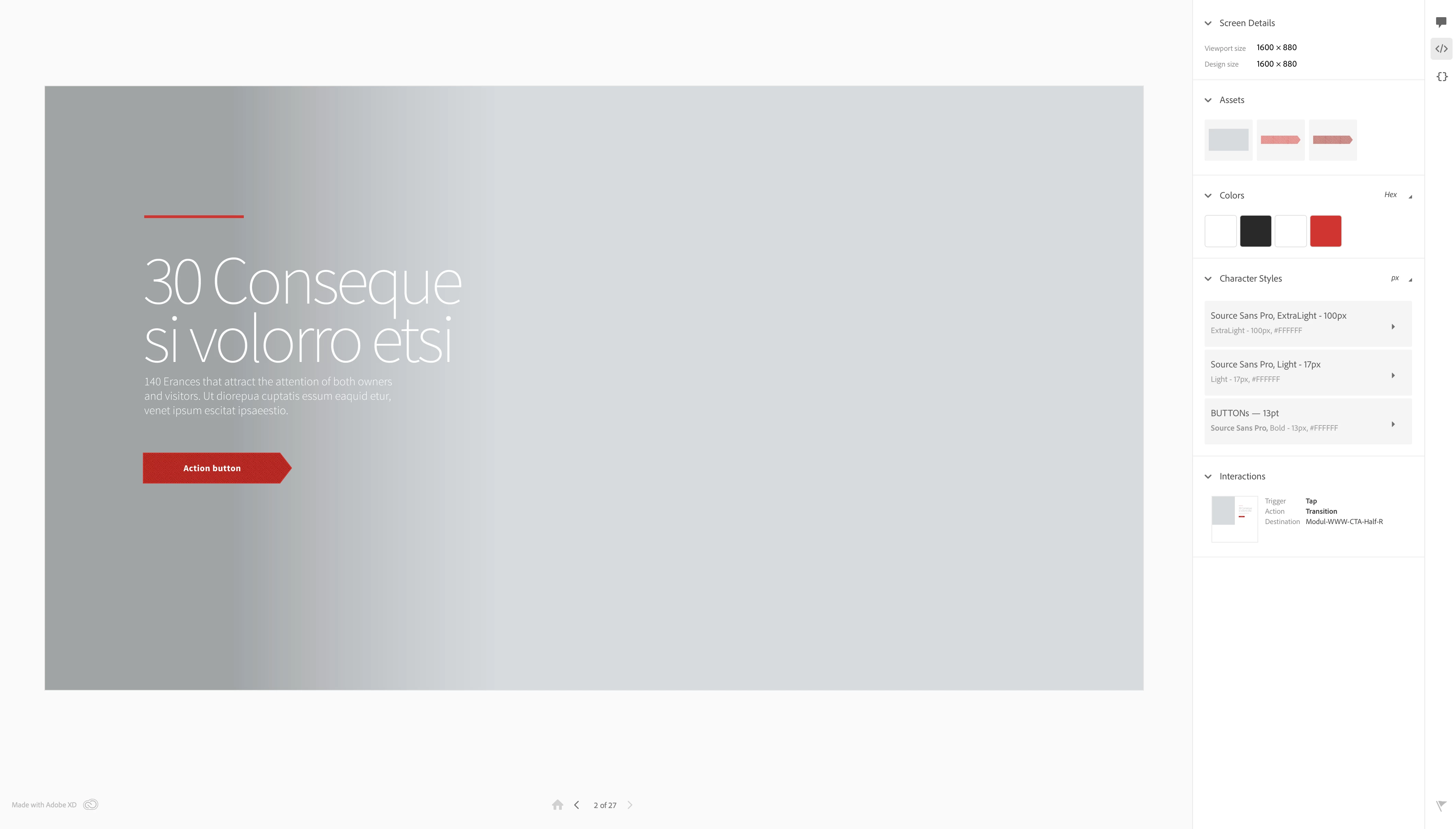
Sometimes is there and sometimes not (the "Grid" switch in shared preview "for development"). Can't figure it out why? Any ideas?

This topic has been closed for replies.
Correct answer Rishabh_Tiwari

Hi there,


Thanks for reaching out. Generally, if you have added the Layout grid while designing then when you share the prototype we get an option to toggle the layout grid. The only thing I can think of is the grid option while sharing is only available for the Layout grid. Option to toggle square grid is not available. Let me know if it happens with the layout grid?


Regards

Rishabh

1 reply

Rishabh_Tiwari
Rishabh_TiwariCorrect answer
Legend
July 17, 2020

Hi there,


Thanks for reaching out. Generally, if you have added the Layout grid while designing then when you share the prototype we get an option to toggle the layout grid. The only thing I can think of is the grid option while sharing is only available for the Layout grid. Option to toggle square grid is not available. Let me know if it happens with the layout grid?


Regards

Rishabh

JPRM
Known Participant
October 28, 2020

Could you please specify how to turn on layout grid in development view? There is no checkbox or any option to switch it on or to export it.

Rishabh_Tiwari
Legend
October 28, 2020

Hi there,


Thanks for reaching out. Once the layout grid has been activated in the design mode, to turn it on in development share mode, please click on the more options icon below the message icon on the right-hand side while on the browser. Once you click on that you will find the button to toggle layout grid. For more information, please refer to the screenshot:


Regards

Rishabh
