
RageshMailakkara
Participant
January 21, 2019
Question

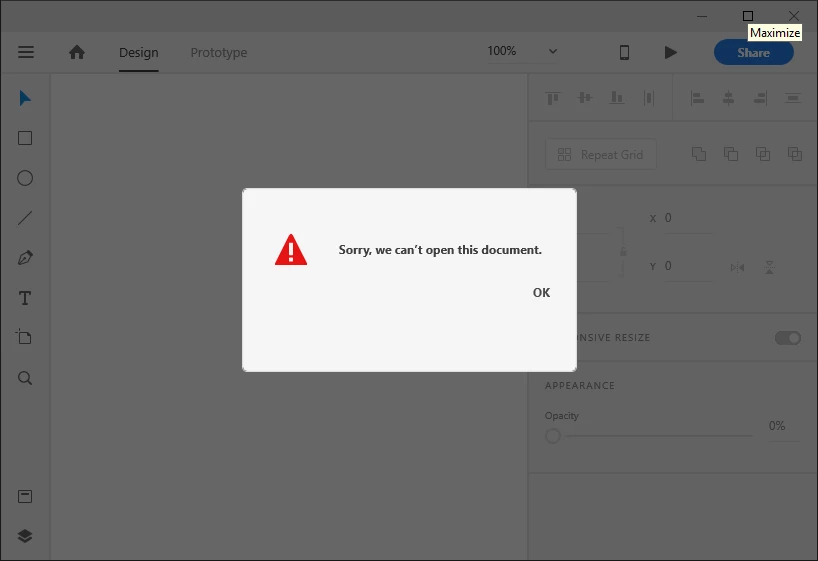
Not able to open my cloud file after Adobe XD crashed.

  • January 21, 2019
  • 1 reply
  • 451 views

Hello All,

Adobe XD crashed while working. Could not reload the application and I have reinstalled the application finally. But when i access my cloud file this trowing an error like "Sorry, we cant open this document". Is there any way to recover this file...?
This topic has been closed for replies.

1 reply

Atul_Saini
Community Manager
Community Manager
January 21, 2019

Hi Ragesh,

Sorry that you are unable to launch this document. Could you please try to open this file on any other machine? Is it appearing under Cloud Document when you go to the home screen of XD or on Web: -Adobe Creative Cloud?

Thanks,

Atul_Saini

RageshMailakkara
Participant
January 22, 2019

Thanks Atul,

Yes, my file is saved in "cloud Documents" on the home screen of XD and on Web.

Atul_Saini
Community Manager
Community Manager
January 22, 2019

Thanks for the information Ragesh, could you please try to open in on a different machine?