Participant
February 20, 2021
Answered

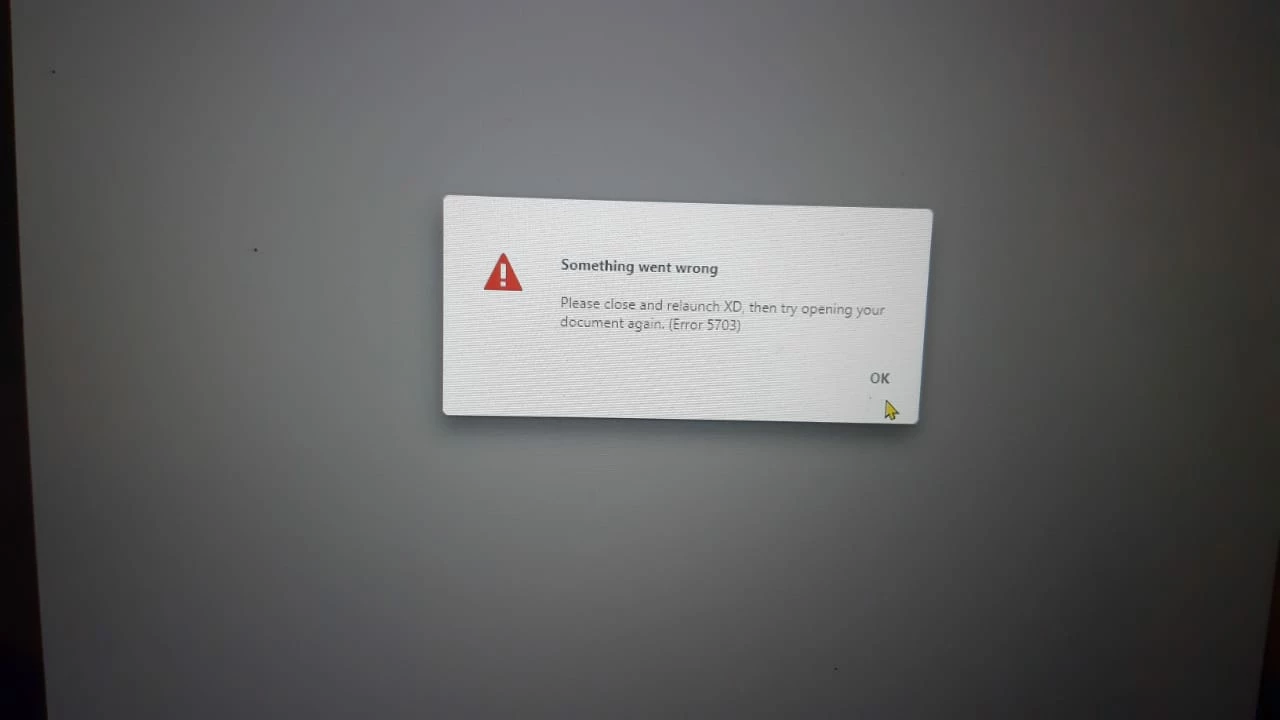
please solve the problem because i m not able to install XD

  • February 20, 2021
  • 1 reply
  • 585 views

    This topic has been closed for replies.
    Correct answer Harshika Verma

    Hi Ritika,


    It's been a while we haven't heard back from you. Are you still experiencing the issue? If yes, I would request you to please try below steps-


    1. Uninstall XD.
    2. Quit Creative Cloud Desktop app and kill all related processes from Task manager.
    3. Delete temp files by going to run(Win+r) then %temp%
    4. Delete Adobe XD CC folder from  C:\Program Files\Common Files\Adobe
    5. Restart  computer and install XD


    Please feel free to update the discussion if your need further assistance from us. We would be happy to help.


    Thanks,

    Harshika

    1 reply

    elegant_leader5EE4
    Community Manager
    Community Manager
    February 22, 2021

    Hey Ritika,


    We are really sorry that you are facing this issue. We are here to help you in every way possible.

    We really need to investigate this for the root cause so that we can help you fix the issue as soon as possible.


    For that we will be needing some information. Please help us in getting below infirmation:

    1. Since when you are getting this error

    2. Can you share the OS details on which you are getting this error and XD version as well

    3. Lastly, can you just share us the logs of the machine you are facing this issue - https://helpx.adobe.com/creative-cloud/kb/cc-log-collector.html


    You can share log zip file to us by uploading via Onedrive or Creative cloud and share the link with us. For that you can just click on my profile name and then click on Send Message and DM me.


    Thanks,

    Nawneet

    Harshika Verma
    Community Manager
    Harshika VermaCommunity ManagerCorrect answer
    Community Manager
    March 5, 2021

    Hi Ritika,


    It's been a while we haven't heard back from you. Are you still experiencing the issue? If yes, I would request you to please try below steps-


    1. Uninstall XD.
    2. Quit Creative Cloud Desktop app and kill all related processes from Task manager.
    3. Delete temp files by going to run(Win+r) then %temp%
    4. Delete Adobe XD CC folder from  C:\Program Files\Common Files\Adobe
    5. Restart  computer and install XD


    Please feel free to update the discussion if your need further assistance from us. We would be happy to help.


    Thanks,

    Harshika