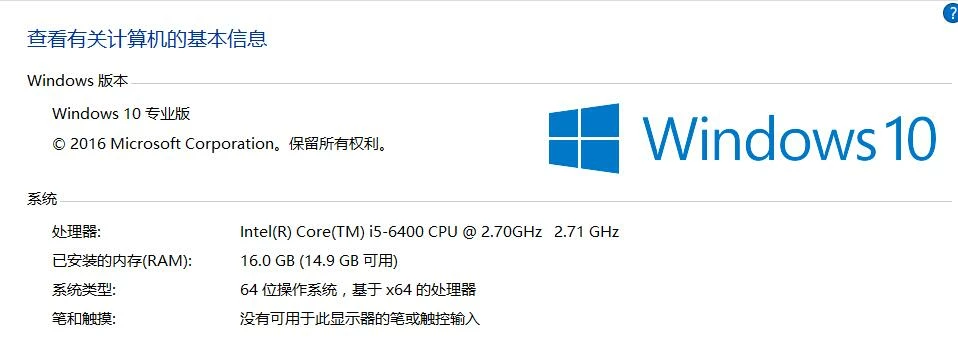
vicliu
Participant
February 17, 2017
Question

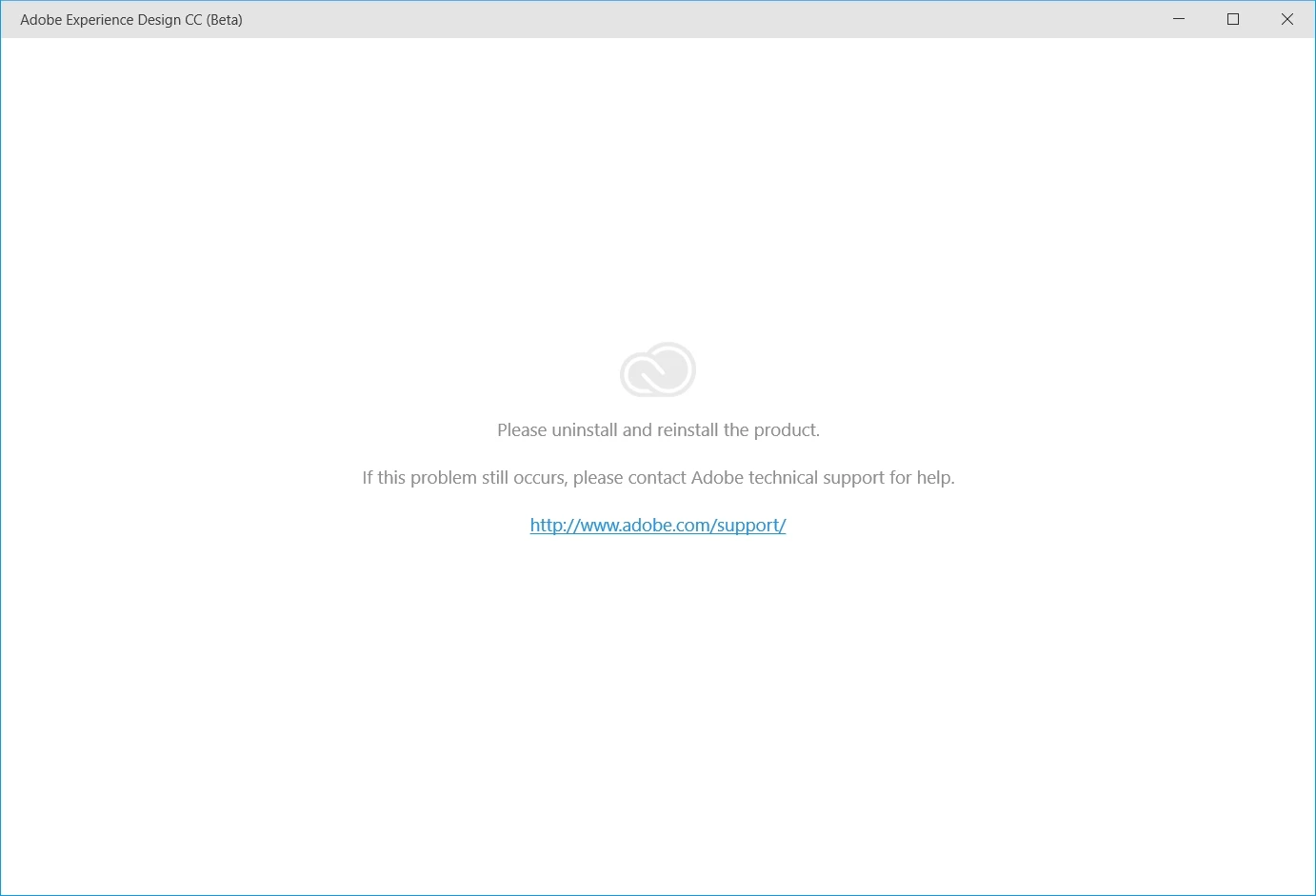
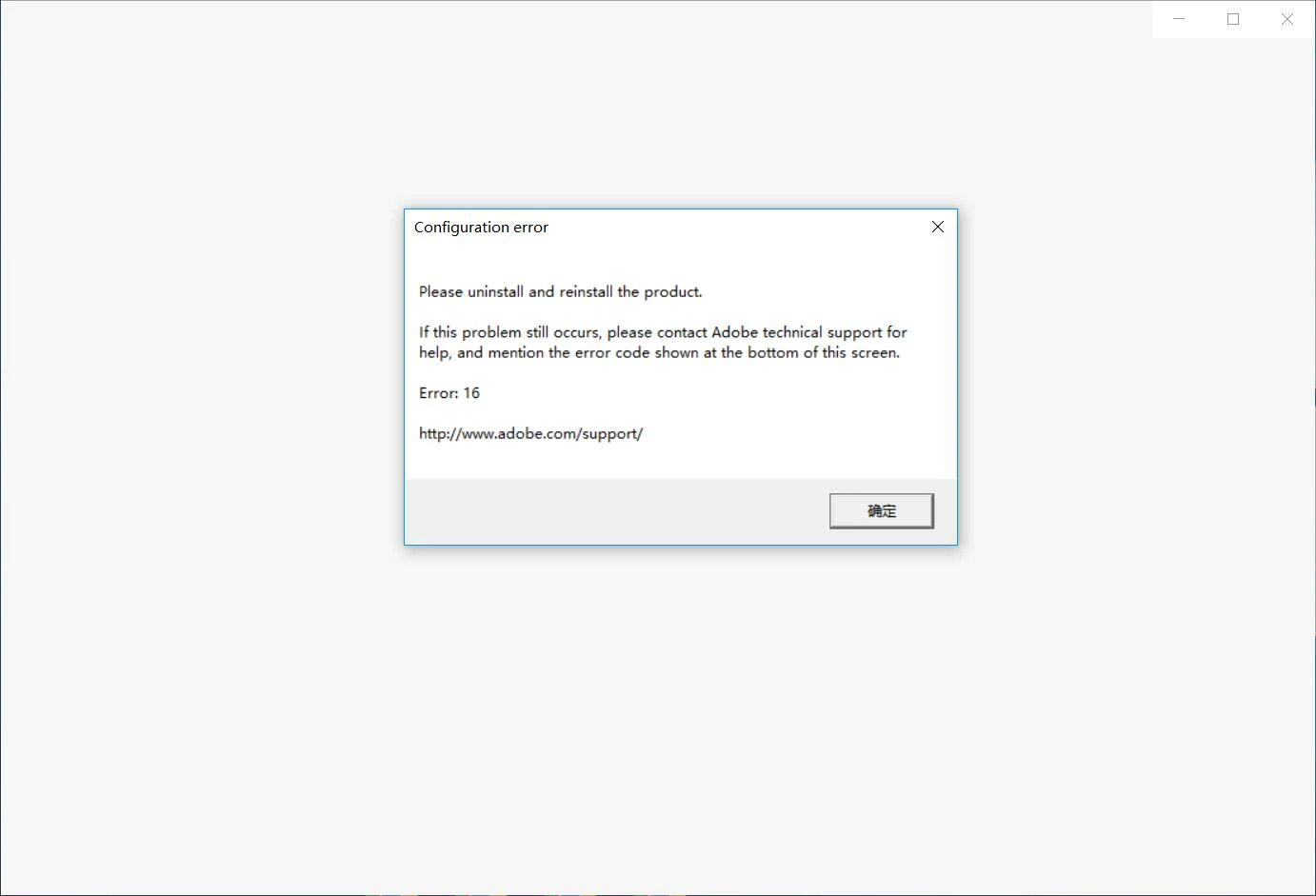
please uninstall and reinstall the product,error16

  • February 17, 2017
  • 1 reply
  • 1247 views

yesterday afternoon,

when i updated  Adobe XD to the latest version, i can not open it any more.

i have  uninstalled and reinstalled  Adobe XD and Adobe Creative Cloud, but it doesn't work.

now  i am very very anxious .   and  i cannot  continue my design.   

i need help

~~~~(>_<)~~~~

/(ㄒoㄒ)/~~
    This topic has been closed for replies.

    1 reply

    elainecc
    Participating Frequently
    February 18, 2017

    We've seen a number of issues result in this behavior. These two issues come to mind - please let us know if it's one of these two issues.

    [Windows] Older versions on another account (G13876) – Adobe XD Feedback : Feature Requests & Bugs

    [Windows] XD does not launch immediately after quitting (G13732) – Adobe XD Feedback : Feature Requests & Bugs

    Thanks,

    -Elaine

    vicliu
    vicliuAuthor
    Participant
    February 20, 2017

    no

    there is  just one account in my Windows10

    and my AdobeXD  cannot  work   anymore, it keeps alert me:please uninstall and reinstall the product

    Adobe Employee
    February 21, 2017

    Does following the steps in this article fix the issue: Configuration error in Adobe Creative Cloud ?