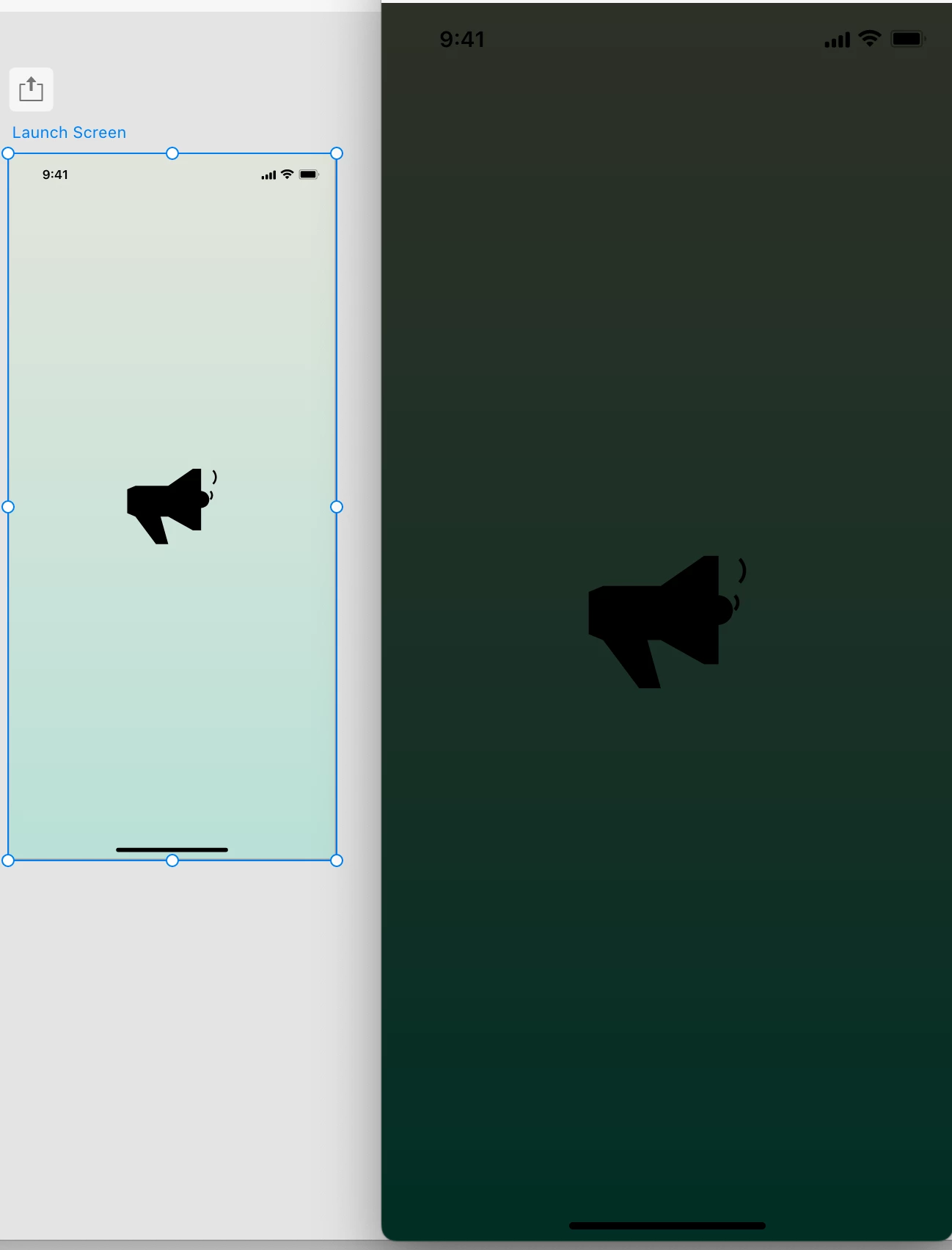
This is probably happening, because your artboard doesn't have a background color, or it's a transparent gradient. By default if there's no background set on an artboard, it will show up as black.
I don't know how your gradient background is applied - is it on a rectangle, or is that on the artboard?
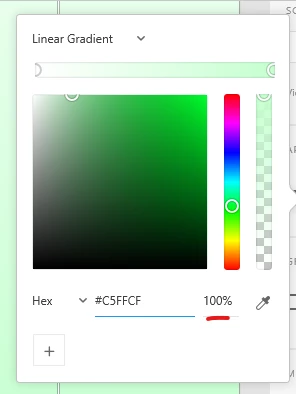
If the gradient is on the artboard's Fill, use 100% opacity colors for the gradient. If the gradient is set on another element (ex. a rectangle), set the artboard Fill color to white @ 100% opacity.
If you still can't get it right, take a screenshot of your full screen in Xd with the artboard selected, so we can see the settings applied to it. If you can upload the .xd file somewhere and post the link here, that would be even better. This way we can take a look and see what's wrong 🙂



 AdChoices