Something is totally off with this. When I copy from local drive to the CC folder on my machine the XD files appear as images in the CC UI panel online. Some of them appear as XD icons in the file list, other generate an image thumbnail. When I enter the XD files they are only displayed as image files in CC. When I go back, the XD icons are suddenly switched with image thumbnails but other files that were image thumbnails prior to this have switched to XD icons. Nevertheless I can't download any of them as XD files, so they are basically useless if the purpose is sharing native XD files on a cloud service.
When I upload directly from the upload function in CC all my XD files becomes single zipped files. This does not happen with any other Adobe native format I have uploaded, like AI, PSD. The CC service seems quite buggy and unstable if you ask me.
Hi Perrybrus, we are aware of this and working towards the fix. As of now, here is what I would like to suggest.
If you wish to share any file, upload it using the web interface, it would be a zip file and you would have the option to share and download.
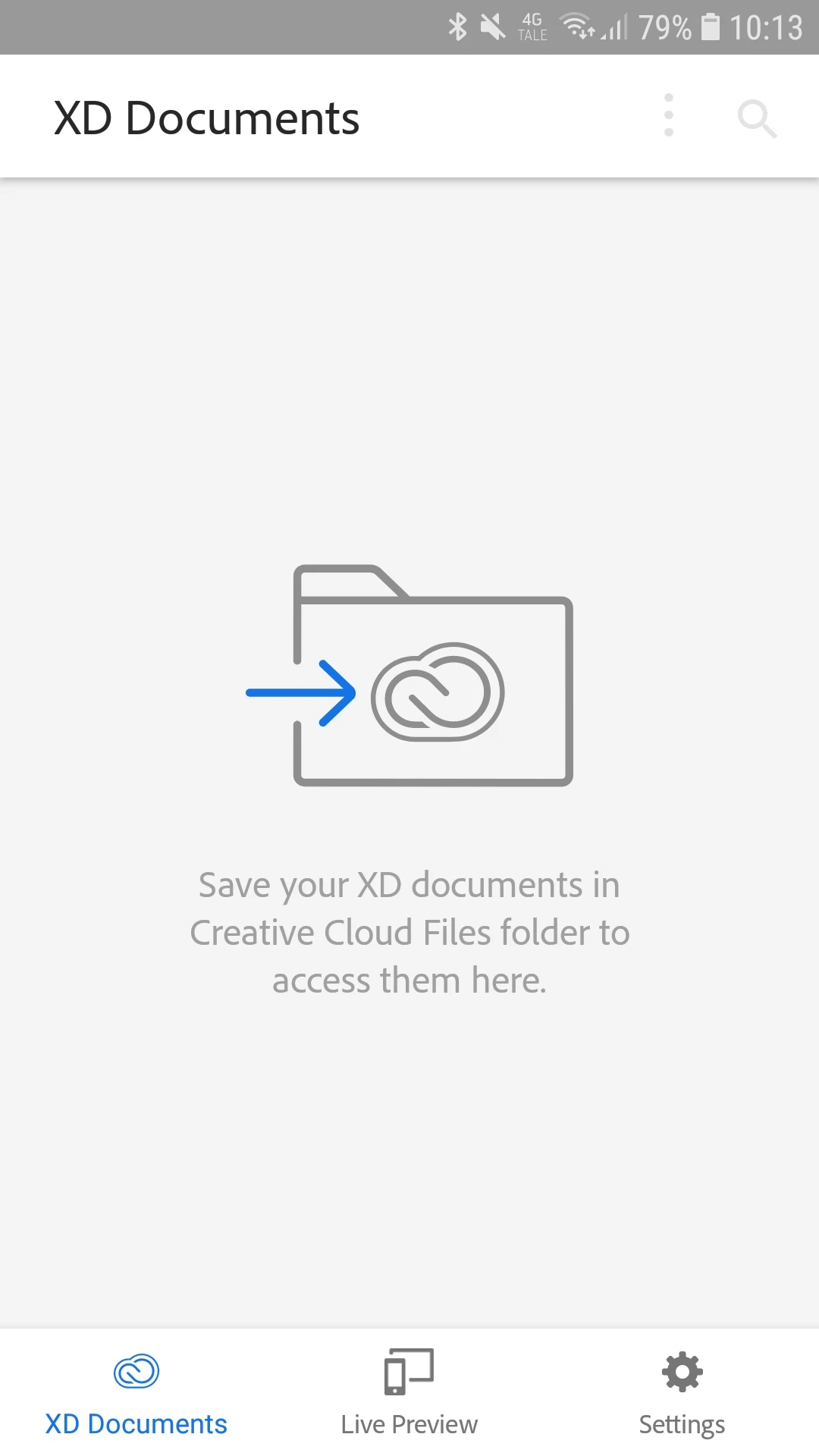
If you wish to preview it on any mobile device, please use the local Creative Cloud folder from your machine to upload the file to Creative Cloud.
This is how you may see the files online.
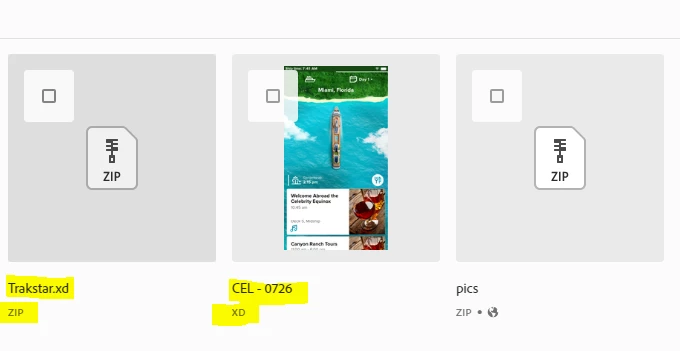
Now, as you have mentioned the issue with the thumbnail, XD icon or a picture. I'll have to check and get back to you on that.
Hope this workaround helps for now, kindly let us know in case you need further assistance with this.
Thanks,
Atul_Saini



 AdChoices