Participant
May 29, 2017
Answered

Problem Exporting

  • May 29, 2017
  • 2 replies
  • 349 views

I'm having some trouble exporting my artboards. I'm using XD and it's all updated and recent.

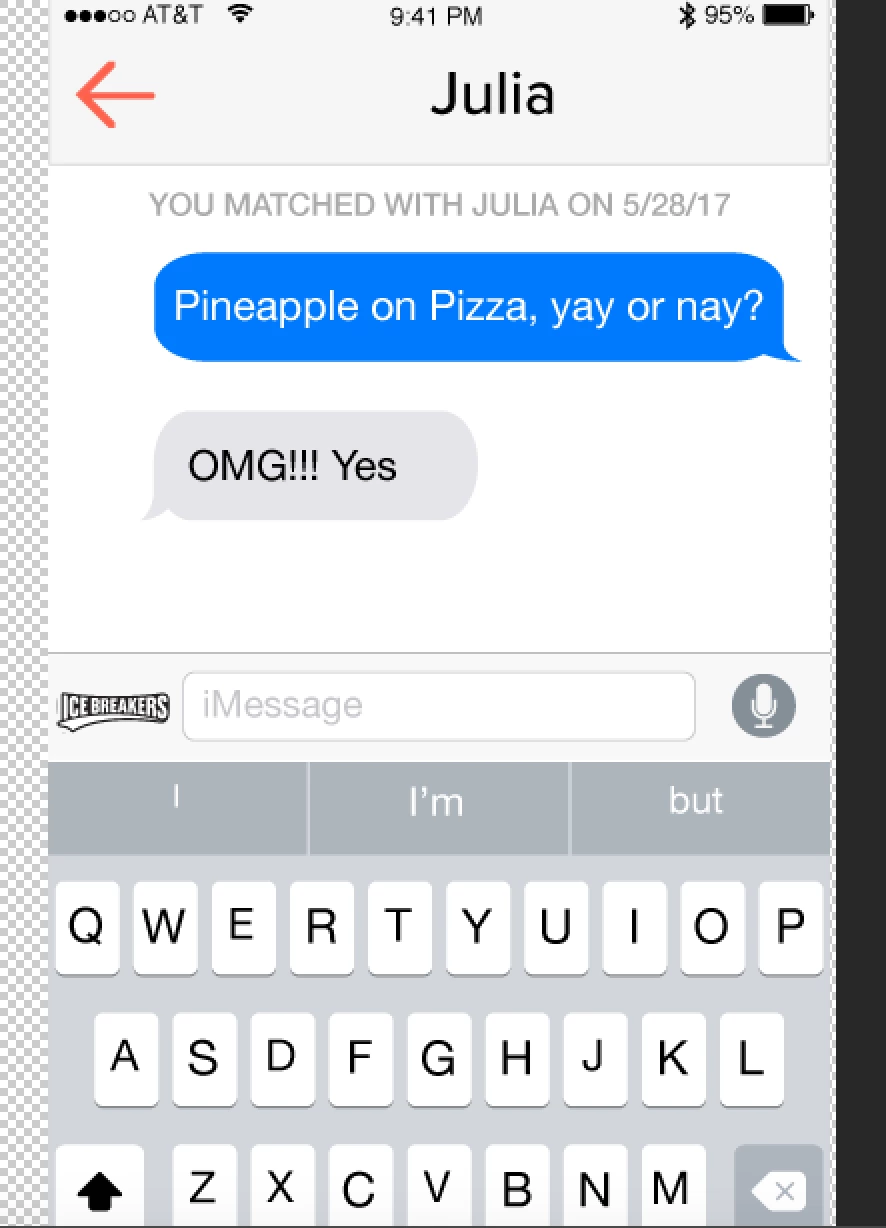
When I export my artboards as SVGs everything looks right but then when I bring them to photoshop the images on the file aren't there.
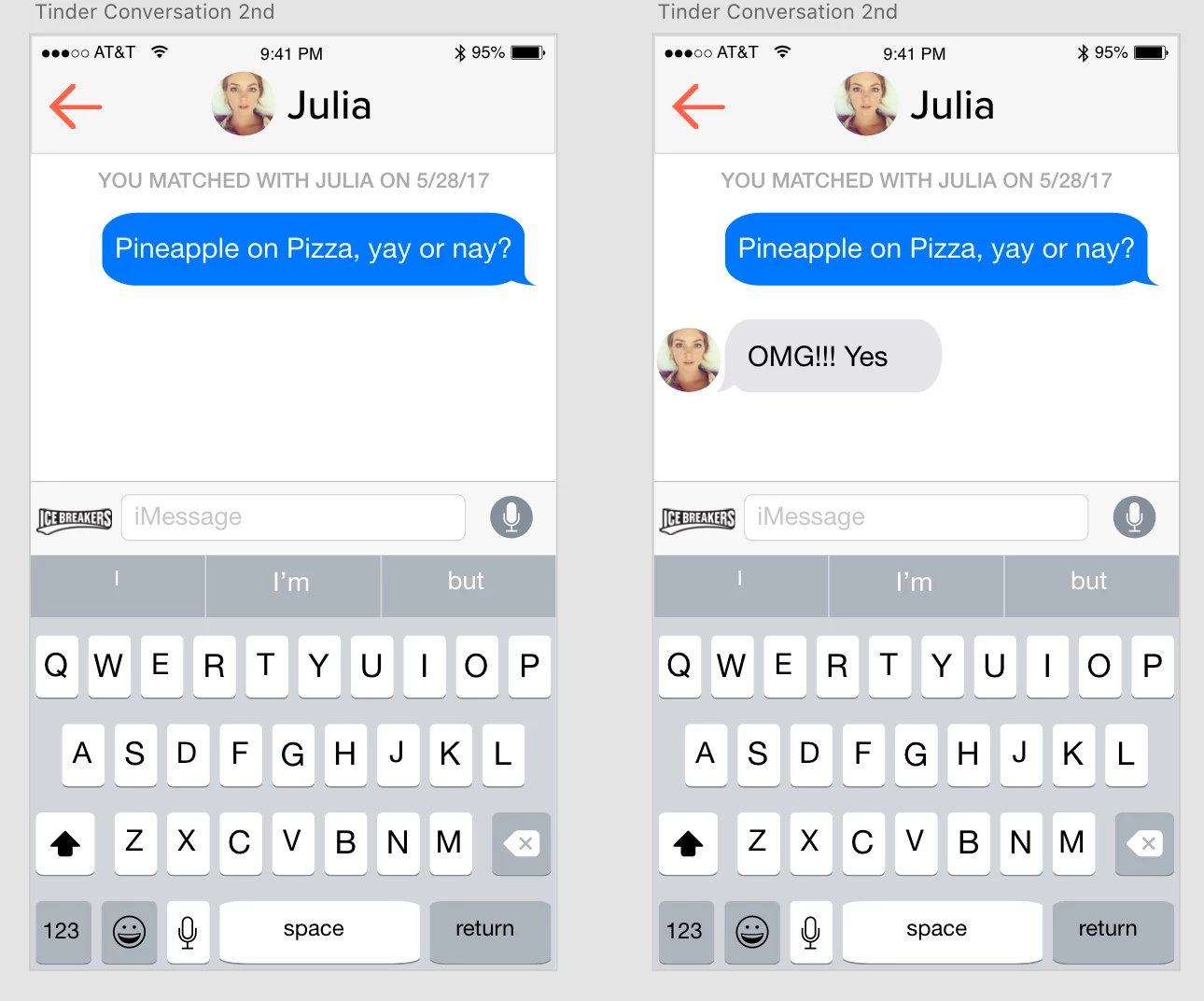
I don't know if it's just some glitch, or something common.

Any help will do.

    This topic has been closed for replies.
    Correct answer Dan Rodney

    SVG files are vector-based, and Photoshop is primarily pixel-based. Photoshop isn't as good with handling SVG files, so I would recommend exporting PNG files from XD if you want to bring them into Photoshop.

    2 replies

    Dan Rodney
    Community Expert
    Dan RodneyCommunity ExpertCorrect answer
    Community Expert
    June 5, 2017

    SVG files are vector-based, and Photoshop is primarily pixel-based. Photoshop isn't as good with handling SVG files, so I would recommend exporting PNG files from XD if you want to bring them into Photoshop.

    Adobe Certified Expert & Instructor at Noble Desktop | Web Developer, Designer, InDesign Scriptor
    elainecc
    Participating Frequently
    June 1, 2017

    If the SVGs look good in a browser, it's likely that Photoshop is mangling it on input. Or are you importing to Photoshop using copy and paste?

    -Elaine