
Participating Frequently
June 12, 2020
Answered

Problem with exports, some assets don't appear

  • June 12, 2020
  • 1 reply
  • 568 views

Hi there!

I'm trying to export a CTA made of different assets.
But the result doesn't fit the look on the Design Artboard 😞
I even tried to check every layers / groups on this assets, and to click to export every each of them, but always same results...
I don't care about the text, it is made on purpose 🙂 But as you can see, colors and the geometrical signs on the background are different between design XD and the PNG / SVG exported =>
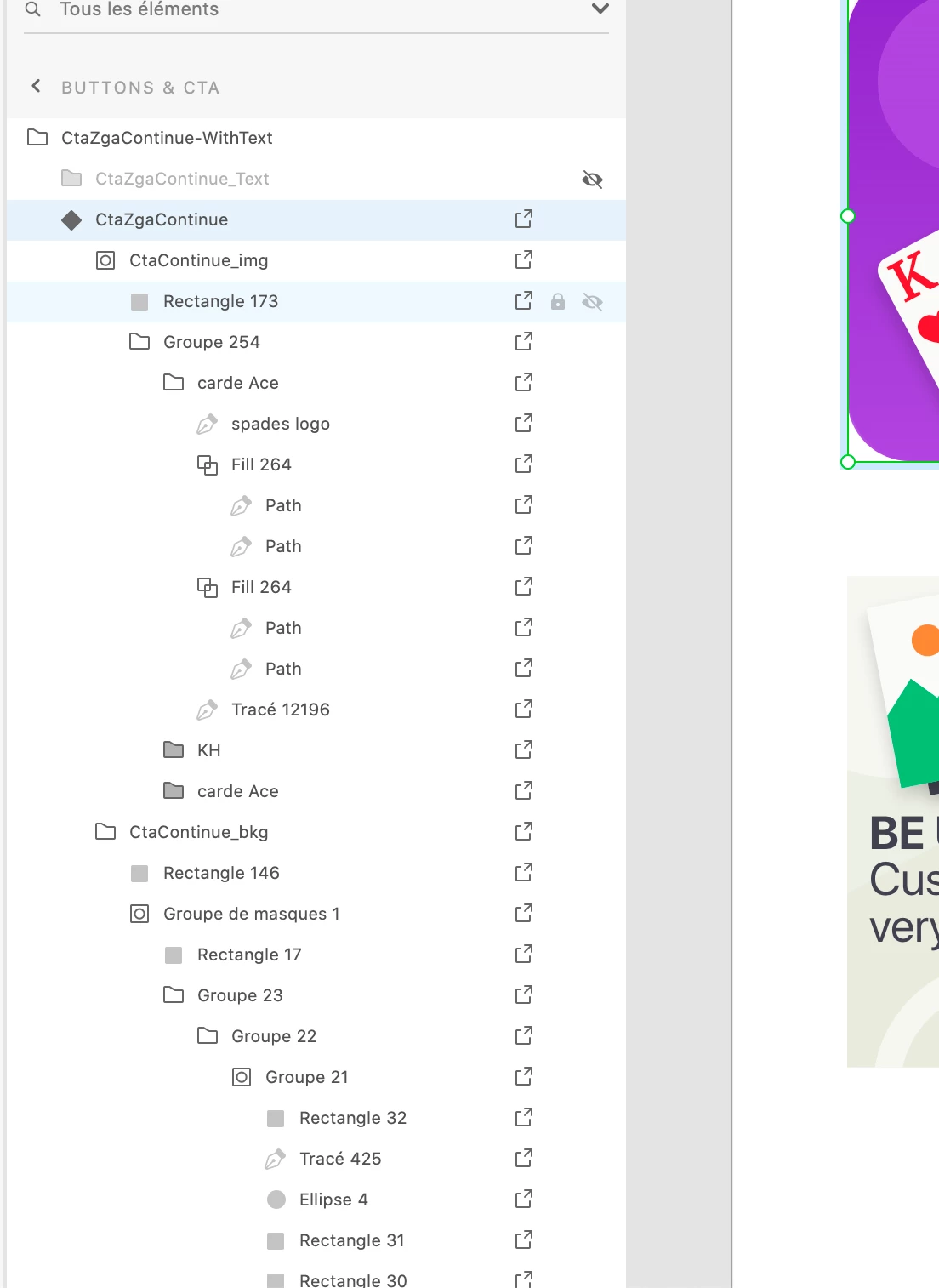
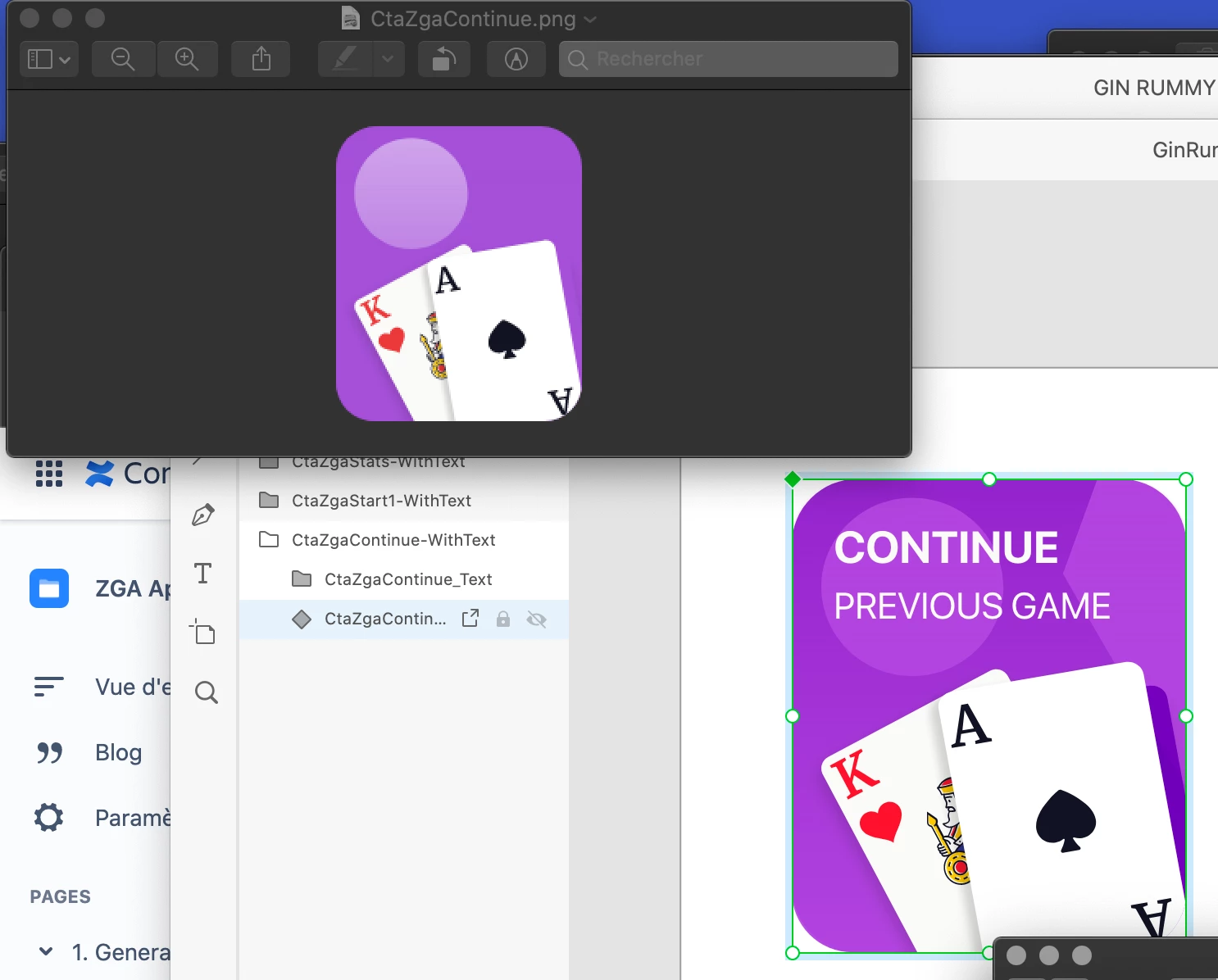
 

Thanks a lot for your help!

Damien

    This topic has been closed for replies.
    Correct answer Harshika Verma

    Hi Damien,


    Thank you for reaching out and sorry to hear you're having trouble exporting in XD . I would suggest checking if any blend modes is applied to the object. Also, please take a look at the unsupported export features here: https://helpx.adobe.com/in/xd/kb/import-export-issues.html 


    Let me know if that helps.


    Thanks,

    Harshika

    1 reply

    Harshika Verma
    Community Manager
    Harshika VermaCommunity ManagerCorrect answer
    Community Manager
    June 12, 2020

    Hi Damien,


    Thank you for reaching out and sorry to hear you're having trouble exporting in XD . I would suggest checking if any blend modes is applied to the object. Also, please take a look at the unsupported export features here: https://helpx.adobe.com/in/xd/kb/import-export-issues.html 


    Let me know if that helps.


    Thanks,

    Harshika

    DamienSAuthor
    Participating Frequently
    June 15, 2020

    Thanks Harshika! Yes it was because of layer fusion 😕😕 We changed it on "normal" fusion 🙂 


    Thanks a lot,

    Damien

    Harshika Verma
    Community Manager
    Community Manager
    June 15, 2020

    Glad to hear you are back on track. Please feel free to reach out to us in the future for any query related to XD. We would be happy to help.


    Thanks,

    Harshika