
Participating Frequently
August 15, 2022
Answered

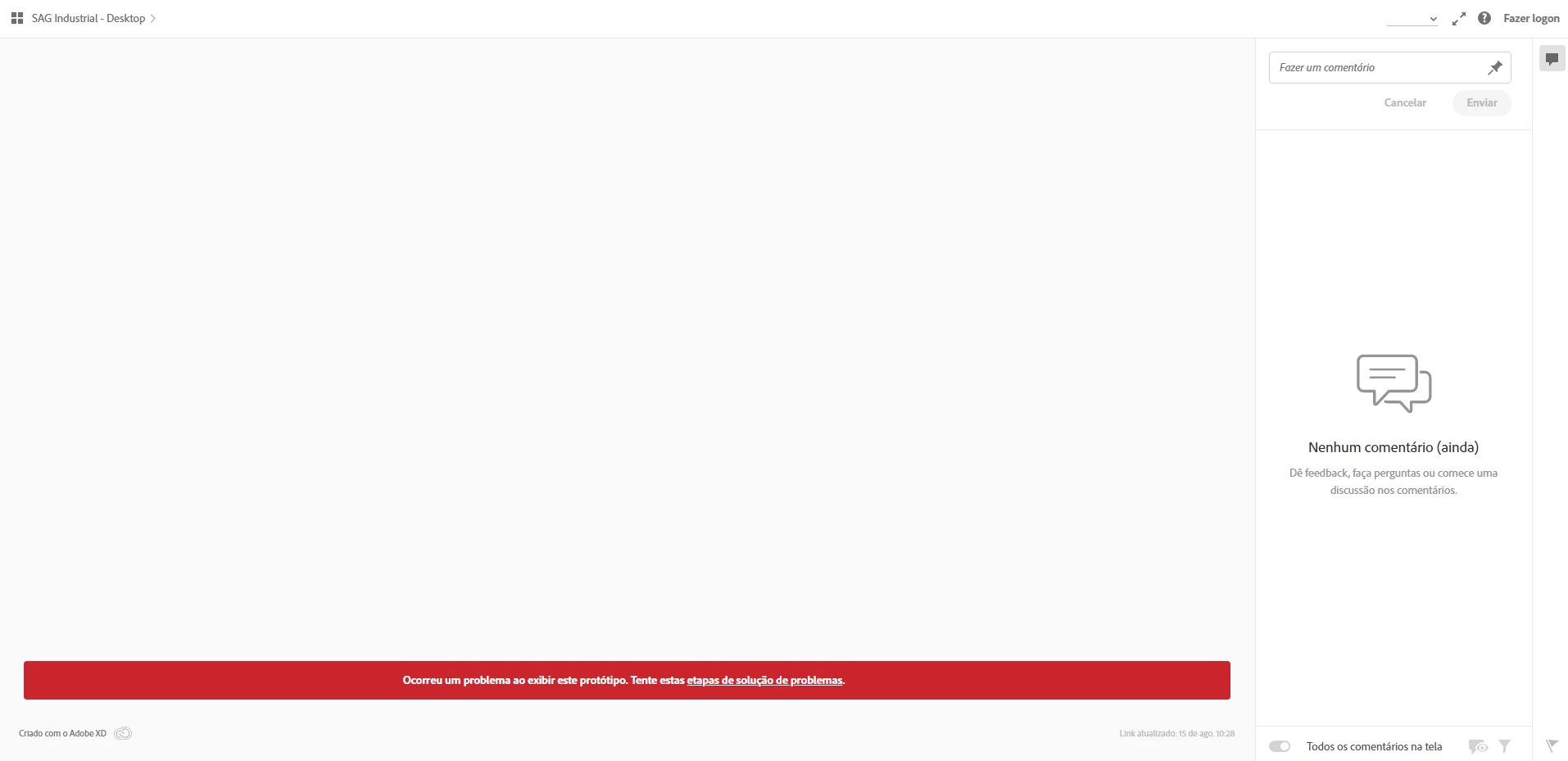
Problemas na visualização do protótipo do Chrome

  • August 15, 2022
  • 1 reply
  • 430 views

Desde a sexta-feira passada (12/08/2022) tem acontecido esse erro quando abro o protótipo desenvolvido no Chrome. Aparentemente o erro apenas ocorre no Chrome pois o navegador Edge está carregando o protótipo normalmente.


Já realizei as etapas sugeridas pela Adobe para corrigir o erros mas não houve resultado. O meu navegador está atualizado e também realizei a limpeza de cache e histórico e até reiniciei o computador.


O problema também ocorre na exibição de outros protótipos.


<Link removed by Moderator>


This topic has been closed for replies.
Correct answer Atul_Saini

Hi Victorh20442966,


Thanks for sharing the details. Would you mind updating to XD 54.1 using this link and republishing the link? 


If the problem persists, try the following solutions. 

  1. Please ensure that your OS is updated (there are no pending updates).
  2. Try to create a new local admin account using this link https://support.microsoft.com/en-us/windows/create-a-local-user-or-administrator-account-in-windows-20de74e0-ac7f-3502-a866-32915af2a34d and see if that helps.

Meanwhile, let me ask around if there are any similar cases reported. 


Thanks,

Atul_Saini

1 reply

Atul_Saini
Community Manager
Community Manager
August 18, 2022

Hi Victorh20442966,


Thank you for reaching out. I can open the prototype on my machine using Google Chrome. I am using Google Chrome Version 104.0.5112.79 (Official Build) (arm64). As you have already tried all the steps mentioned in this article. I would recommend re-installing Chrome and see if that help. 


If the problem persists, please share the version of XD, Google Chrome version, and the OS build you're using. I'll share the details with the product team. 


Thanks,

Atul_Saini


Participating Frequently
August 18, 2022

Hello, I  @@reinstalled Chrome and the display problem was solved however it  @happened again today. @@I am using *XD* version 51.0.12.6, *Google Chrome *  @17386765-bit version 104.0.5112.102 and my *operating system*:  @@Windows 10 Pro Edition  @version 21H2  @Installed on ‎13/‎10/‎2021  @11629977 Build 19044.1889  @Windows Experience Feature Experience Pack 120.2212.4180.0  @@I look forward to hearing from you. @@--  @@Our telephone service is available through the number <Removed by Moderator>   @11773769 9:00 am to 5:00 pm. @@For emergencies, please send your message to the department of interest:  <Removed by Moderator>  

Any questions, we are available. @@*Yours sincerely*,

Atul_Saini
Community Manager
Atul_SainiCommunity ManagerCorrect answer
Community Manager
August 20, 2022

Hi Victorh20442966,


Thanks for sharing the details. Would you mind updating to XD 54.1 using this link and republishing the link? 


If the problem persists, try the following solutions. 

  1. Please ensure that your OS is updated (there are no pending updates).
  2. Try to create a new local admin account using this link https://support.microsoft.com/en-us/windows/create-a-local-user-or-administrator-account-in-windows-20de74e0-ac7f-3502-a866-32915af2a34d and see if that helps.

Meanwhile, let me ask around if there are any similar cases reported. 


Thanks,

Atul_Saini