Participating Frequently
May 19, 2023
Question

Prototype containing a video does not reflect the states created in design

  • May 19, 2023
  • 1 reply
  • 462 views

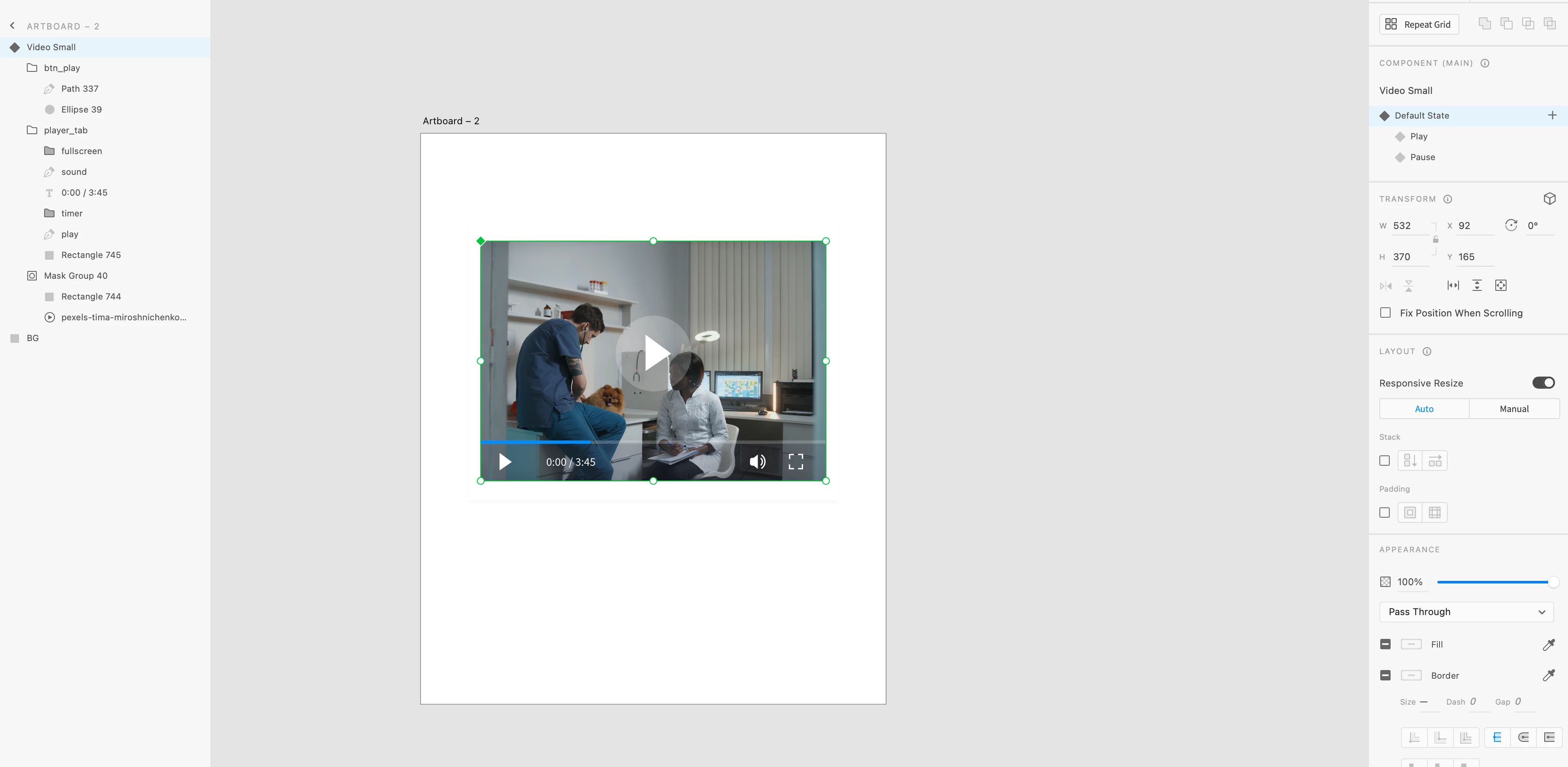
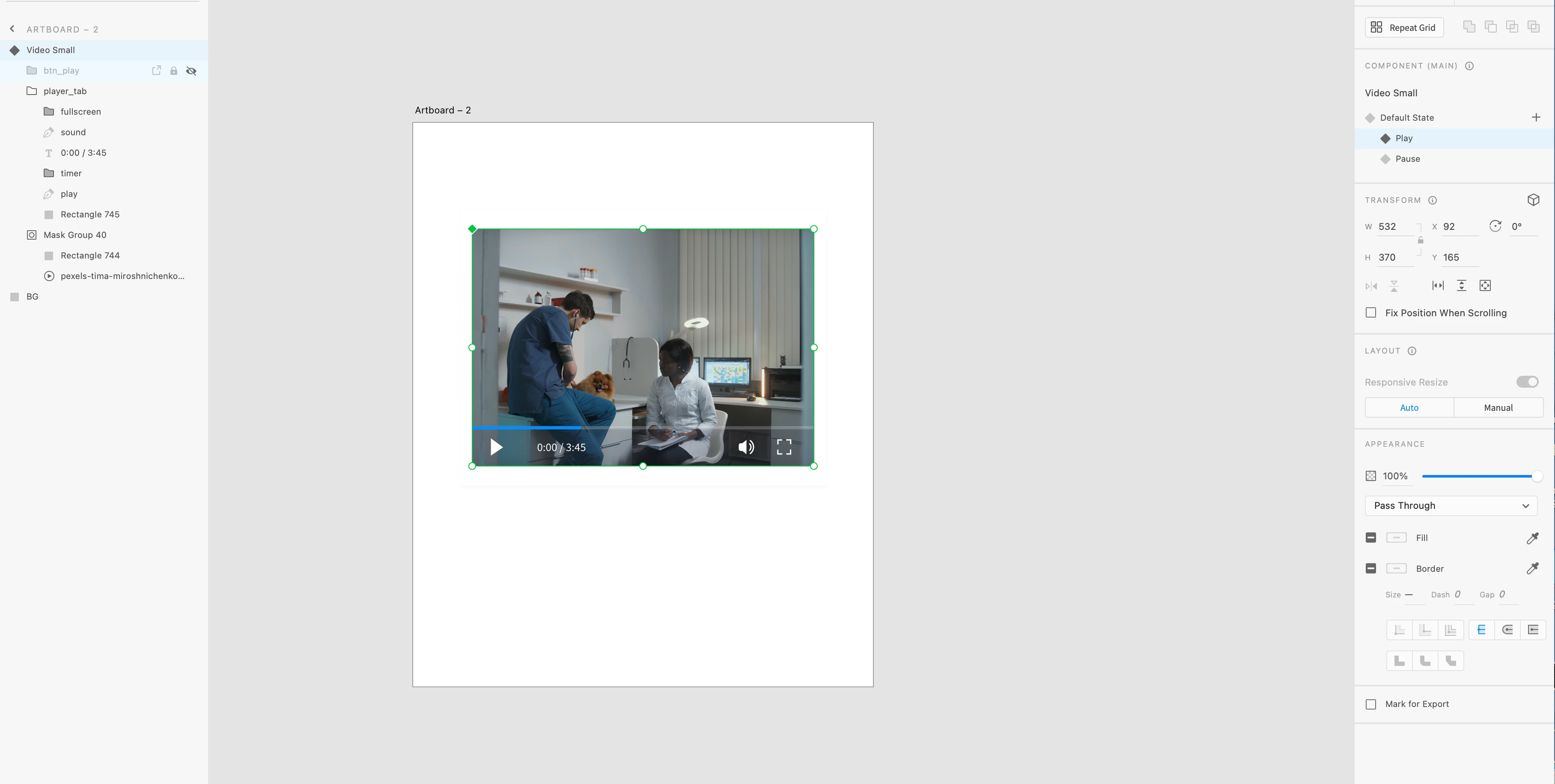
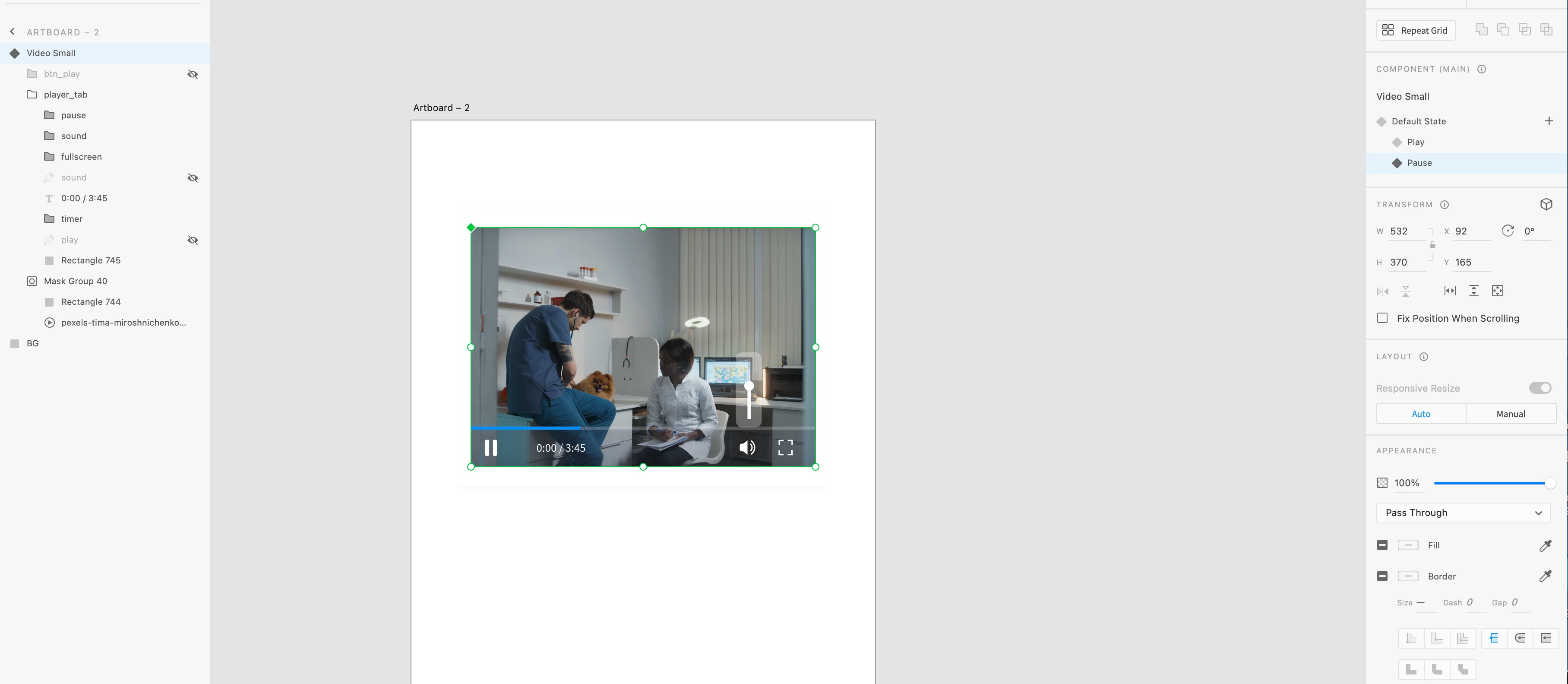
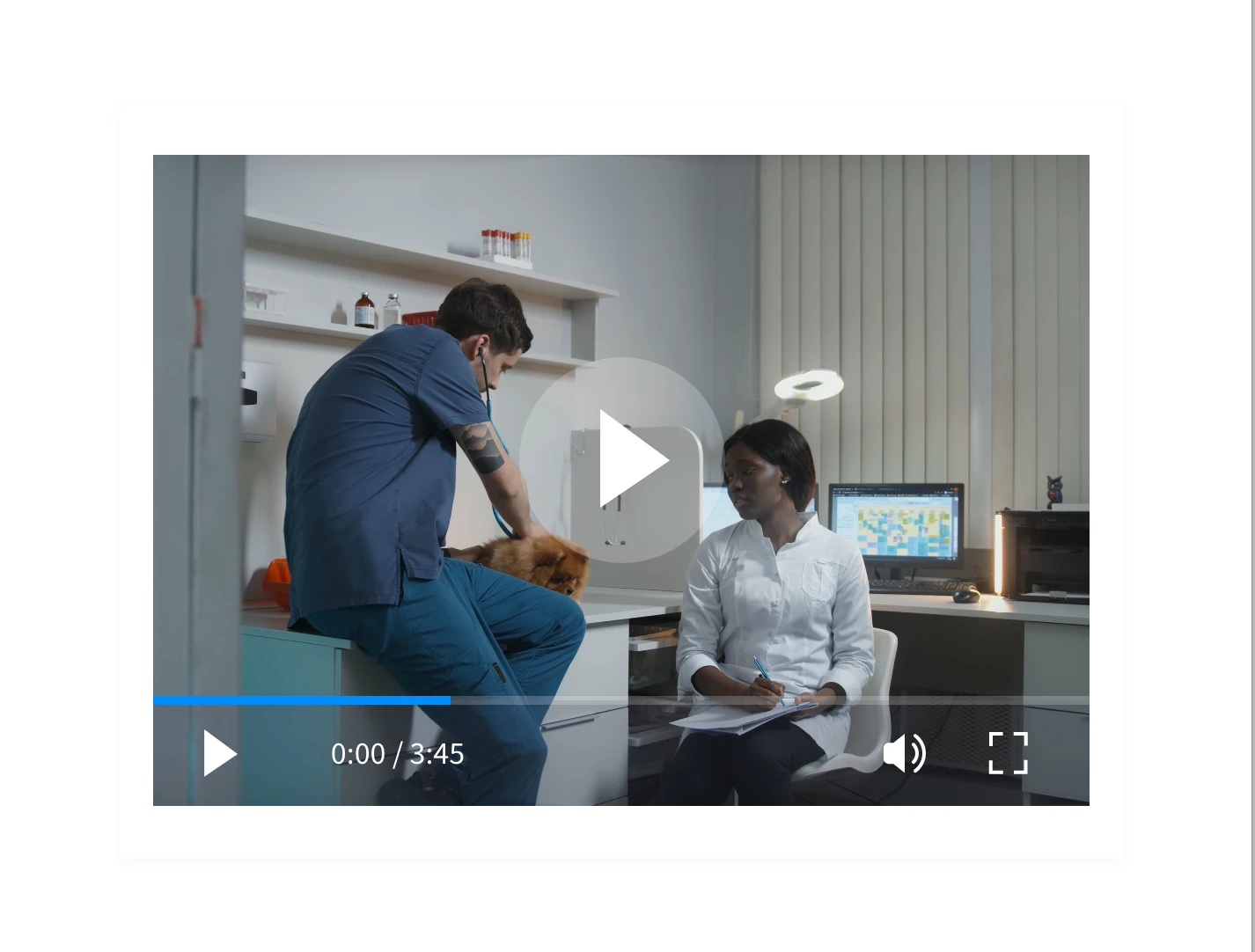
Hi, I'm confused about what is going on with my prototype (first time I've used a video in a prototype.) I've used a video player template, placed a video within it, then created default, play and pause states--I'd like to show the main play icon first, then the small play icon, then the pause icon, as shown in my screenshots. The prototype is playing the video, but the states are not changing. The image directly below is the only state that shows while the video is playing.


 Can anyone help? Thank you!
    This topic has been closed for replies.

    1 reply

    AkinGn
    Community Expert
    Community Expert
    May 20, 2023

    Hi @sig.raJo, I've also checked creating a sample file, since an element only can have one action for one trigger, you cannot change the states with the video tap, tap on video is reserved for it to be played. I tried to resolve it by creating an invisible rectangle on the video and then making the invisible rectangle and the video a single component first to change the component's state to "play" when it's tapped and in that "play" state, I changed the video's property to "play automatically" instead of default "play on tap". But I couldn't find a way to pause the playing video, although I managed to change the component's state to "pause" when it's tapped while it's being played, the video just continues to be played. But since it can give you an idea to explore, I'd like to share the prototype: https://xd.adobe.com/view/16e372a3-75e9-4d88-9a16-fd74d717f116-43b0/


    and the file link: https://www.dropbox.com/s/de69ufvli71ntz0/video-play-pause.xd?dl=0


    Hope this helps!

    sig.raJoAuthor
    Participating Frequently
    May 21, 2023

    Hi AkinGn, interesting. I thought it might not be possible but wanted to be sure. Thank you for taking the time to create a prototype, it will be useful for me.

    Currently I can show the states in prototype: the main play icon, click it, then show the small play icon, click again and show the pause icon. But of course the video can't run. What would be preferred best practice for indicating the video in a prototype mockup? Showing these states or playing the video? School project here. Thanks for the feedback!


    AkinGn
    Community Expert
    Community Expert
    May 21, 2023

    I see, hmm, if you're going to present/demonstrate the prototype yourself, maybe you can just press the play and show the video is playing (with the method I mentioned) and move to other sections. But if you're going to send the prototype link, you might want to just show the states instead of video being played, or you can leave it in just two states, grouping the video with the buttons and showing just big play and video being played and of course tell them about the functionality, that it's going to be a regular video player in coded web site. As I see that it's a school project I'd prefer showing the states since those are the elements you designed, instead of playing the video (and of course communicate the functionality stuff) Makes sense? Nice design, btw!