

Dys
Participant
November 23, 2019
Question

Prototype > Dragging an Existing Interaction

  • November 23, 2019
  • 1 reply
  • 467 views

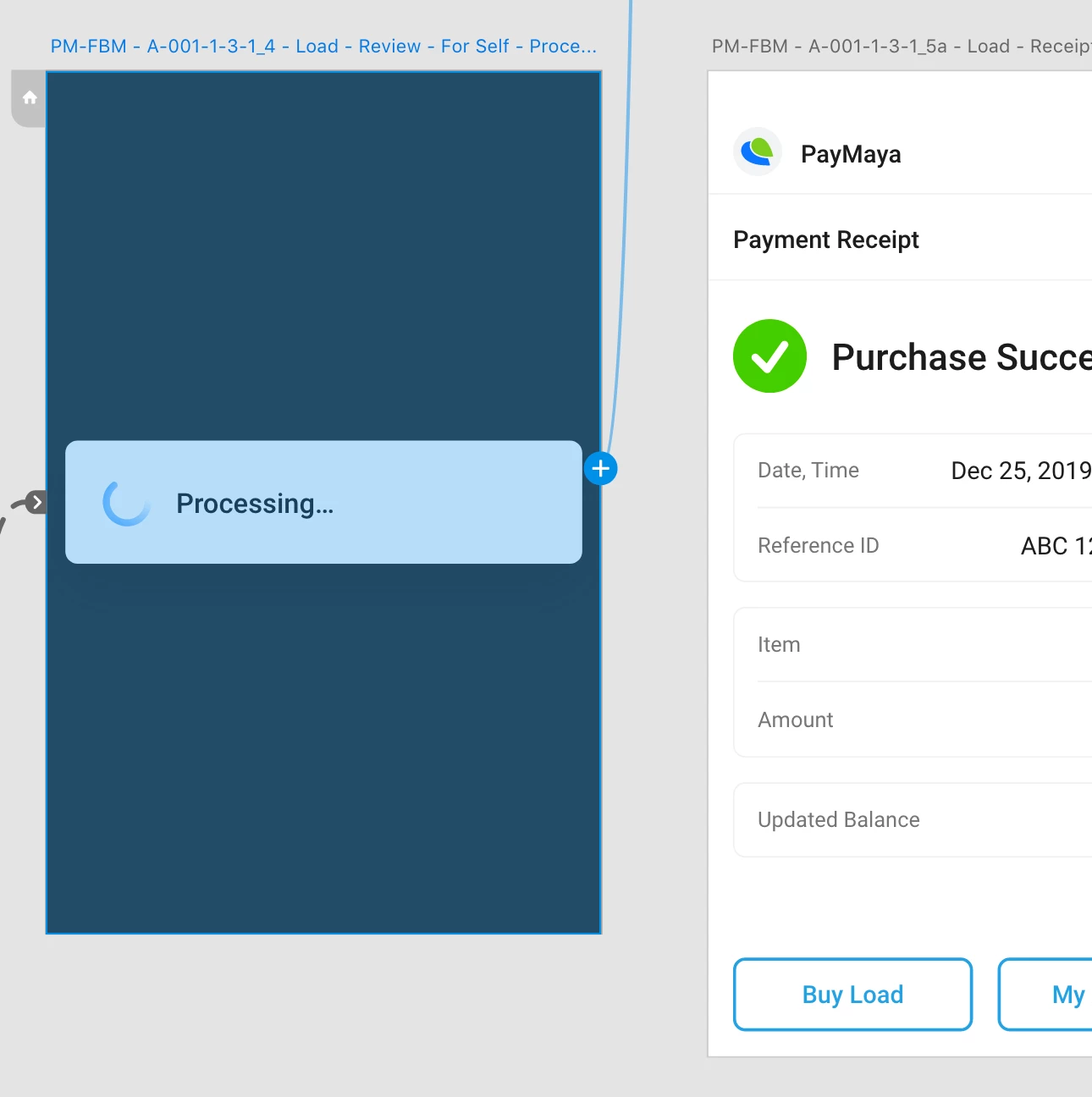
If there's an existing interaction attached to a screen, I couldn't simply drag it towards a new target screen—I have to zoom out and drag it from the end point.


Why? Because in the updated version, the starting point is now a "plus sign icon".


It's great having the capability to attach multiple interactions—but also allow the capability to drag it without going to the end point.
This topic has been closed for replies.

1 reply

Shwetha Diwanji
Community Manager
Community Manager
November 29, 2019

Hi Dys,

Thank you for posting your concern on Adobe Community. You can change the target screen of existing interaction (without having to zoom) by selecting the interaction and choosing a different target artboard name from the Interaction PI on the right side.

Hope this helps.


Dys
DysAuthor
Participant
November 29, 2019

Thanks for the reply.


Given the number of artboards I'm working on, it is still efficient to drag and drop instead of looking for the target artboard from the dropdown.