
Participant
January 11, 2020
Question

[Prototype]- Unable to zoom-in into preview in XD.

  • January 11, 2020
  • 2 replies
  • 1476 views

Hello
(excuse my englsh, im french^^)


When I click on "preview"
I have this :
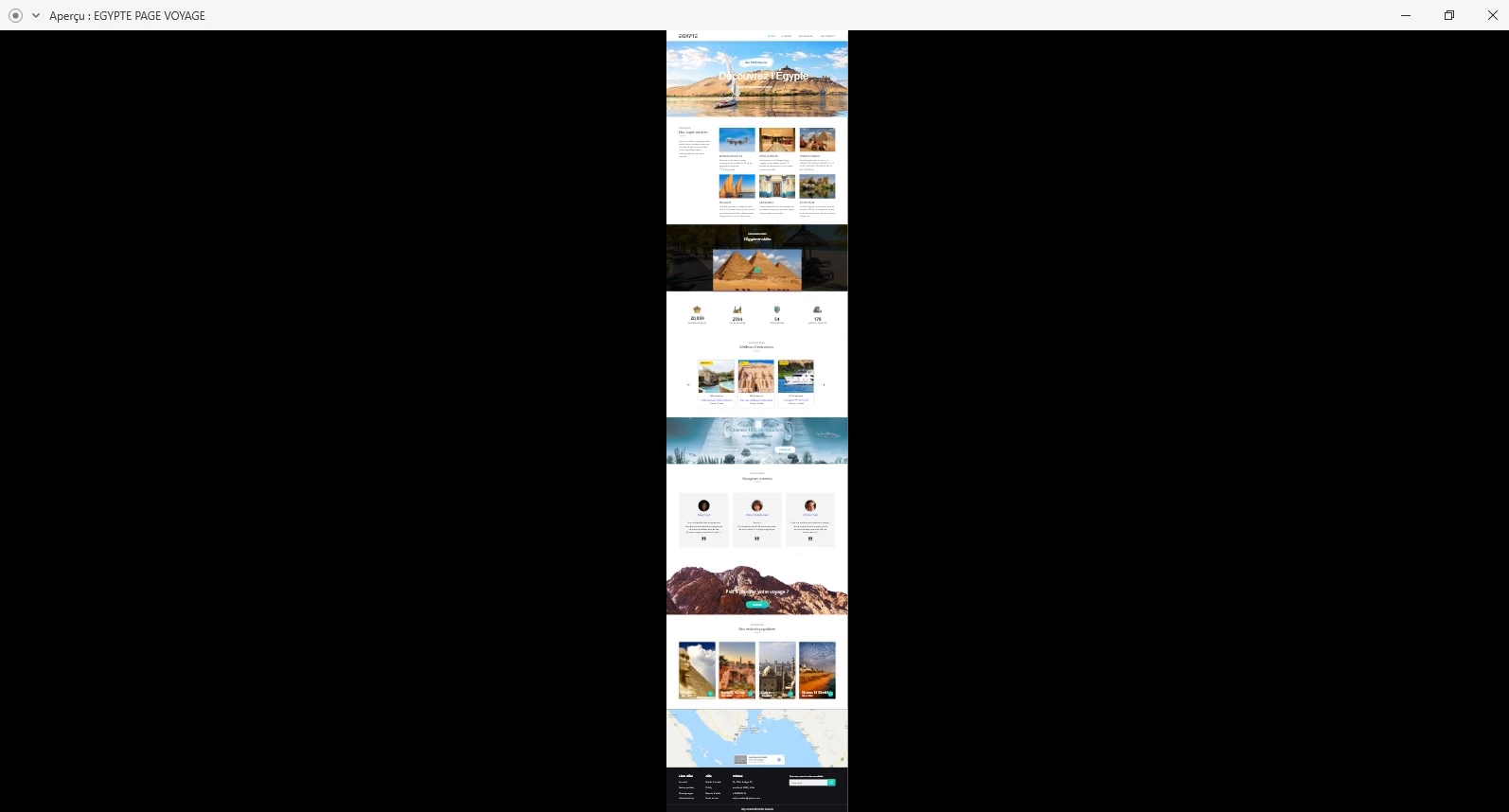
 

I would like to zoom in on the preview so that it is bigger?
(The size of my screen)

Thank you for your help !

<The Title was renamed by moderator>

This topic has been closed for replies.

2 replies

Participating Frequently
January 13, 2020

Hi,


I can understand your issue. It seems the Viewport Height is changed to the height of the artboard. Kidnly set the Viewport Height to 1000 from the right hand side PI and see if the issue resolves. After this you will get a scrollbar to scroll the artboard.


I hope this will help.


Regards,

Abhishek Das(Adobe XD Team)

Participant
January 20, 2020

Thank you for your reply.


But when it is for example a: LANDING PAGE
= the preview is stretched on screens
it's perfect !


But not with my long site ?!
= so the preview is small

Participating Frequently
January 22, 2020

Hi axel,


Thanks for sharing your concern. Actually the preview windows depends on the size of the artboard and the view port height. If the width of the artboard is like web artboard size then the preview window will strech to show the full width and the height of the preview window will be the height of the viewport setted by you in the left hand side PI. Now if the height of the viewport is larger than the widht of the artboard then the width of the preview window will be small to show the full height.


Kindly share a screenshot for both the cases when the preview window is streched and when it is small, so I can check the artboard size as well as the viewport height.


Regards,

Abhishek Das(Adobe XD Team)

Participant
January 12, 2020

Please i really need your help !