Participant
November 2, 2020
Answered

prototype with pops text on share link

  • November 2, 2020
  • 2 replies
  • 691 views

Actually it works perfect when I look on preview mode.

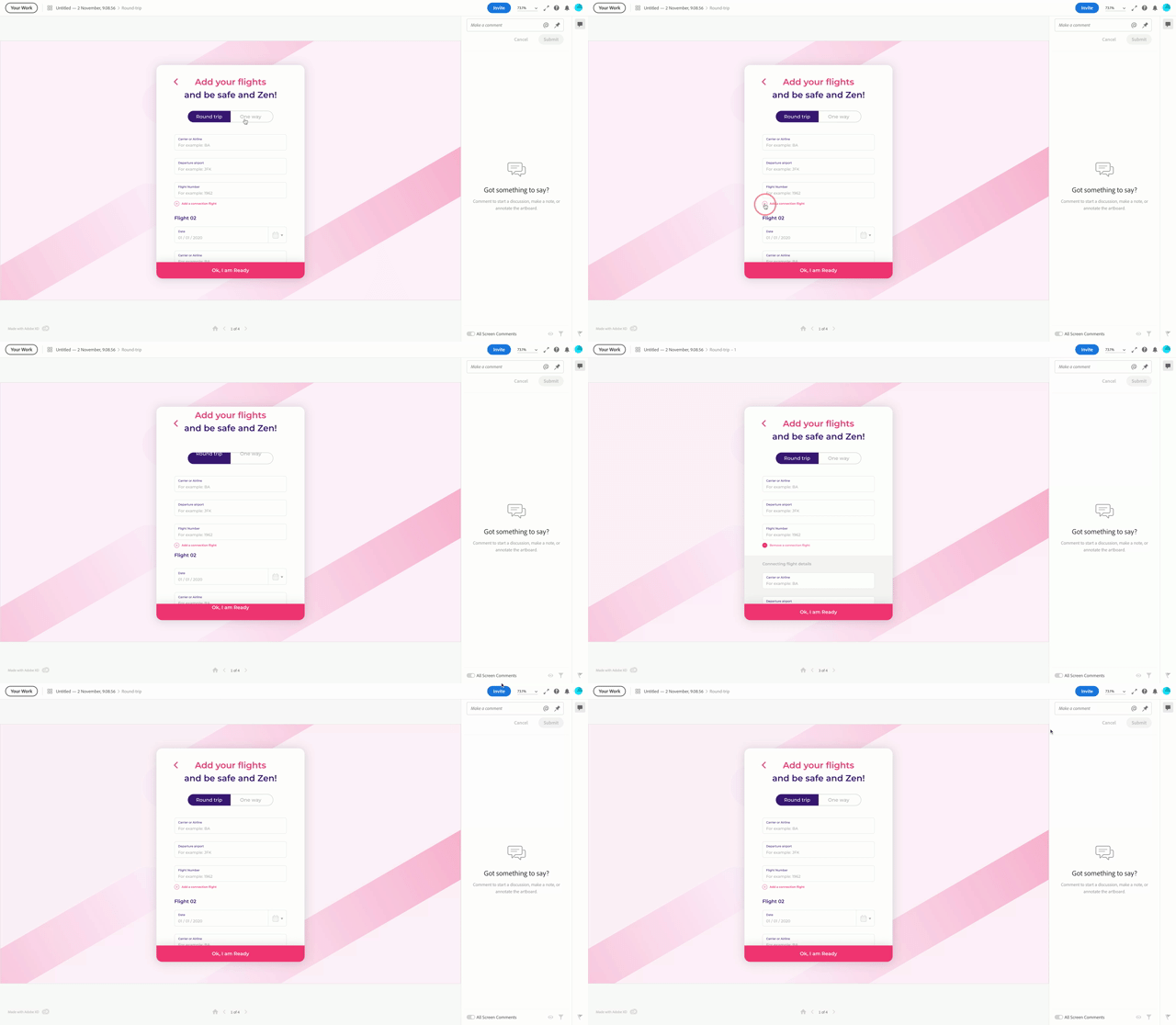
the problem happen when i share design review link - 


look at that:


    This topic has been closed for replies.
    Correct answer monterxz

    Thanks, but this is not a great solution when we must not use one of the key features of this update. Especially when all new text objects are set to auto-height by default.

    2 replies

    Participant
    November 5, 2020

    Hi there! 

    I was having the same problem with jumping text in the browser preview and after hours of trying to troubleshoot, I resolved it by simply setting all of the text boxes to fixed size.  I hope that helps you!


    monterxz
    monterxzCorrect answer
    Inspiring
    November 6, 2020

    Thanks, but this is not a great solution when we must not use one of the key features of this update. Especially when all new text objects are set to auto-height by default.

    Participant
    November 2, 2020

    transition is work well. auto-animate is not 😞

    monterxz
    Inspiring
    November 2, 2020

    Yeah, opened this to advise not to use auto-animate - I've noticed that for some reason if I have a hover on an element with opacity - for example a button background is 50% opaque and with hover I want it to be 75% opaque - for some reason it first goes from 50% to 100% and then to 75% - so I've just stopped using auto-animate completely in my designs. It's actually not the best solution, because every time I open a file and create a new hover effect or component transition from one state to another for the first time - it always defaults to auto-animate. So I have to manually change them from auto-animate to transition.