


Question
PSD Icon filling the whole shape
Hello,
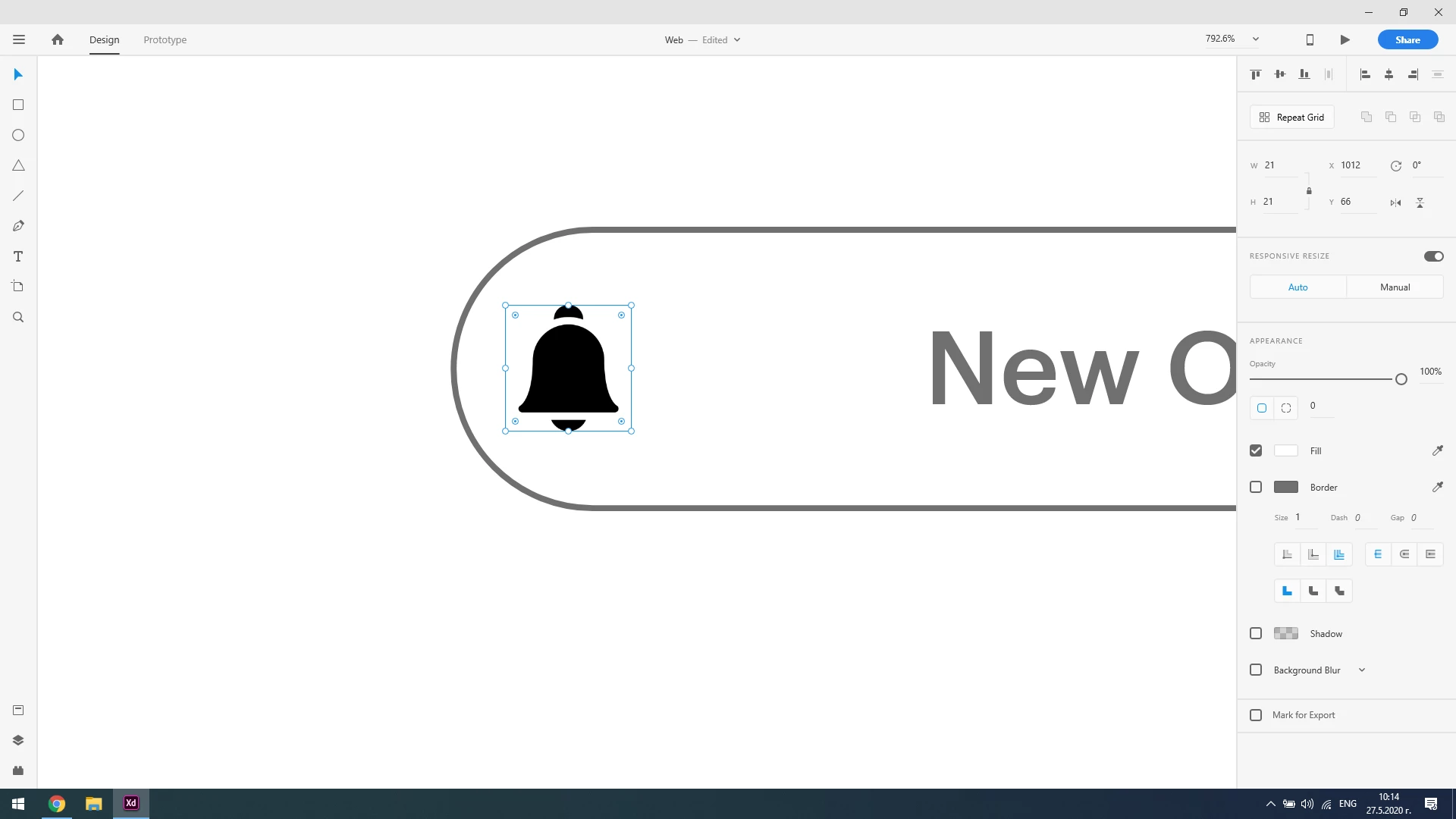
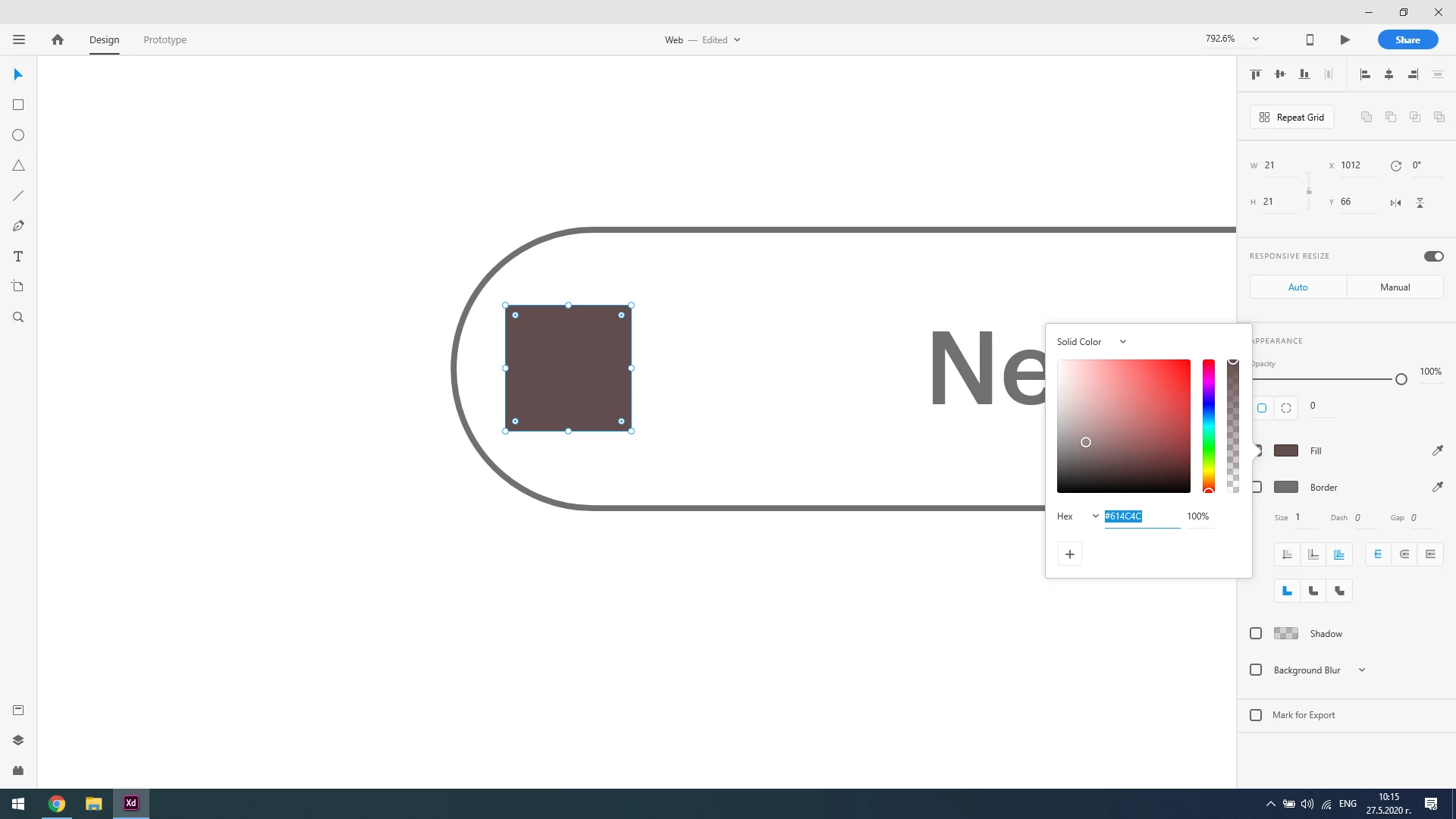
I moved to Adobe XD (from Illustrator) and in illustrator I used .EPS format for icons. Now I use .PSD format in XD and I downloaded an icon and when I fill it, the whole shape fills (rather than the icon) I have attached screenshots for you to see.
I had the same issue in illustrator but in order to remove it I clicked A(selection tool) and removed a "invisible" layer on the icon which caused that issue. Here in XD I don't know how to remove that layer (if that's the problem)
I need help here.
Thanks in advance.
 AdChoices