Participant
September 4, 2020
Answered

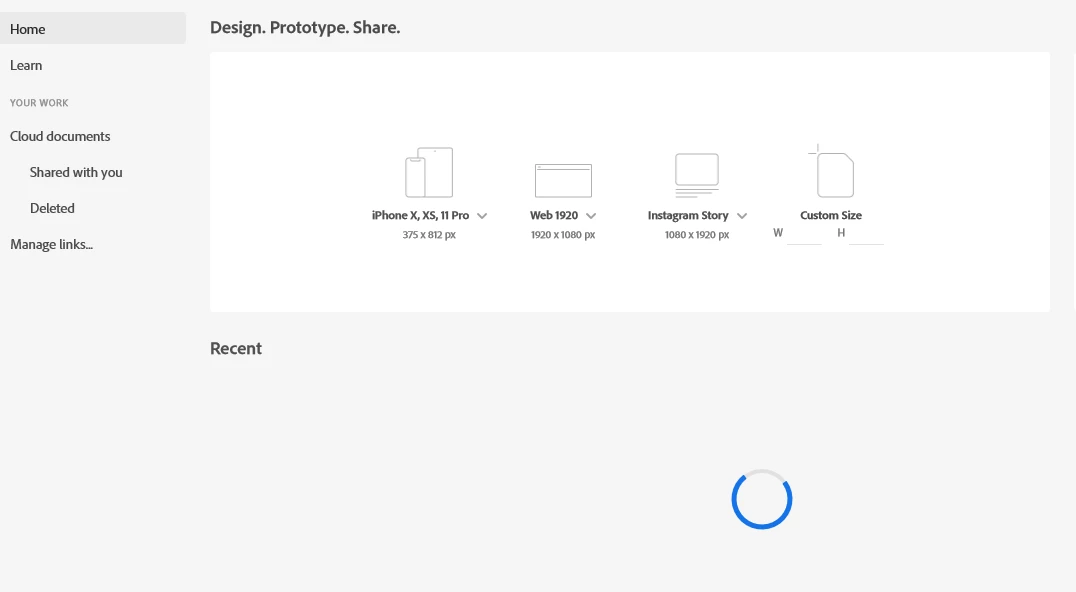
Reloaded My install laptop adobe xd and previous data cannot be show

  • September 4, 2020
  • 3 replies
  • 314 views

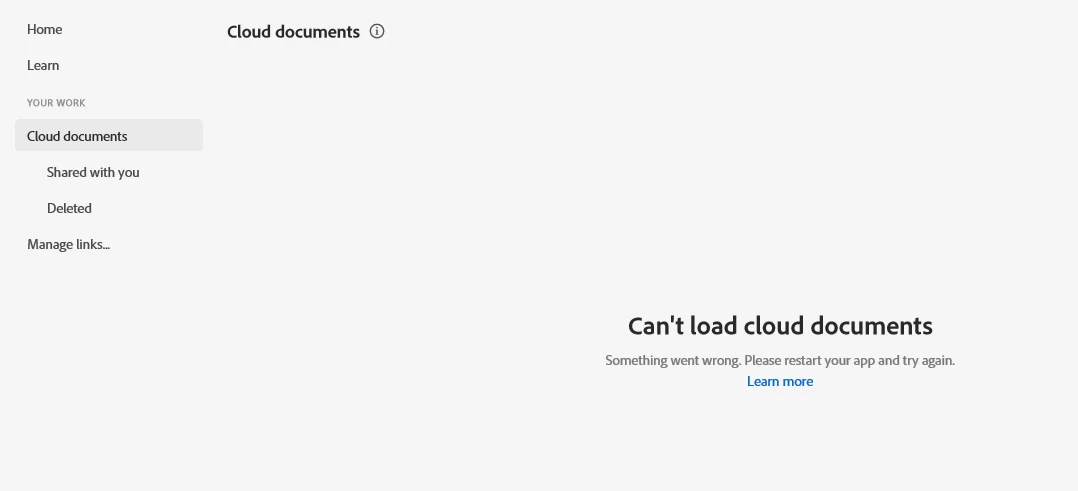
Hi, Anyone guide me. My previous data cannot be show and only reloaded . The message show it only "Could no access documents some things is wrong" Kindly guide me. Thank you

    This topic has been closed for replies.
    Correct answer Ares Hovhannesyan

    Please check are your SyncFile on by clicking on the gear on the top of CC App Manager? Are your CC Libraries loading in XD , AI, and PS or other Adobe apps? Also go to your Creative Cloud folder and check are your folders have a green icons on folders? If all this not working your CoreSync have a problem. 

    Click the link Learn more and follow instractions or

    Use the Creative Cloud Cleaner Tool to solve installation issues
    https://helpx.adobe.com/creative-cloud/kb/cc-cleaner-tool-installation-problems.html

    3 replies

    Ares Hovhannesyan
    Community Expert
    Ares HovhannesyanCommunity ExpertCorrect answer
    Community Expert
    September 5, 2020

    Please check are your SyncFile on by clicking on the gear on the top of CC App Manager? Are your CC Libraries loading in XD , AI, and PS or other Adobe apps? Also go to your Creative Cloud folder and check are your folders have a green icons on folders? If all this not working your CoreSync have a problem. 

    Click the link Learn more and follow instractions or

    Use the Creative Cloud Cleaner Tool to solve installation issues
    https://helpx.adobe.com/creative-cloud/kb/cc-cleaner-tool-installation-problems.html
    Dan Rodney
    Community Expert
    Community Expert
    September 5, 2020

    If you click Learn more, what does it say?

    Adobe Certified Expert & Instructor at Noble Desktop | Web Developer, Designer, InDesign Scriptor
    Dan Rodney
    Community Expert
    Community Expert
    September 5, 2020

    I'd try the following (test after each one to see if it's working):

    • Restart your computer
    • Sign out of the Creative Cloud app and sign back in again.
    Adobe Certified Expert & Instructor at Noble Desktop | Web Developer, Designer, InDesign Scriptor