
Participant
August 7, 2020
Answered

Reset to Main State does not carry over edited nested components

  • August 7, 2020
  • 1 reply
  • 1391 views

Resetting to main state not carrying over nested components that have been edited is a huge pain.  When developing an entire app it's quite crippling to have set up a bunch of pages or screens using components with nested components only to find out that when you edit the master one, you can't reset the others to it without their nested components going back to the nested components specific default.  I'll try to explain with an example...


1.  Take a simple text item and make it a component

 

2.  Nest this compnent within another component.  For this example I used a box.
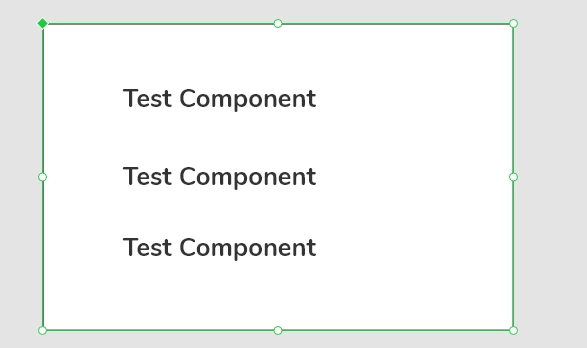
 

3.  Duplicate the box component with the other components inside, changed the background color to tell the two apart.
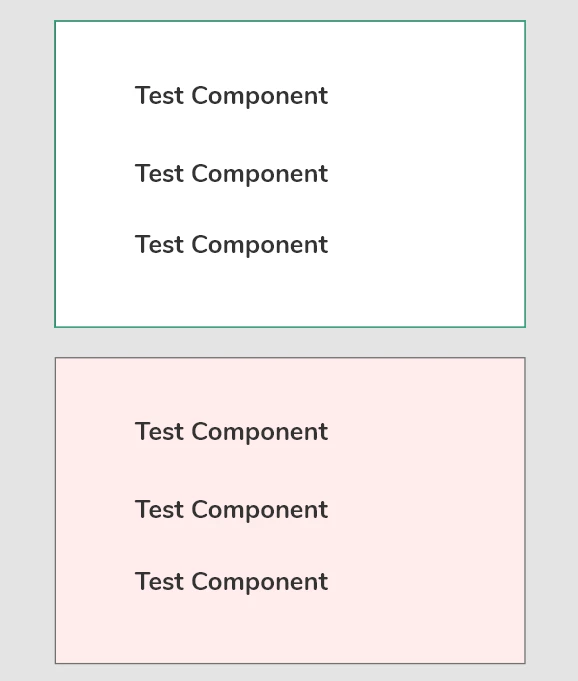
 

4.Change one of the nested components within the master Box component and you can already see the issue, the change doesn't carry over to the red box.
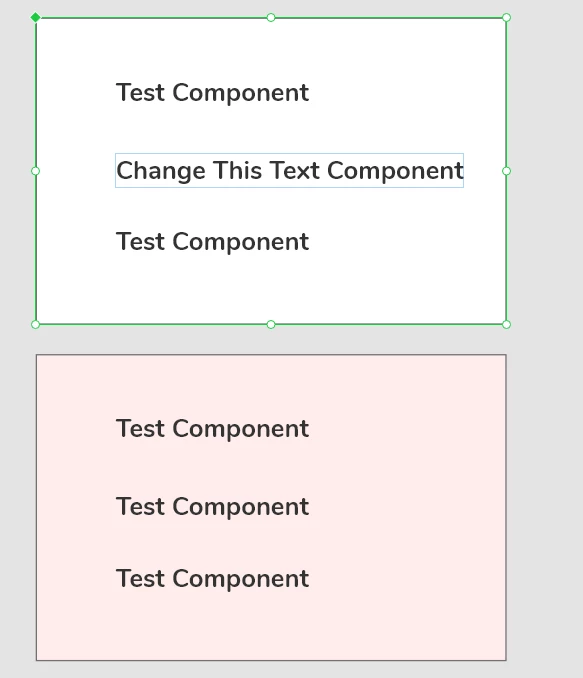
 

5. Try to fix this by right clicking the red box, and hitting "Reset to Main State" and the text box doesn't change, only the background color.
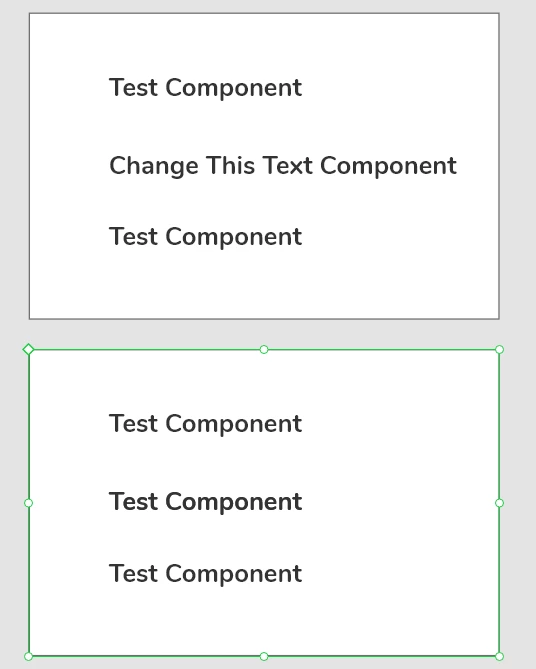
 

Is this on purpose?  It's a nightmare to work with larger apps where you may have nested components everywhere that you'd like to keep updated and consistent.  Maybe I'm missing a setting or am not doing this correctly?


Thanks!


    This topic has been closed for replies.
    Correct answer Ansubedi03

    Hi,

    Thankyou for reaching out. Here you have use text component instance inside Box component ,which makes it nested component.  I would like to clear out the feature use :

    1. If Nested component is made using instance of other main component. Then Instance of nested component depends on child main component and nested main component itself. If you want to reflect the changes made in child component then you need to change it's main component , otherwise changes made on child component inside nested will not reflect. Because child componet are instances, they work solely.


    2. If Nested component  has both child and parent as main component. Then only changes made in child will reflect in other instances of nested component.


    Solution:

    Either you can first make box and make it component. Then enter into its edit mode , and write text and do Enter. 

    And make that text a new component. Hence , you create a nested component .

    Now whatever the changes you will do on Text will reflect on othere instances as well.

    Whereas, there are many changes about to come in coming future release related to nested components only . But for now, the given solution would be helpful.

    Please revert back if it is not clear to you.


    Regards,

    Anita Subedi

    1 reply

    Ansubedi03Community ManagerCorrect answer
    Community Manager
    August 9, 2020

    Hi,

    Thankyou for reaching out. Here you have use text component instance inside Box component ,which makes it nested component.  I would like to clear out the feature use :

    1. If Nested component is made using instance of other main component. Then Instance of nested component depends on child main component and nested main component itself. If you want to reflect the changes made in child component then you need to change it's main component , otherwise changes made on child component inside nested will not reflect. Because child componet are instances, they work solely.


    2. If Nested component  has both child and parent as main component. Then only changes made in child will reflect in other instances of nested component.


    Solution:

    Either you can first make box and make it component. Then enter into its edit mode , and write text and do Enter. 

    And make that text a new component. Hence , you create a nested component .

    Now whatever the changes you will do on Text will reflect on othere instances as well.

    Whereas, there are many changes about to come in coming future release related to nested components only . But for now, the given solution would be helpful.

    Please revert back if it is not clear to you.


    Regards,

    Anita Subedi

    Participant
    August 10, 2020

    It makes sense, but it strikes me as very odd that this is on purpose.  Hopefully down the line we get some options on how we would like nested components to behave.


    At very least, clicking "Reset to Main State" should do exactly that to every nested component within a parent component.  Otherwise, if I make a change to a nested component i'm using in multiple places, I get different results all over my app mocks.