2. Set blend mode of the object to multiply for examle, or any you like except normal.
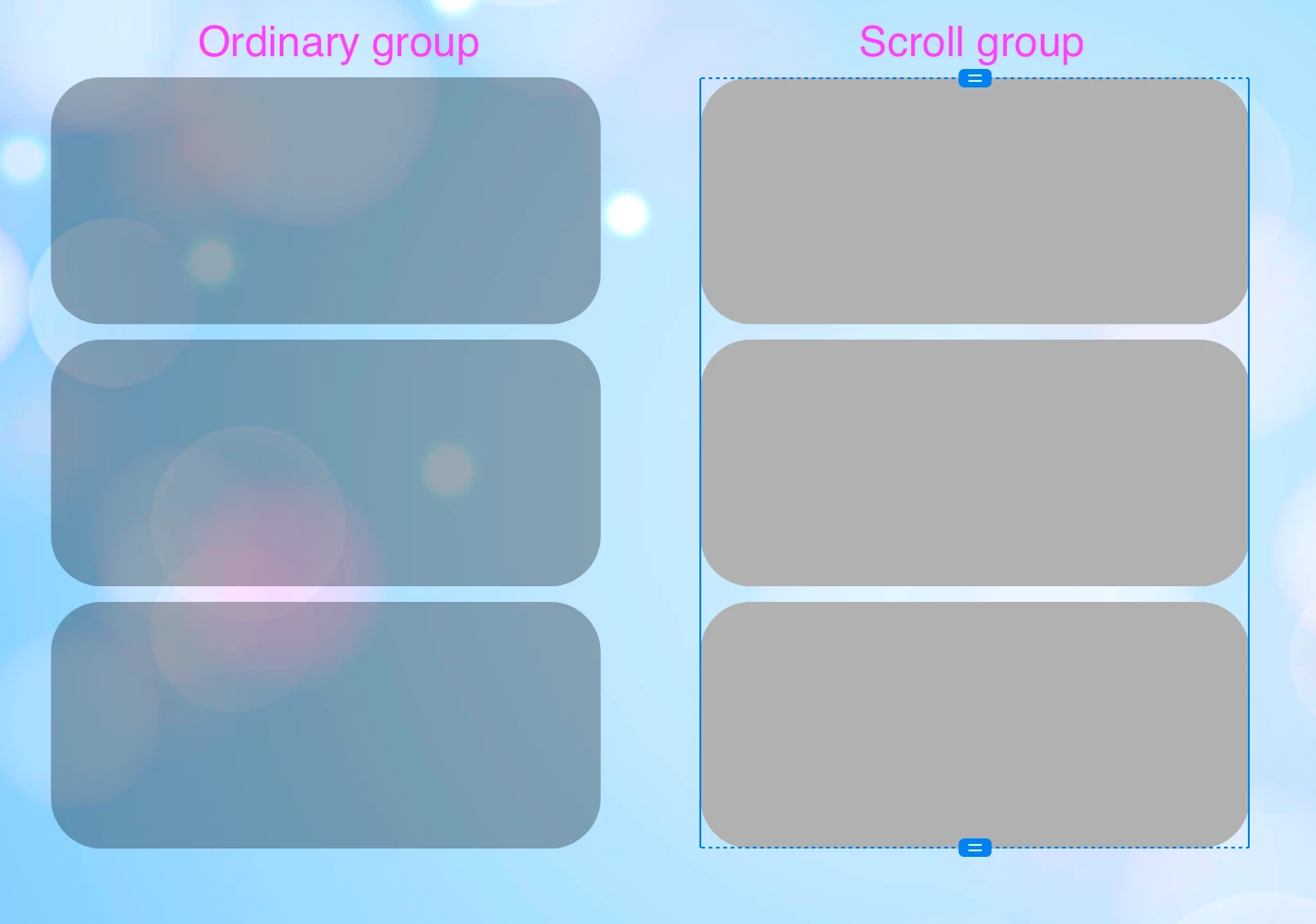
3. Make scroll group from the object - now all objects inside scroll group displayed in normal blend mode. In properties it steel remains as it was choosen.
I can reproduce your artifact. It seems that created scroll groups change blend modes to another one (for all scroll group). If you try to change scroll group blend mode to "multiply" you will see that your first object in row take the same color as for original on the left. The same happens with the second object if you choose "Hard Light" blend mode for all scroll group.
It also not depend on grouping as grouped object do not changes blend mode. It seems that scroll group has such a property. May be it can be classified as a bug. Thanks for reporting.



 AdChoices