

Participant
June 29, 2022
Answered
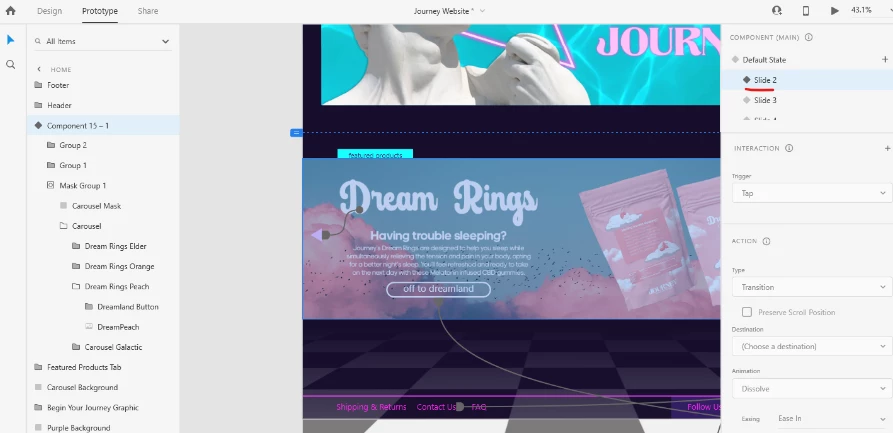
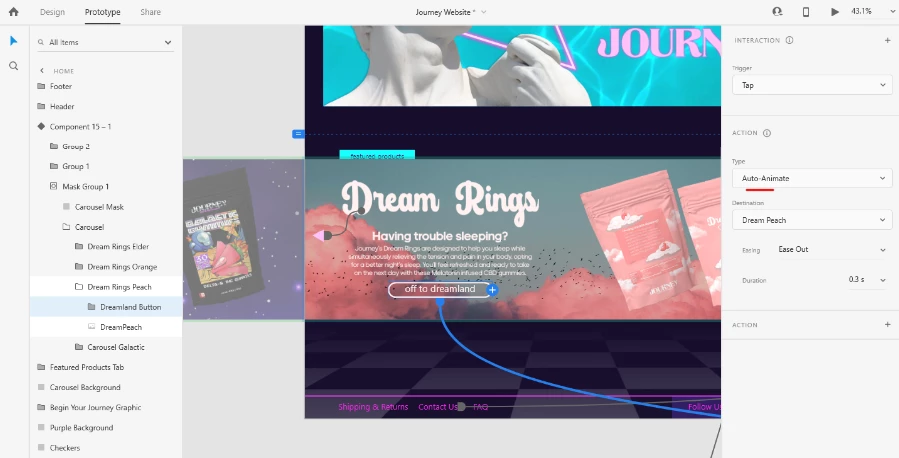
Second state of component has scroll issue when set to auto-animate in XD
- June 29, 2022
- 4 replies
- 890 views
For some reason the second button component in the carousel I have set up sends you to the same scroll position on the next the page when clicked, yet the first button on the first item in the carousel sends you to the top of the page like it's supposed to. I have absolutely no clue why this is happening, considering both of the buttons have identical Triggers, Types, and Animations. Please help me understand this extremely specific issue so that I can prevent it in future projects.
<Title renamed by moderator>


 AdChoices