Frank Warwick
Participant
September 12, 2020
Answered

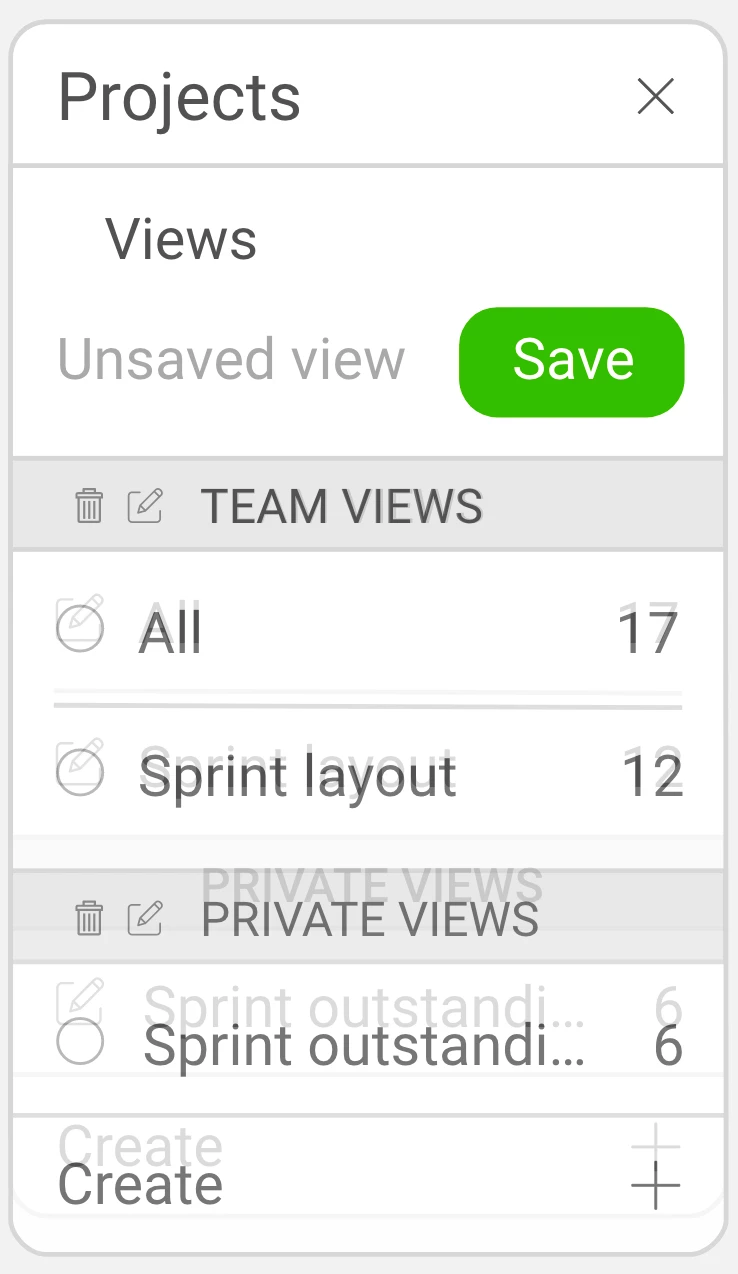
Shadows of old design shown up in Share and Cloud in XD.

  • September 12, 2020
  • 1 reply
  • 576 views

Version 32.2.22.2 (Starter), Creative Cloud Sync: 4.3.57.2

Mac OSX Version 10.15.6 (19G2021)
247 screens 


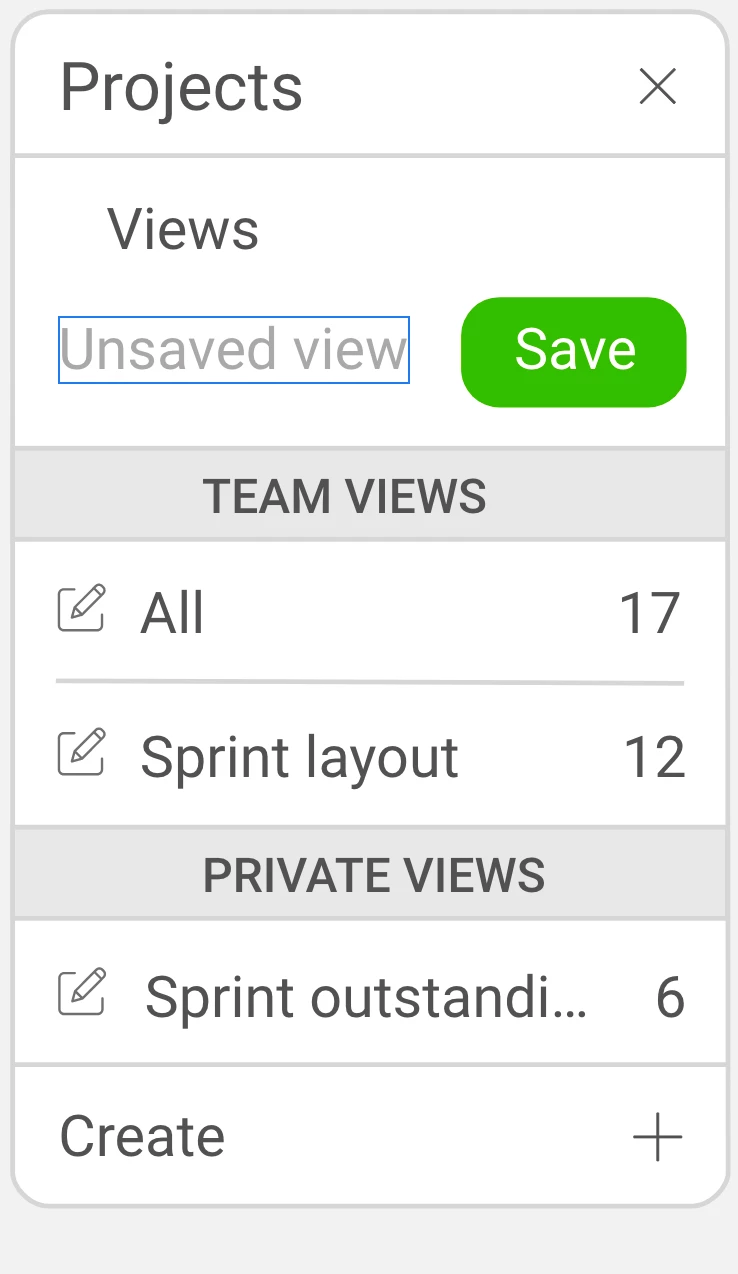
Design and Prototype show the layout and objects of the latest design (see screenshot Design view)
Share shows an overlay of an old design with the new design in the background (see screenshot Share view)
When pushed to the cloud, the old version is shown

Additionally the screen names are doing the same ghosting new and old names and no new linking is being shown
Rebooted, closed all other applications, cleared cache ... 
 

This topic has been closed for replies.
Correct answer Frank Warwick

Problem solved

I must have made a copy of several screens and they lay on top so perfectly I did not realise I had done it ... 

Removed the old layouts and all is good


Hope this helps if you have the same issue

1 reply

Frank Warwick
Frank WarwickAuthorCorrect answer
Participant
September 12, 2020

Problem solved

I must have made a copy of several screens and they lay on top so perfectly I did not realise I had done it ... 

Removed the old layouts and all is good


Hope this helps if you have the same issue

italosan
Community Expert
Community Expert
September 13, 2020

Hi, thank you for sharing your experience and your solution to this problem with the whole community 🙂