
shapes glitch out (mostly white with black dots) seen on xd links while using any browsers
First here is the link for the glitch.
https://xd.adobe.com/view/540f9392-b6ca-4364-a4e1-876d5689e357-015c/
Been using xd product for start, so this is new for me.
Made this file:
1. Exported as design review link
2. when I try to open it on chrome/Microsoft edge this happens
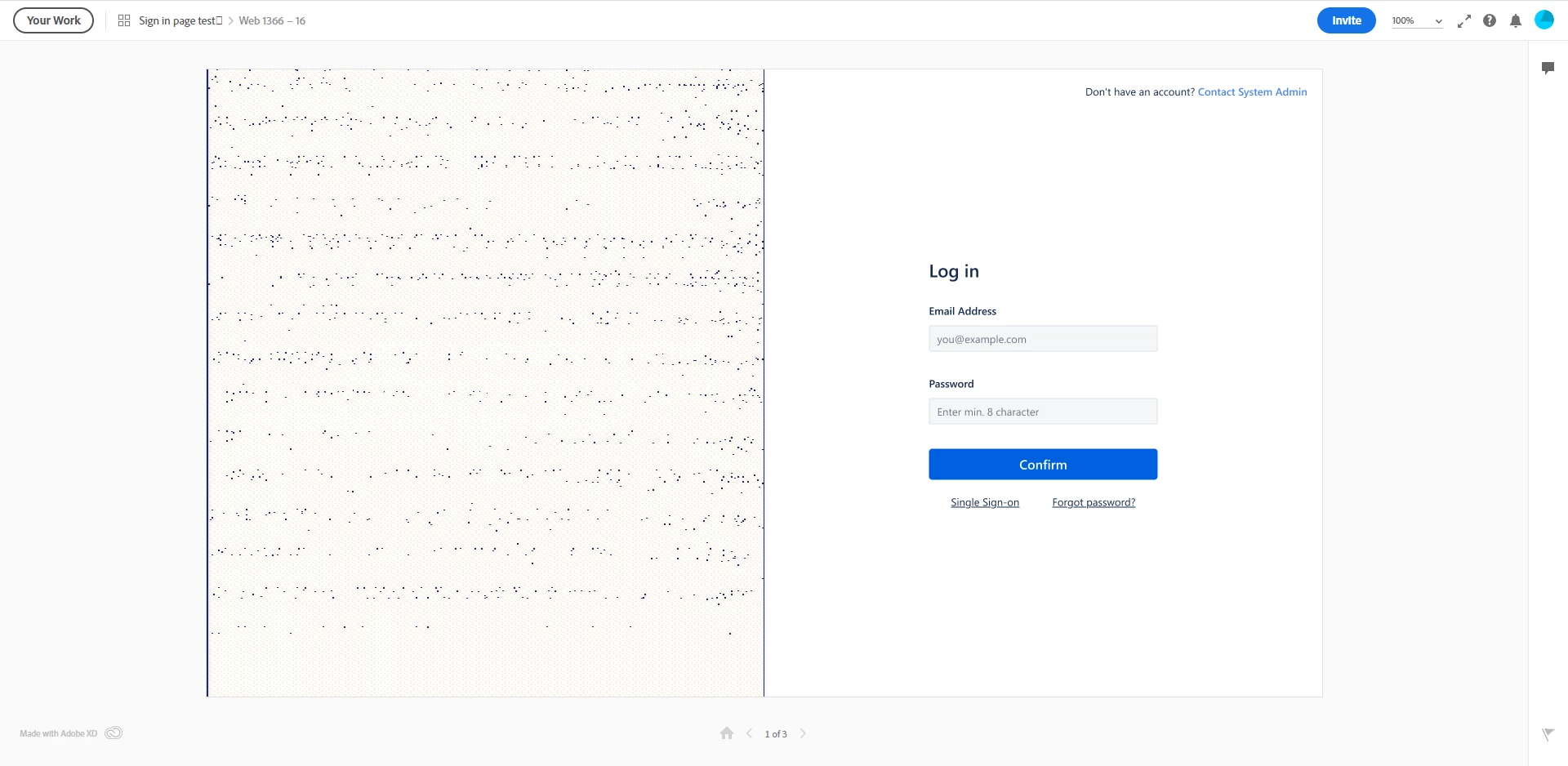
Whenever I use this particular layout glitch happens - it has some pattern on it mostly it's white with black dots... the dots move too.
- this continues when you click 'CONFIRM' there is small auto animation which is not visible at all
try it.
The output i am expecting is below:
1. image here below shows the sign-in page... there is lot of hidden menu items in it.

2. Here below you can see the menu items hidden in the previous screen
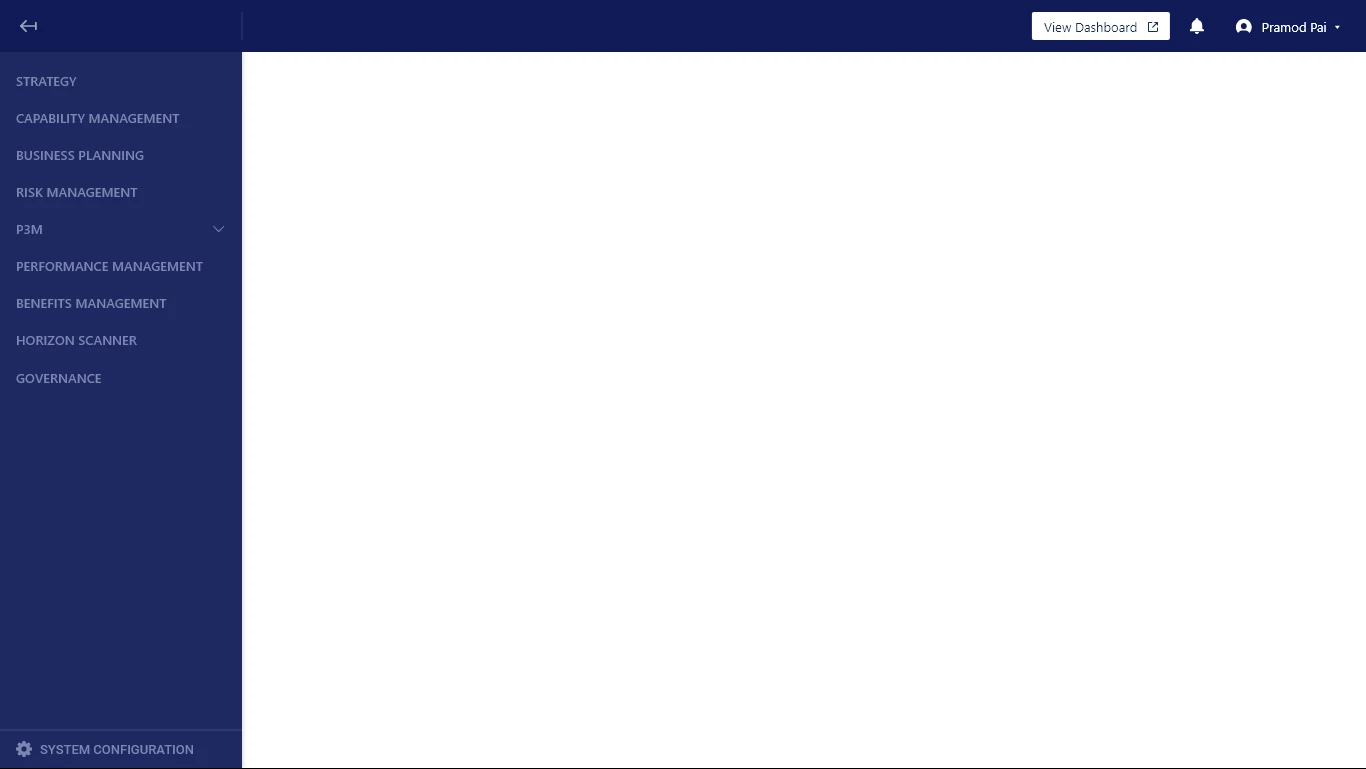
Tried ungrouping and then remove unwanted layers and objects and tried it free too.
I just need to identify where is the error coming from...
Bless you, if u can find why?


 AdChoices