
Known Participant
November 30, 2021
Question

Shared keep prompting the cookie notice popup when embeded.

  • November 30, 2021
  • 1 reply
  • 675 views

Unfortunately, embedding shared pages is completely useless if the cookie notice pops up every single time the page is reloaded.
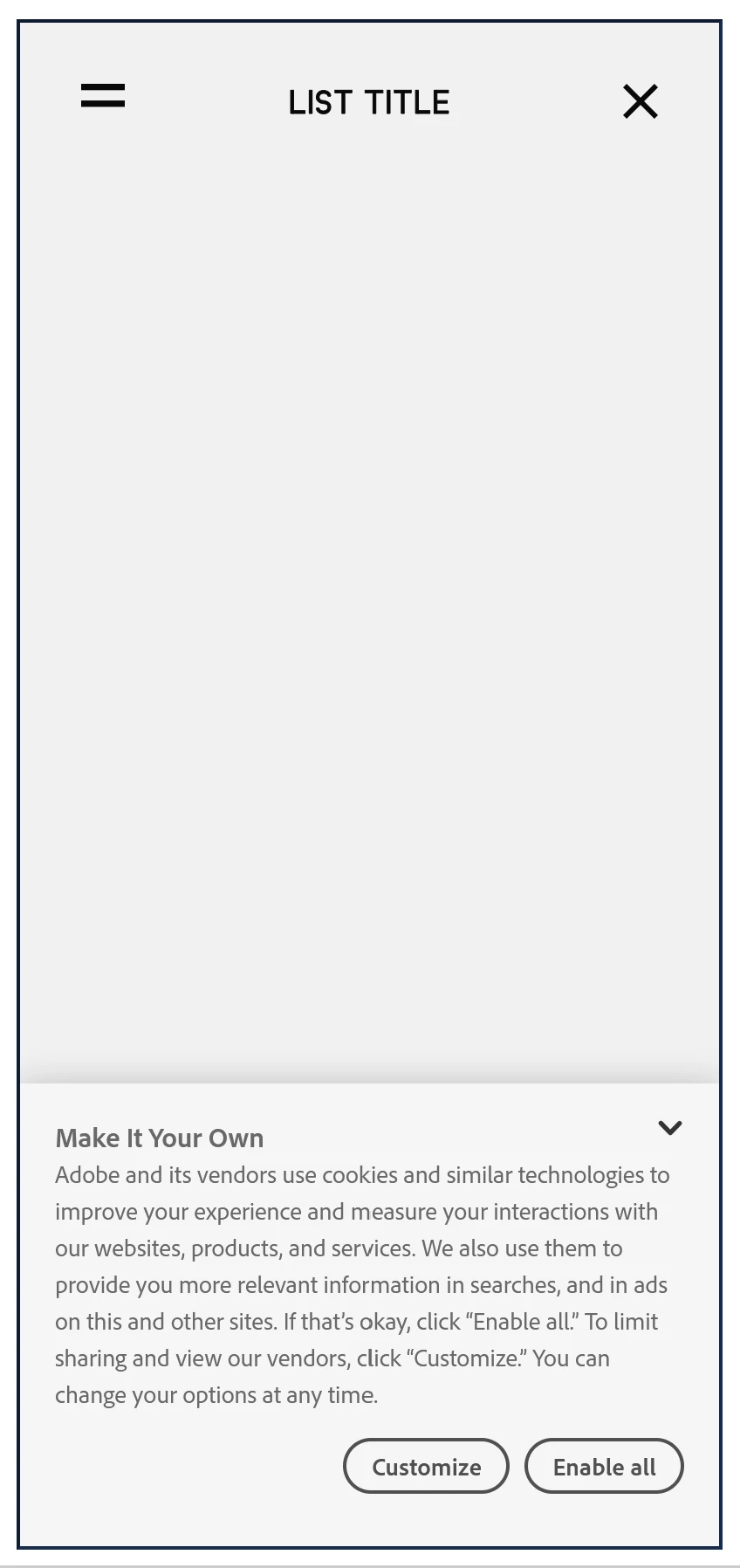
 

Is there a way to disable the cookie notice for shared pages, or at least get the confirmation to save, so it doesn't pop up annoyingly on every embed every time it's accessed?

This topic has been closed for replies.

1 reply

Community Manager
December 1, 2021

Hi There,


Thank you for reaching out and sharing your feedback in Adobe XD. I am afraid, we don't have an option to disable the cookie banner as of now and we have seen a similar feature request has been raised here:https://adobexd.uservoice.com/forums/353007-adobe-xd-feature-requests/suggestions/43566378-turn-off-cookies-for-xd-embeds.

We would request you to please submit your feedback , upvote and add your voice in the above feature request and this is the best way of communicating with the Engineering and Product Management teams regarding issues and suggestions so they can be implemented in future releases.Hope it helps.


Please let us know if you need more assistance on this. We'd be happy to help


Thanks,

Chethan

YAID3dAuthor
Known Participant
December 1, 2021

Thanks, I appreciate it.
I really hope that there will be some sort of fix for this, or at least the cookie settings will be able to save.
Cause how it is now, actually using XD and documenting things is extremely annoying to work with, if every user, has to always accept the cookies on every embed, every time the page is accessed or reloaded.

Honestly ridiculous.