
Sharing library from Illustrator to XD misses opacity parameter for colors
Hello,
when I share a color between illustrator and XD, I need to make it local in XD (then I lose the link) to be able to modify the color reference in XD, in order to define an opacity value.
Because, from Illustrator, I can just share a color or a graphic, while in XD, the color asset contains also an opacity value
modify color in library from illustrator open this window
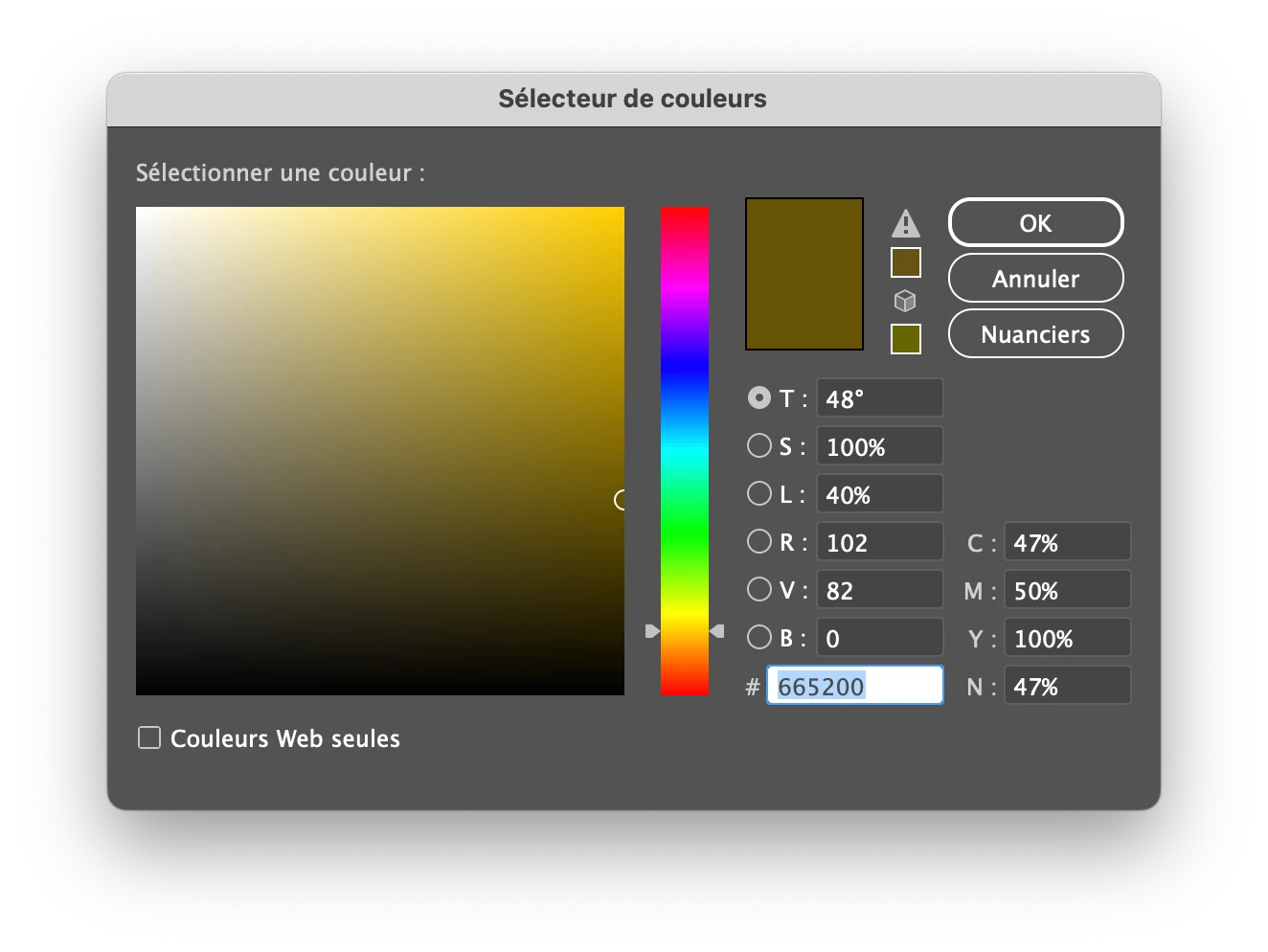
while same action in XD is impossible unless I turn the color reference "local"
Then, I can modify the asset, and it opens a window like this
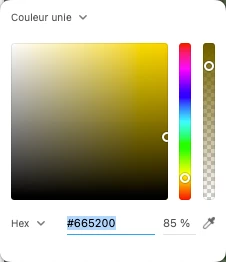
As you can see, in XD, opacity is available. But link is dead…
So, I tried to be more subtle…
instead of applying fill color and default opacity (object), I went to the appearance panel in Illustrator to set opacity on fill parameter, and set the default one (object's scale) to 100%
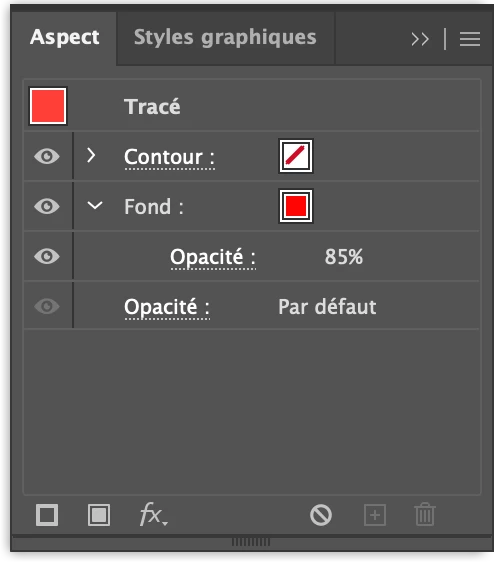
Nope… Illustrator uploads the color value only, not the opacity… then XD, only gets the color parameters.
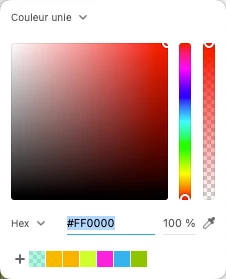
It would be a nice update !
Best,


 AdChoices