


Inspiring
April 16, 2020
Question

Sharing / Viewing Stickies from Whiteboard Plugin Have Blurry Text

  • April 16, 2020
  • 1 reply
  • 698 views

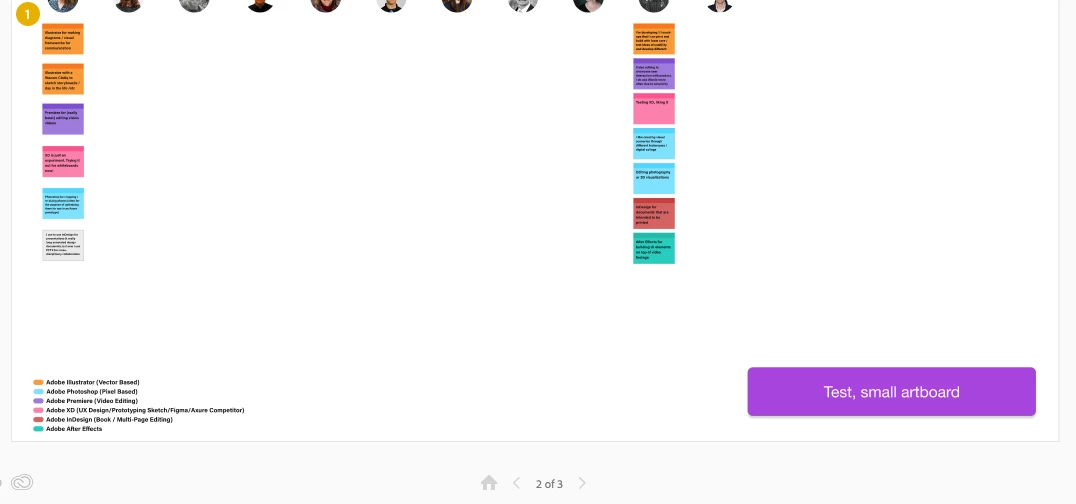
We're trying out the Whiteboard Plugin. Within Adobe XD the text reads fine, zooming in and out of the whiteboard to read the stickies closer. But when using the Share Link to let others view the whiteboards, the text on the default sized sticky notes is blurry and hard to read. 


Is there a way to change the settings so the text is easy to read when sharing a link for viewing?


< Editing to add screenshot examples >


A normal whiteboard artboard will be quite large with many stickies:
 

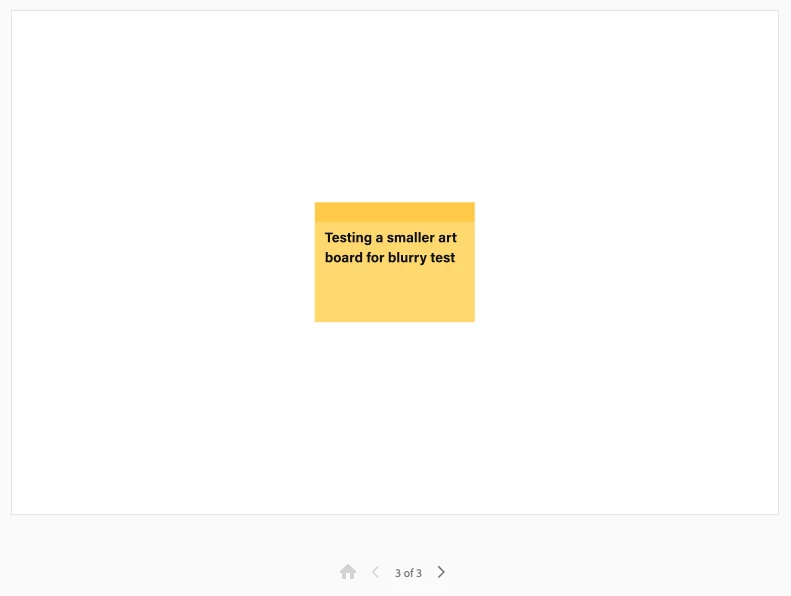
A test artboard with just one sticky reads okay, but that's now how people will use a virutal whiteboard:
    This topic has been closed for replies.

    1 reply

    Rishabh_Tiwari
    Legend
    April 18, 2020

    Hi there,


    Thanks for reaching out. I will need to test this on my end and I will get back to you. Will it be possible for you to share the link with us? Also, please try viewing it at 100% zoom and let us know if it is better.


    Regards

    Rishabh 

    Inspiring
    April 20, 2020

    Here's a quick link using one of the default templates from the Whiteboard plug-in, and a 2nd page with an idea of what something like an artboard of a storymap made with sticky notes might look like. 

    https://xd.adobe.com/view/c2061d15-5be8-47d4-429d-b38695a38aaf-b437/