Participant
April 22, 2021
Question

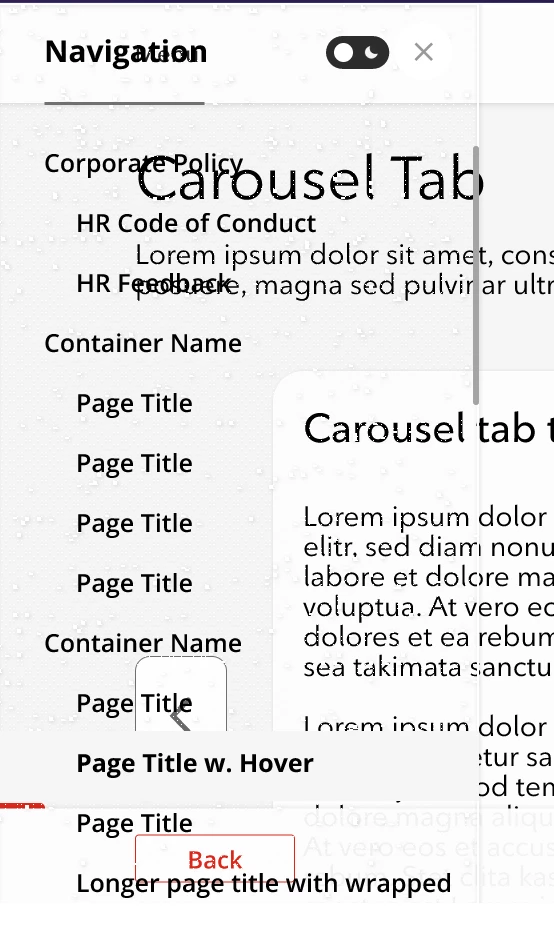
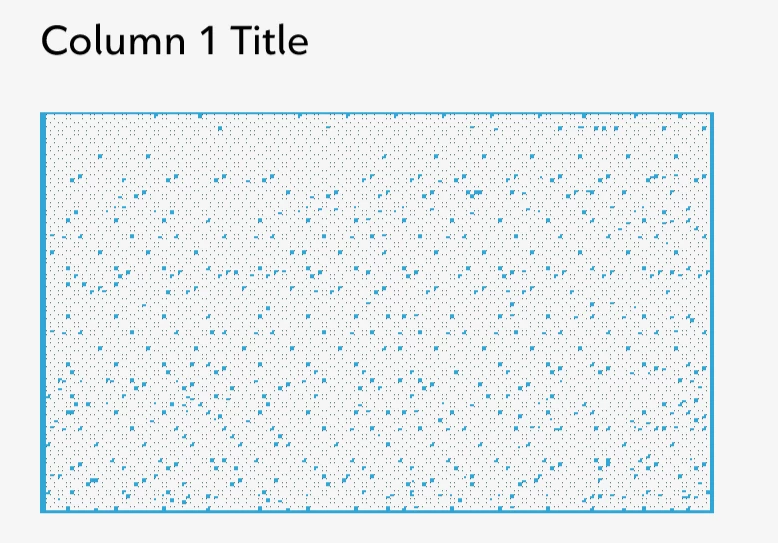
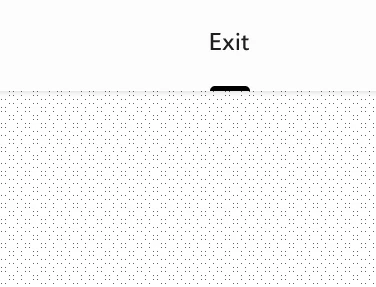
Solid fill shapes pixelated / distorted when sharing prototypes via web

  • April 22, 2021
  • 2 replies
  • 732 views

Many solid shapes appear this way when viewing on web. Here are some examples:


    This topic has been closed for replies.

    2 replies

    monterxz
    Inspiring
    April 24, 2021

    This is an old problem and the easiest workaround is to set zoom level to 99% in prototype link view like I've shown here Re: Prototype visualization at 100% zoom bug - Adobe Support Community - 11738115

    Ares Hovhannesyan
    Community Expert
    Community Expert
    April 22, 2021

    Please give us more detail, Can you share your project link to test? Does it happens with any simple project where you have one solid shape?

    hfxnickAuthor
    Participant
    April 22, 2021

    Here is a link. I'm using the latest version of XD (39.0.12). The elements I'm experiencing issues with are basic rectangles with solid fill. I just checked links for a few others and there are no issues with those (smaller) projects.

    Ares Hovhannesyan
    Community Expert
    Community Expert
    April 23, 2021

    Thanks. Here is screenshot> I check in Microsoft Edge and Opera. Its fine for me. The same for Exit button. Get Started also works. Something wrong may be with your PC cash. Can you clear your temp file as well browsers cash and try again.?