
Question
Some .PNGs won't load in XD
Hi everyone, I'm having an odd issue that I cannot find an answer for anywhere online.
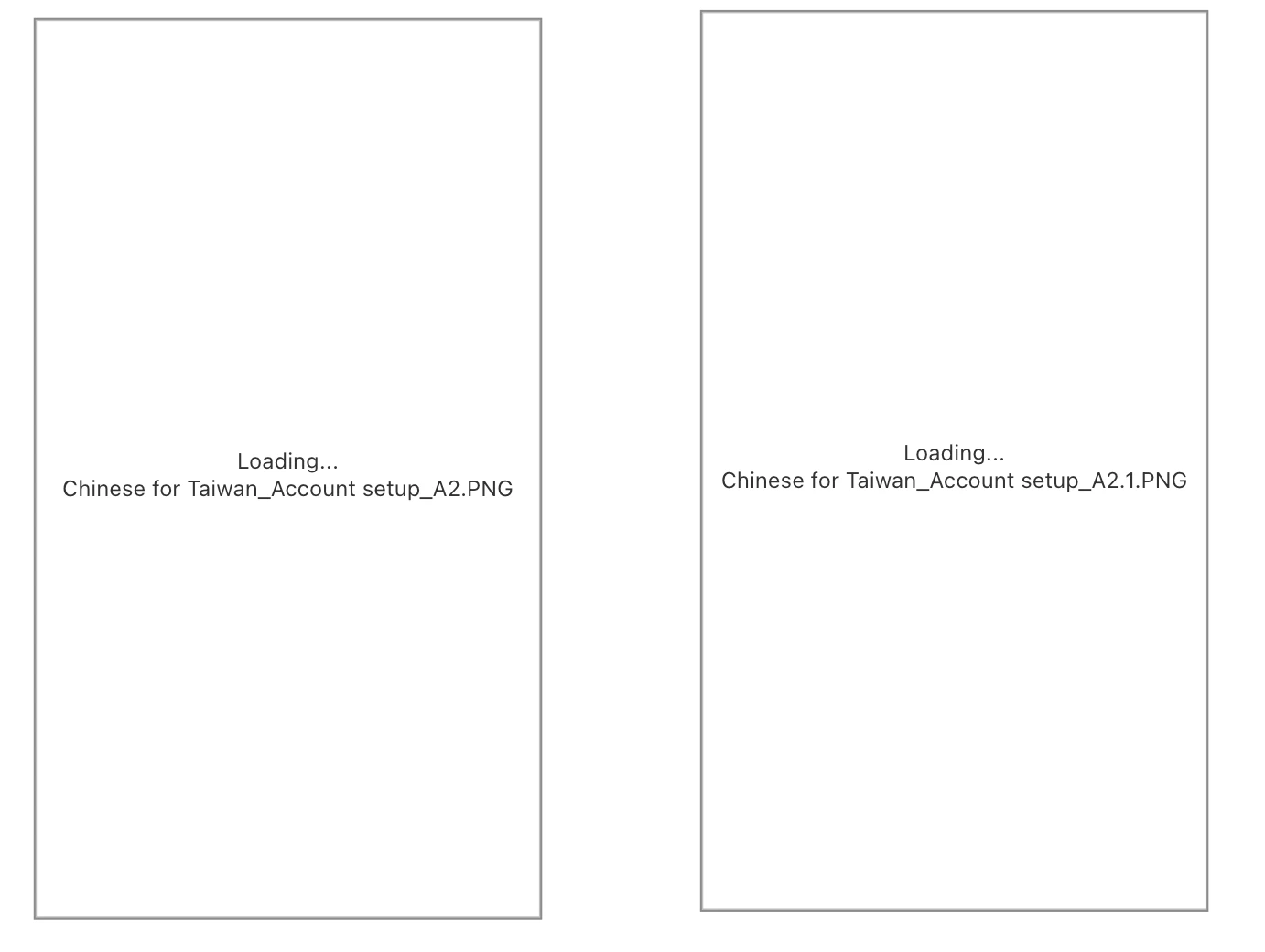
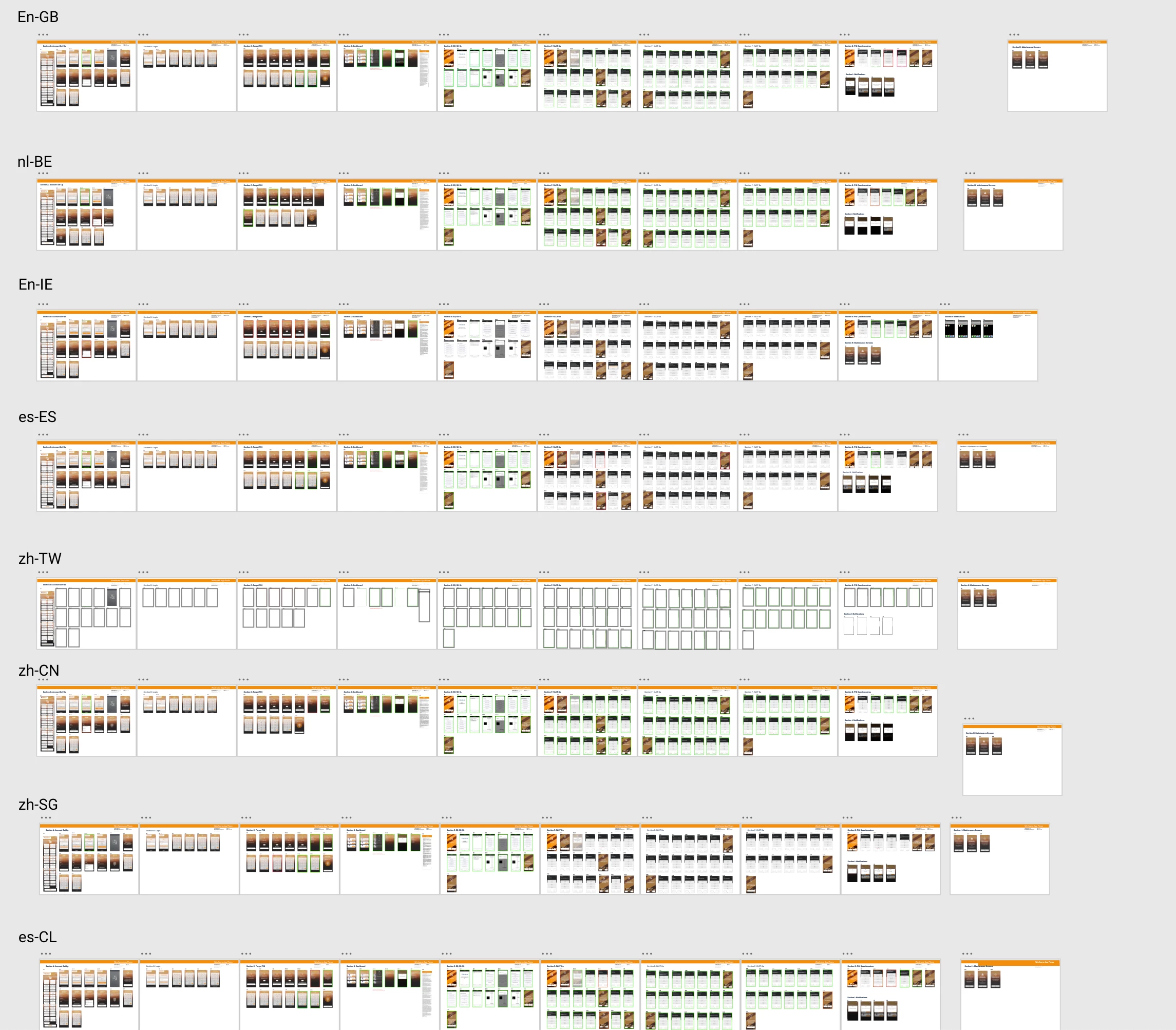
My team has been uploading .PNGs for a little while on a file and there is one section that has decided to no longer load. As you can see in the screenshot below, the images won't load and there's a "Loading...{filename}.PNG". It has been in this state for over 30 minutes now, so I don't have any hopes that this will ever finish loading. There are about...1,000 PNGs in this file and about 100 of them are in this state. This doc was made as a way to check on translations for other languages, which is why they're all PNGs and it so happens that almost the entire zh-TW row is in this state. No other languages have this issue. Any thoughts?


 AdChoices