


Inspiring
April 17, 2020
Answered

Some team members can't open shared Adobe XD Cloud file (to use with Whiteboard Plugin)

  • April 17, 2020
  • 3 replies
  • 798 views

We're testing the Whiteboard Plugin for our team. I've had one team member successfully open and edit the shared file, and another who gets a blank crashing screen (screenshot below) and then after a minute or two it gives an error message (which I believe was: "sorry we can't open this document").
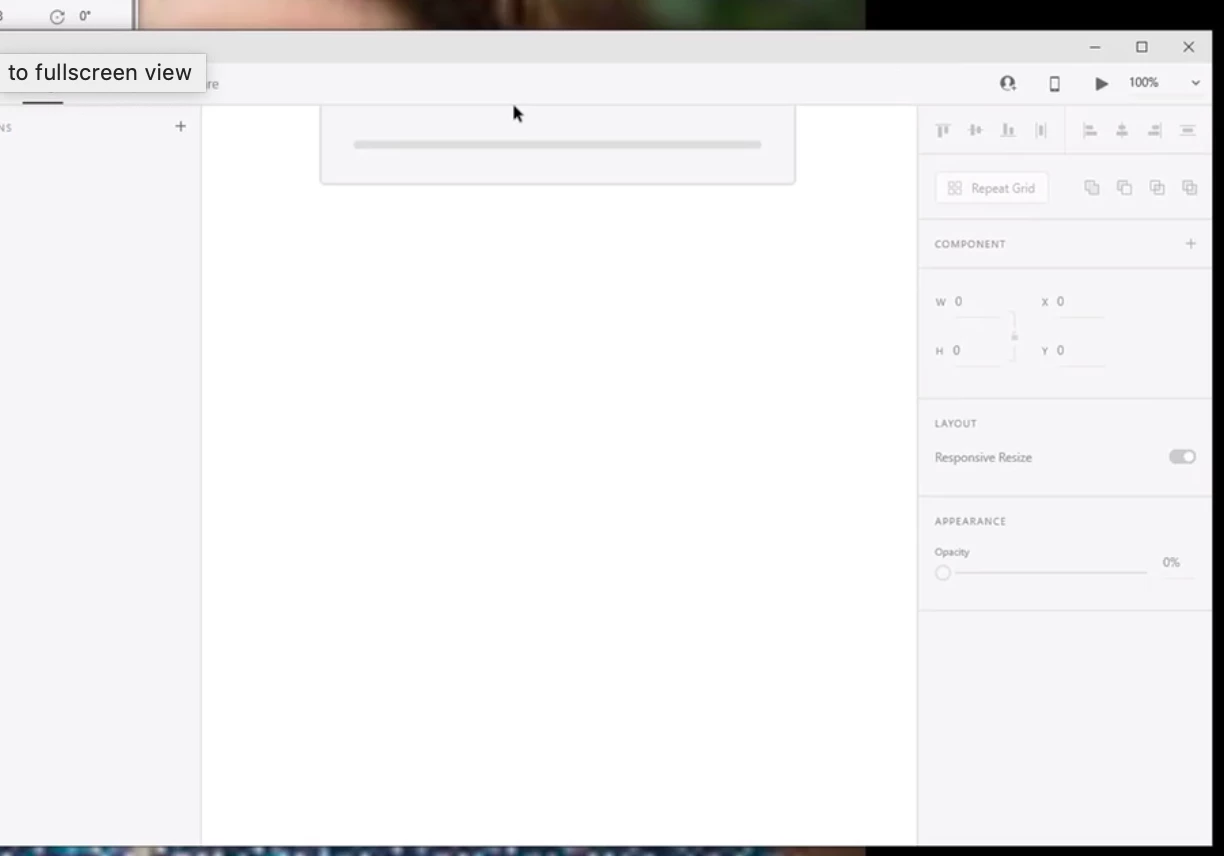


This teammate just installed Adobe XD and the whiteboard plugin, so they're up to date. They rebooted their computer and still were not able to get the file to open. They signed out and back into Creative Cloud - still would not open. 


Any tips? 


{Renamed By MOD}

This topic has been closed for replies.
Correct answer DesignerGeeking

I got an update from my teammate: 


"I'm finally able to open the file in Adobe XD. Signed out from Creative Cloud (again), killed the process, rebooted the system, signed back in. Now it works!"

3 replies

DesignerGeekingAuthorCorrect answer
Inspiring
April 17, 2020

I got an update from my teammate: 


"I'm finally able to open the file in Adobe XD. Signed out from Creative Cloud (again), killed the process, rebooted the system, signed back in. Now it works!"
Rishabh_Tiwari
Legend
April 17, 2020

Hi there,


Glad to hear it has been resolved! Feel free to reach out if you have any other questions or issues in the future.


Regards

Rishabh

Inspiring
April 17, 2020

Thanks Rishabh - I'm still looking for help on the issue I posted yesterday, about using the Share feature to show others a whiteboard with stickies (from the Whiteboard plugin). I don't know how to make the stickies readable for others in this Share view. 

https://community.adobe.com/t5/adobe-xd/sharing-viewing-stickies-from-whiteboard-plugin-have-blurry-text/m-p/11054615?page=1