
Participating Frequently
April 21, 2022
Answered

Something went wrong initialising CC libraries in XD----HELP please

  • April 21, 2022
  • 1 reply
  • 1074 views

HI,

for some time I cannnot use my CC libraries in XD anymore - 

I have done all those steps below plus used the Cleaner Tool and checked the Cache and reinstalled the whole Adobe Package. 

Also everything including drivers and XD are up to date. Im working on a Dell 5550, Windows 10 Enterprise , 32 GB Ram
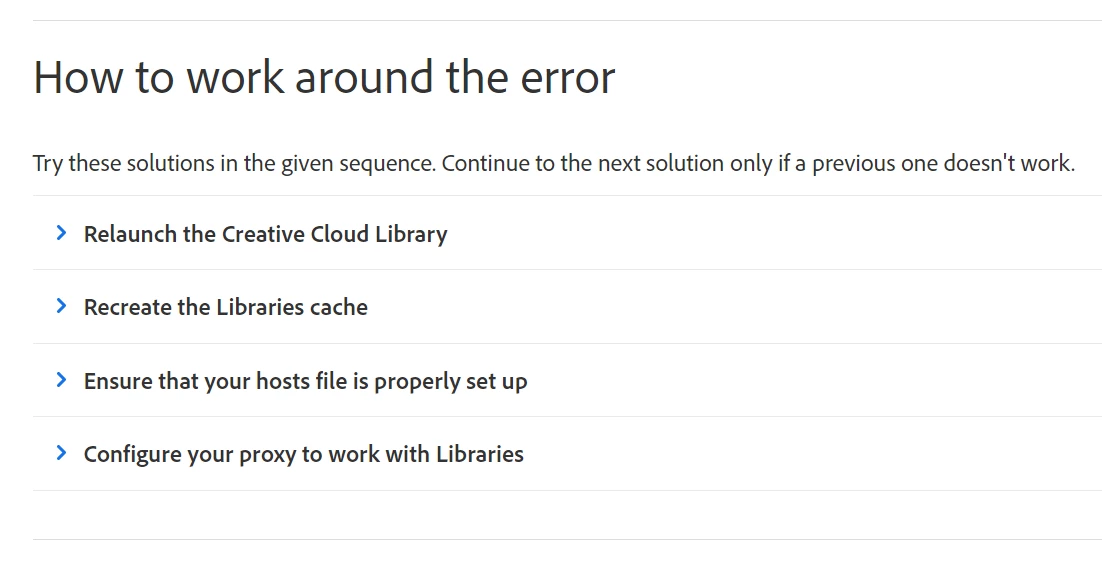
I have also tested it on new projects - wont do. 

Please I need help to solve this issue. 

🙂

    This topic has been closed for replies.
    Correct answer Ranjitha HR

    and what do you mean by the known issue? the thing with the licence was just test, to see whether the problem is connected with it


    Hi @Andrea_xyz 


    The issue which you are facing is reported and we are looking into it before that can you please try to run this command on powershell as admin CheckNetIsolation.exe LoopbackExempt -a -p="S-1-15-2-3392753374-2626809094-1844341570-1912873046-154606342-1324615591-2134592741" and let me if it works.

    Thank you for your patience!

    Regards,

    Ranjitha

    1 reply

    Ranjitha HR
    Community Manager
    Community Manager
    April 21, 2022

    Hi @defaultyfp6bk25mn6d 

    We are sorry for the trouble. We would like to know few more details to investigate the issue-

    Please share the version of XD installed on your machine and also share the screen recording and xd logs, that would be helpful.


    We will try our best to help.


    Regards,
    Ranjitha

    Participating Frequently
    April 22, 2022

    Hi Ranjitha,

    XD is on version 50.0.12.14, but before the update yesterday I already the problem.

    In the library panel I keep getting this message. In my account I can see the libraries and my colleagues can use them on their computer. I have tried with new documents - and I also went through the trouble shooting list mentioned in the link.

    It is also not possible to navigate within XD to "manage libraries" 

    Regarding the error log I will come back to you - I need help from my admin to set that up in the registry... (or ist there a simple way? 😄

    Also what do you mean bei screen recording in this context? The screenshots I included are constantly like that.

    Thanks for your help!

    Regards

    Andrea

    Ranjitha HR
    Community Manager
    Community Manager
    April 22, 2022

    Hi @Andrea_xyz 

    Thank you for sharing the required details before that could you please try this troubleshooting method.
    Open powershell and enter the command CheckNetIsolation.exe LoopbackExempt -a -n=" Adobe.XD_pc75e8sa7ep4e" and then restart the XD,if it doesnot work please collect the logs and share it with us,we will investigate further.

    Thanks and regards,
    Ranjitha