
andrease93915661
Participant
December 16, 2022
Question

Stack does not resize when component state changes

  • December 16, 2022
  • 1 reply
  • 380 views

I am trying to create a working treeview. On the design end ir works as expected, but when I try to preview, it displays the open state on top of the other options. I am doing something wrong? Please advise.
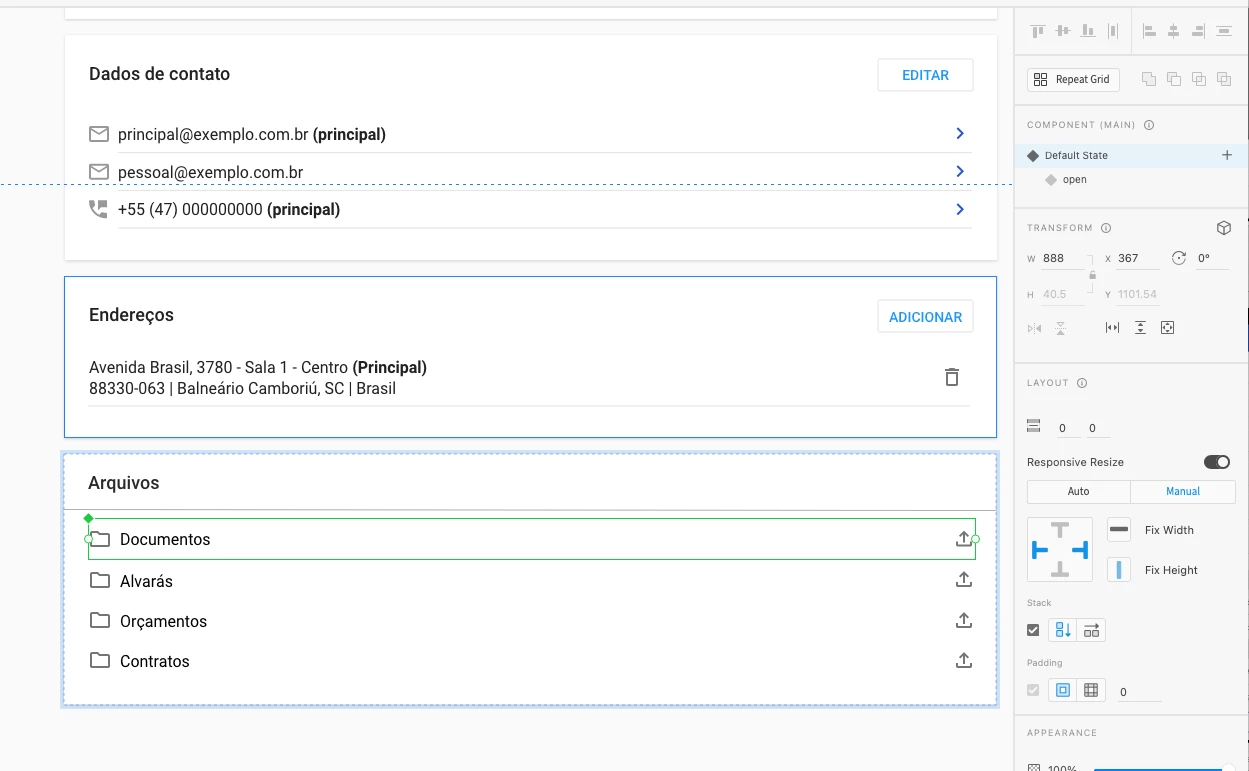
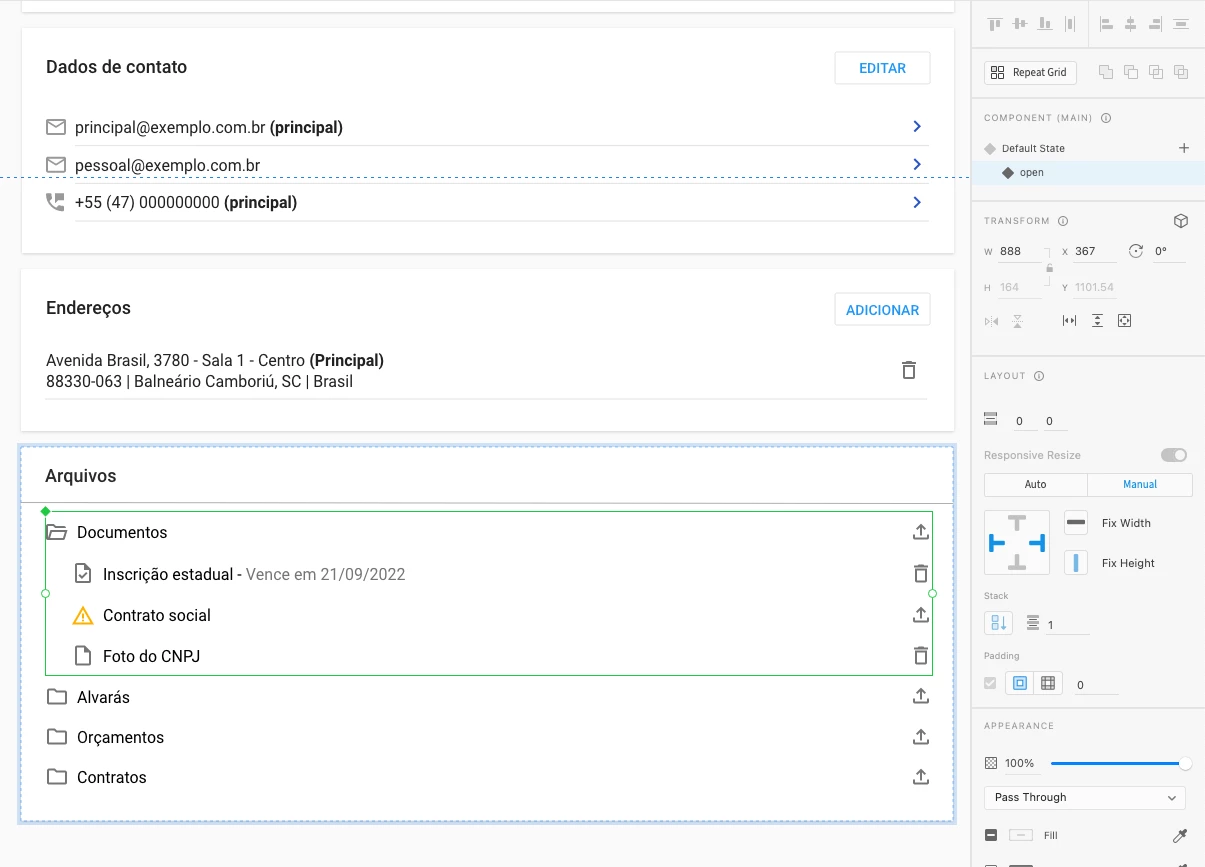
 

This is what hapens on the preview
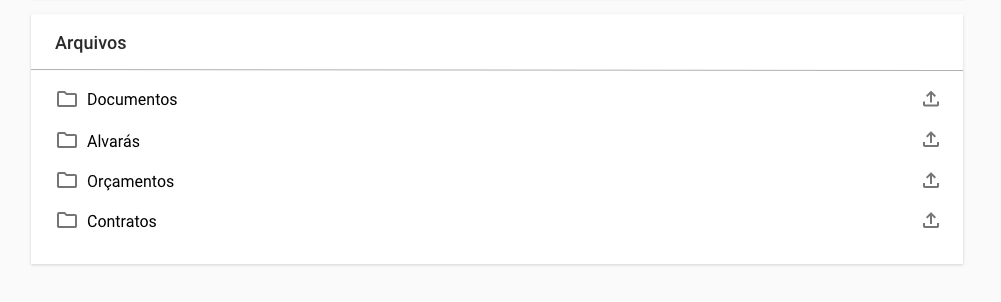
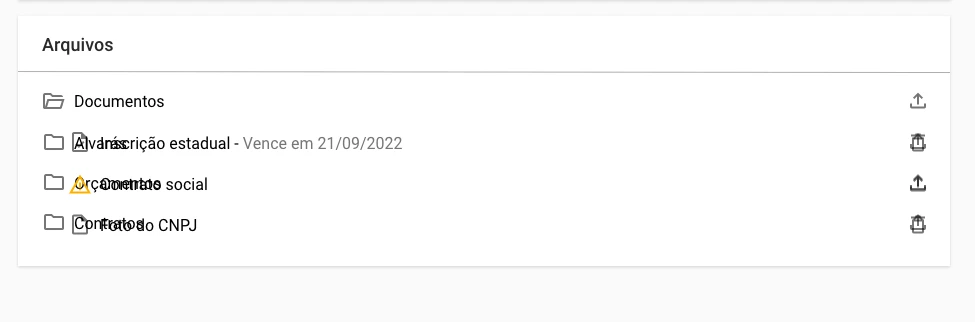
    This topic has been closed for replies.

    1 reply

    AkinGn
    Community Expert
    Community Expert
    December 16, 2022

    Hi @andrease93915661 ,

    It's hard to tell without seeing the file but I'd try to create a simple example form scratch to see what's wrong, you can compare with the other simple example (maybe even in a different file). Feel free to share a sample or actual file with us. Hope this helps!

    andrease93915661
    Participant
    December 16, 2022
    AkinGn
    Community Expert
    Community Expert
    December 17, 2022

    Thank you for sharing, I'll check and share if I find out anything useful (hoping to 🙂)
    Edit: As you can see in the link https://xd.adobe.com/view/c7710326-a684-4d47-87e4-cd99297e10b0-9222/ , I managed to fix it by making the whole dialogue box a component and  creating a "1-open" state to define the whole trrview's behaviour, since it looked like the only solution to me. Another key point is turning off the stack, since it causes the overlay problem in also my solution. I remember Matt Rae had made a tutorial explaining the technique: https://www.adobe.com/ch_it/products/xd/learn/design/layout/create-dropdown-menu.html

    You can see the file here: https://www.dropbox.com/s/cqdbl2v72hzmqf5/treeview-edit.xd?dl=0 Hope this helps!