
caln2456029
Inspiring
November 16, 2021
Answered

SVG export in XD does not show the icon but the Font Awesome Icon name

  • November 16, 2021
  • 2 replies
  • 2913 views

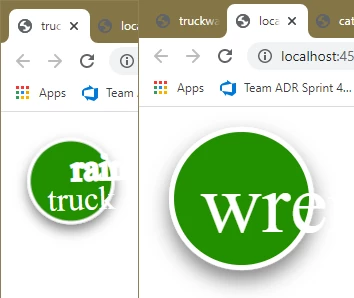
Hello everyone, after exporting an asset as SVG, the icons from Font Awesome are not shown for colleagues. Only the name of the icon is displayed. It probably only works for me because the fonts are  embedded locally. The colleagues have not included the FA font. How can I make it so that the FA icons are rendered? Many thanks
 

    Correct answer Dan Rodney
    1. In XD select the text.
    2. Choose Object > Path > Convert to Path.
    3. Export the SVG and you should be good.

    2 replies

    Dan Rodney
    Community Expert
    Dan RodneyCommunity ExpertCorrect answer
    Community Expert
    November 20, 2021
    1. In XD select the text.
    2. Choose Object > Path > Convert to Path.
    3. Export the SVG and you should be good.
    — Adobe Certified Expert & Instructor at Noble Desktop | Web Developer, Designer, InDesign Scriptor
    caln2456029
    Inspiring
    November 22, 2021

    Hi Dan, I do not need the text, I need to visualize the Font Awesome Icon. SVG Icons should be the solution. Thank you.

    Community Expert
    November 16, 2021

    Can you ask them to install the fonts? Alternatively you can use SVG icons instead of fonts. May be you can outline the text too.

    caln2456029
    Inspiring
    November 22, 2021

    Thank you, that´s a good idea! 🙂