


Participant
January 19, 2021
Question

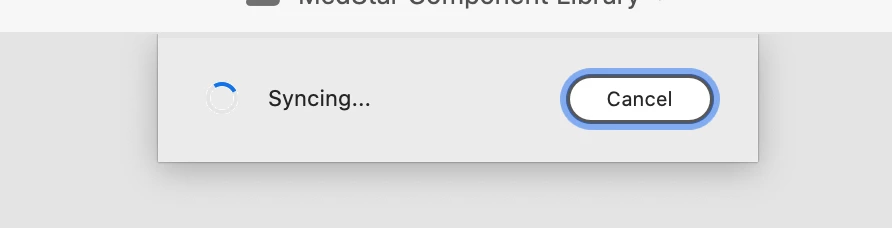
Syncing issue in XD
  • January 19, 2021
  • 1 reply
  • 577 views

A few of my colleagues and I are collaborating on a cloud document. For the past few days, I'm not able to open it. I get this message every time. The owner of the files removed me twice and added me back, but that didn't work. I'm not sure how to resolve this issue. Please let me know how to get past this. Thank you!

    This topic has been closed for replies.

    1 reply

    Rishabh_Tiwari
    Legend
    January 19, 2021

    Hi there,


    Sorry to hear about the trouble. Please try the steps shared below:


    1. Sign out of XD & CC Desktop app.
    2. Close CoreSync and all Adobe related process from the Task Manager/Activity Monitor.
    3. Sign back in on Adobe CC Desktop app and launch XD from there and check if it works.


    If that doesn't work, please share a few more details like:


    1. Please share a screenshot of the About XD info page and the version of the Operating System.
    2. Is this happening only with you or with other collaborators as well?


    Regards

    Rishabh

    Participant
    January 21, 2021

    I have the same problem on MacOS 11.1 and XD version 36.1.32.5

    I´m the owner of the file. My colleagues can open the file and I can´t.

    The recommended fix doesn´t work for me. Surprisingly I can open the XD-cloud-file if I log into a windows machine with my adobe account!

    I appreciate any new hint to fix that frustrating problem!